Contenido del curso

SEO and Narrative Structure
Strategic Networking
Content Creation and Engagement
Job Search Tactics
7 Seconds to Impress With Your LinkedIn Banner
Resumen
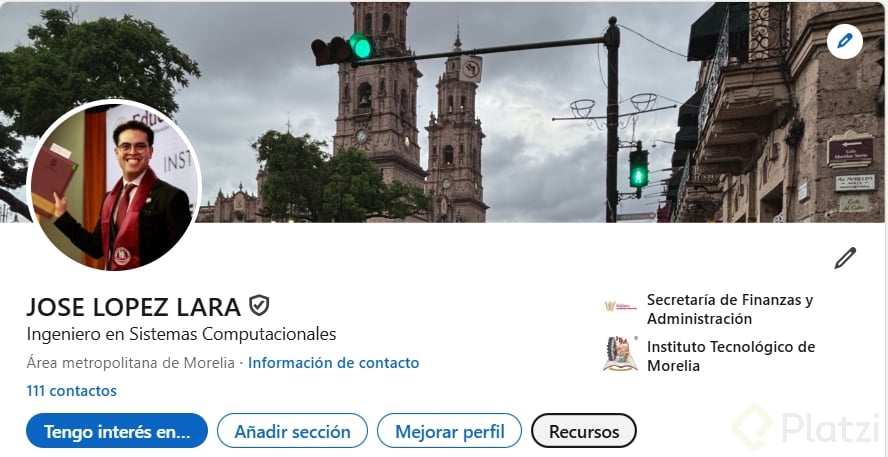
You have about seven seconds to make an impression when someone lands on your LinkedIn profile, and your banner is the first thing they notice. Designing a LinkedIn banner the right way helps you communicate who you are, what you do, and why someone should keep reading, all without saying a word.
Why does your LinkedIn banner matter so much?
The cover image sits behind your profile picture and acts as the visual hook of your personal brand. It's the silent introduction that decides whether a recruiter, client, or peer keeps scrolling or stays.
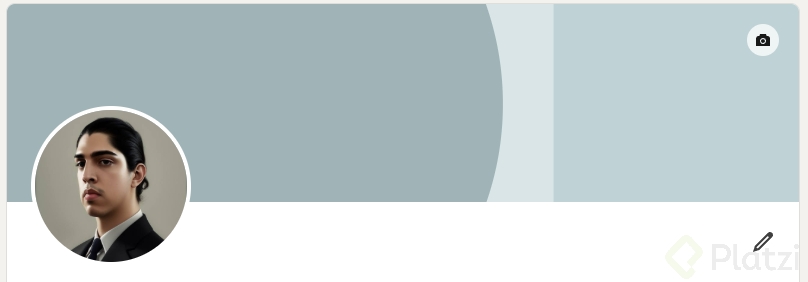
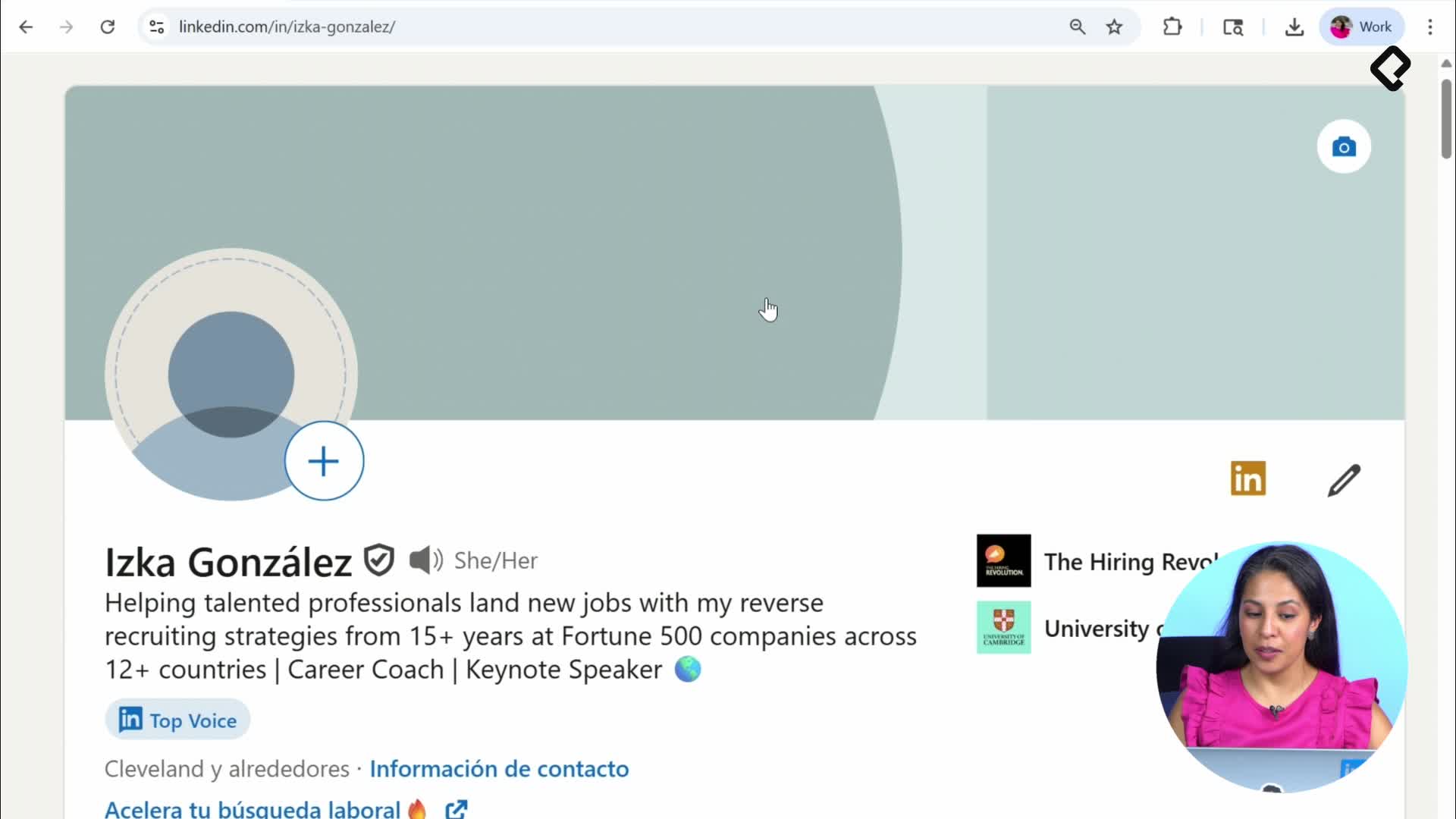
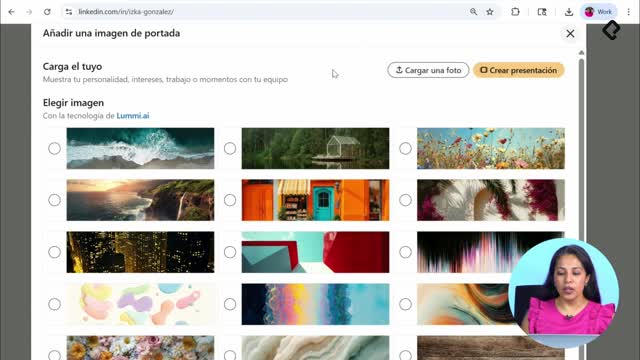
When you click the camera icon to edit it, LinkedIn suggests a built-in image bank with ready-to-use options. If none of those represent you, you can upload your own. And if you want something more personal, tools like Canva let you search LinkedIn Background Photo and start from a template with the exact dimensions.
What size should a LinkedIn banner be? Use the LinkedIn Background Photo template in Canva. It already has the correct dimensions so your image won't get cropped on desktop or mobile.
What makes a LinkedIn banner actually work?
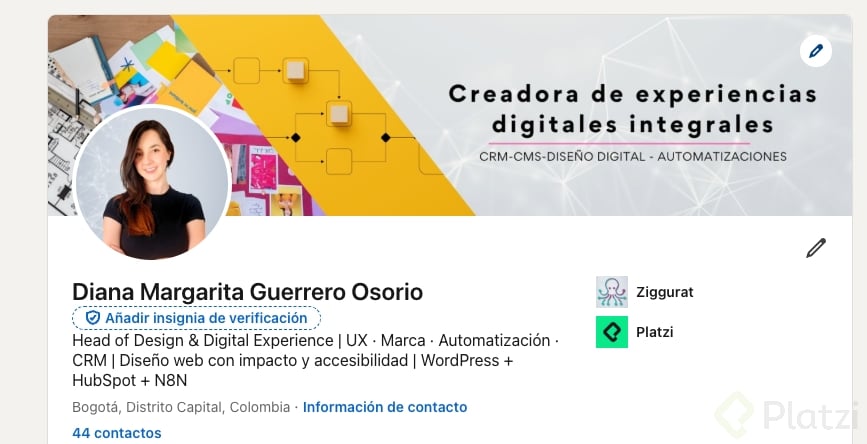
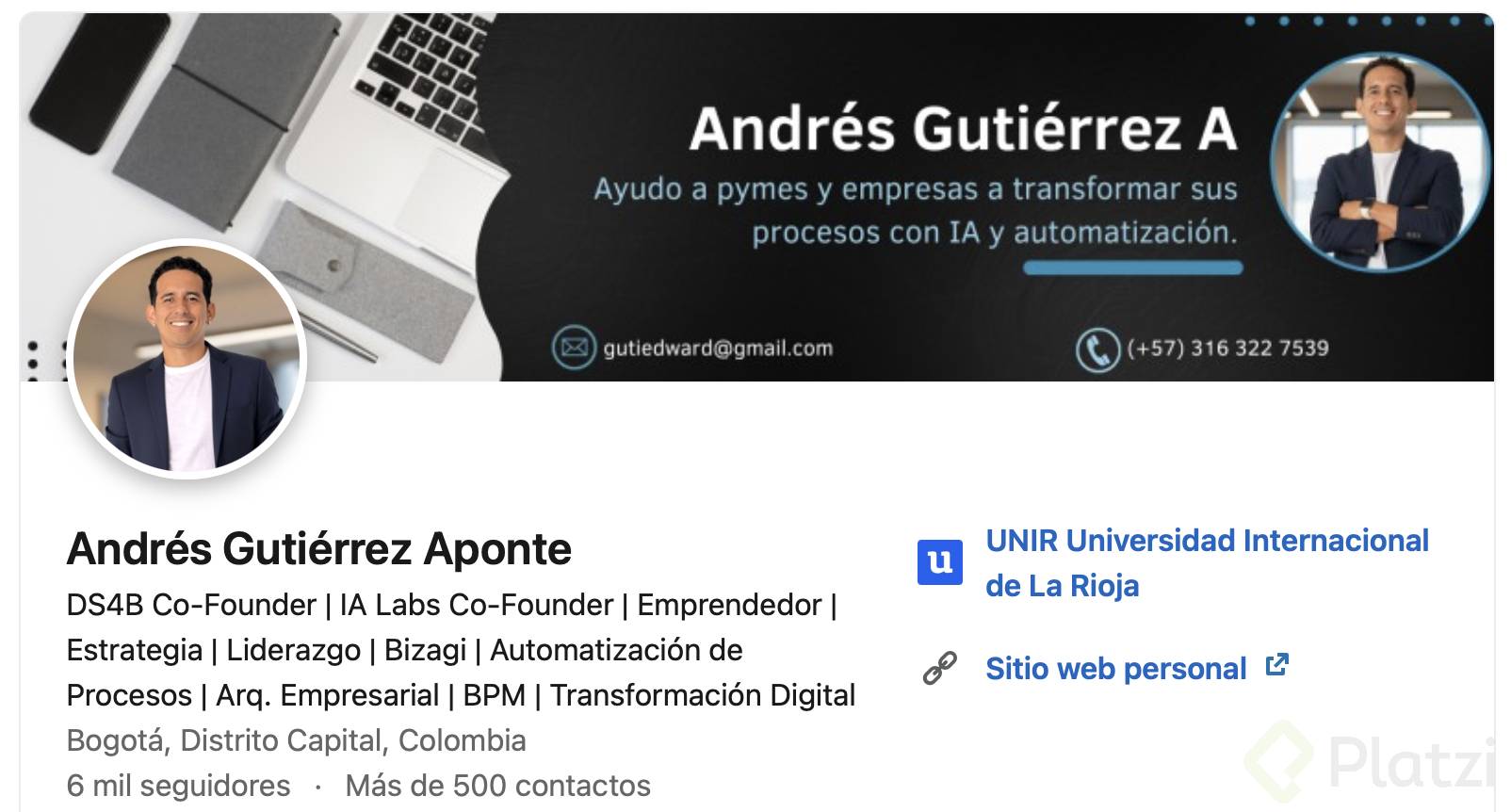
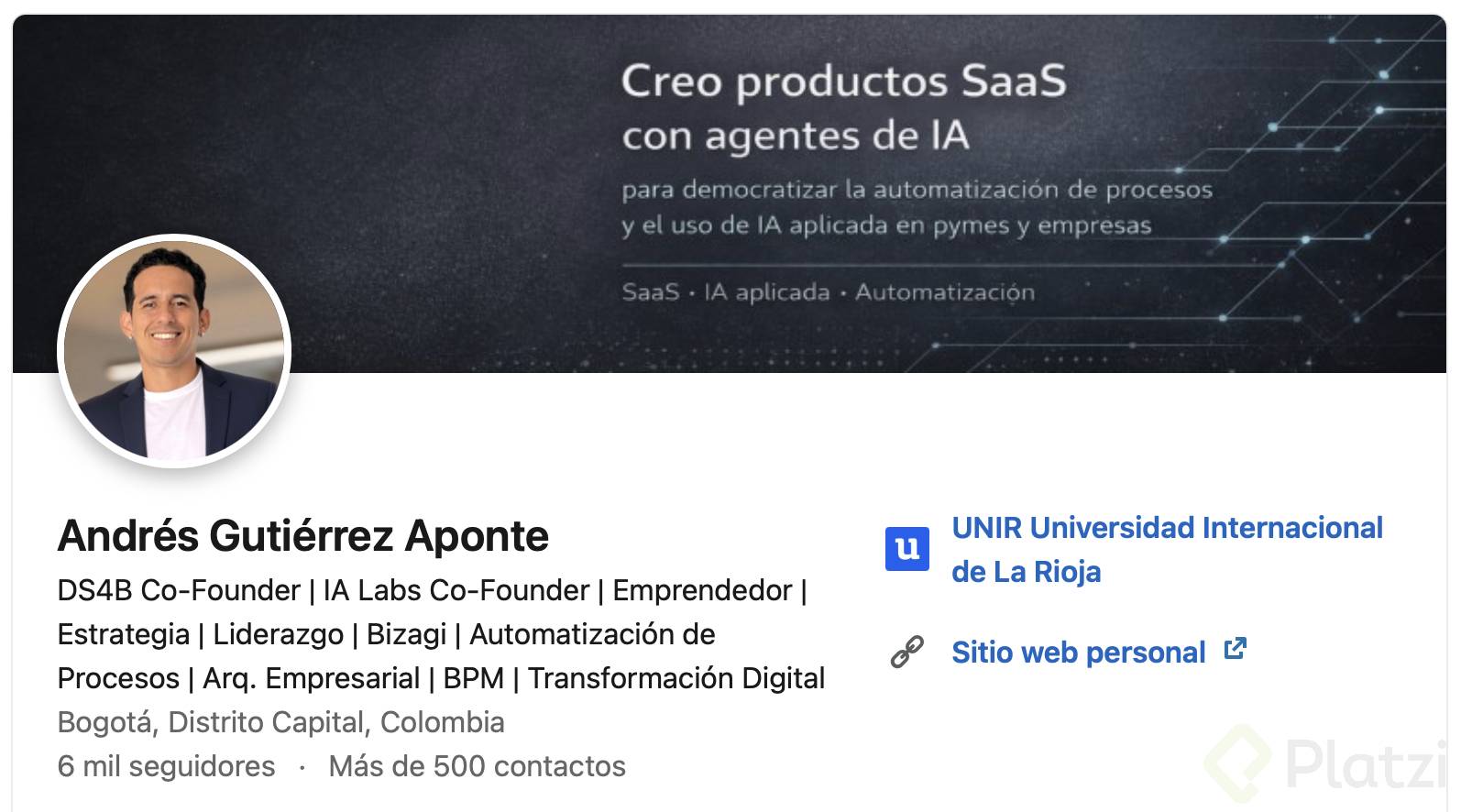
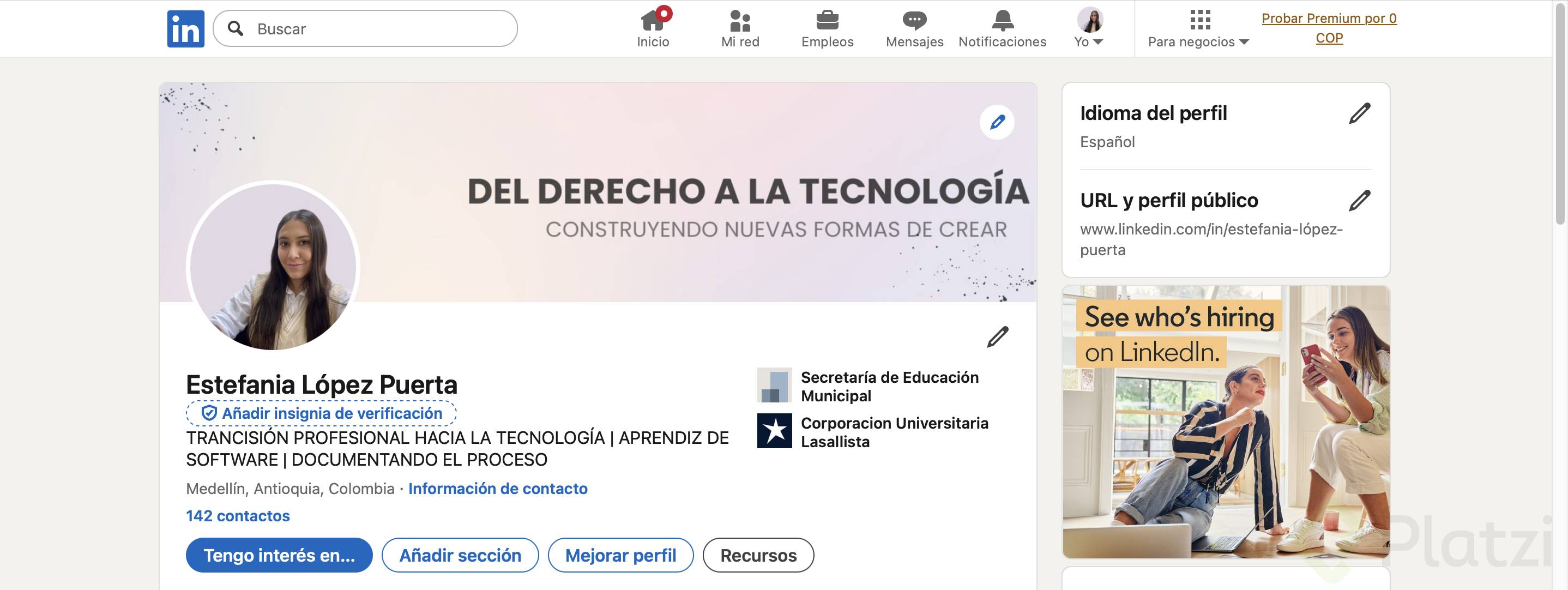
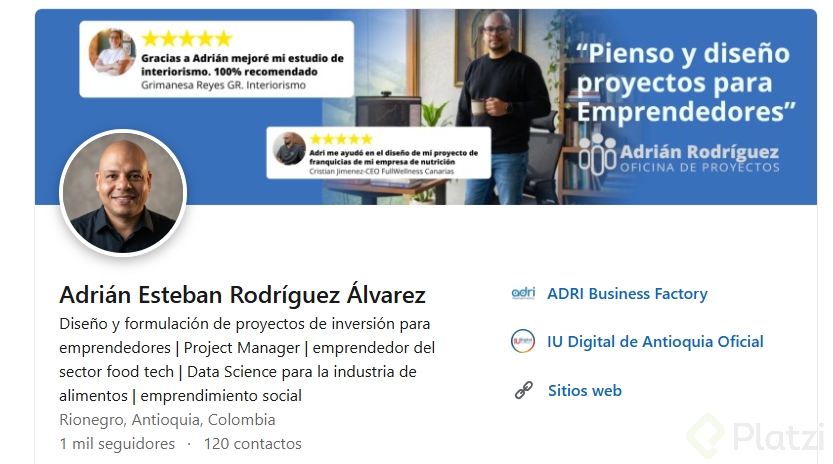
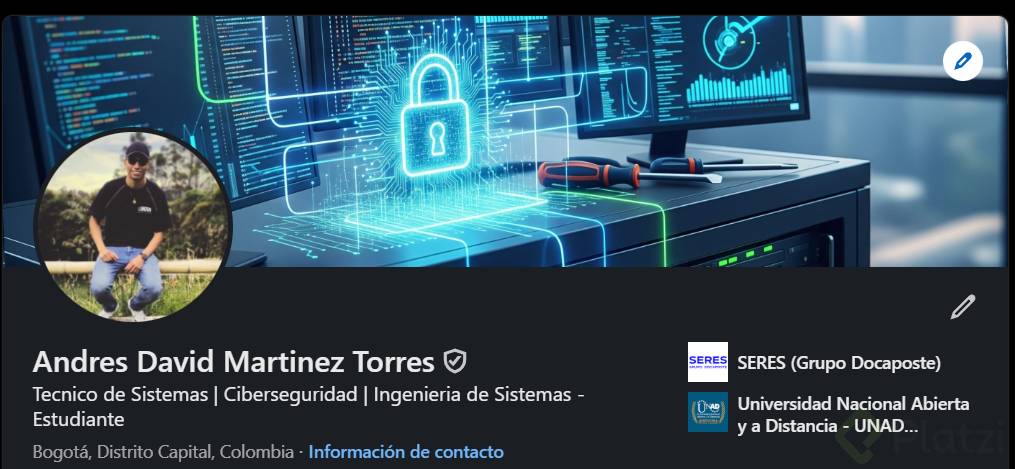
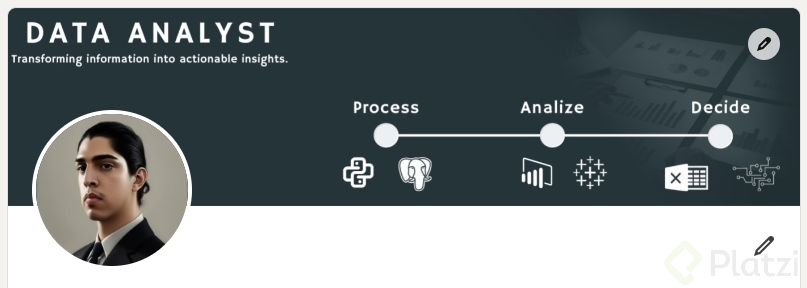
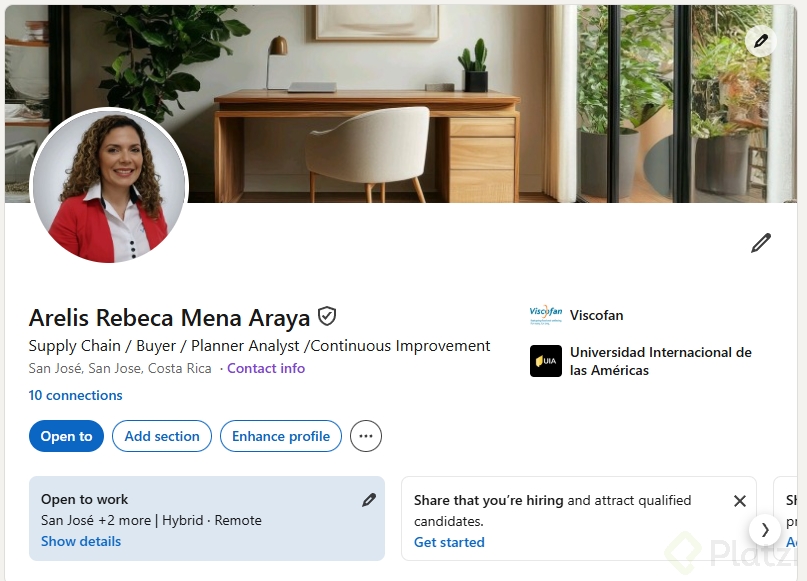
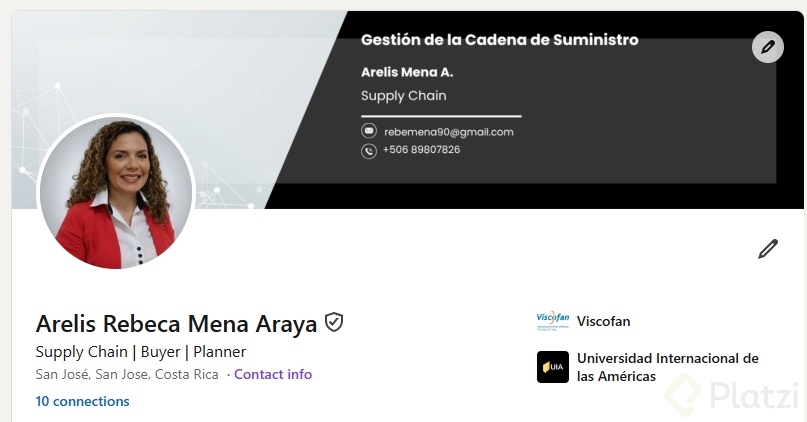
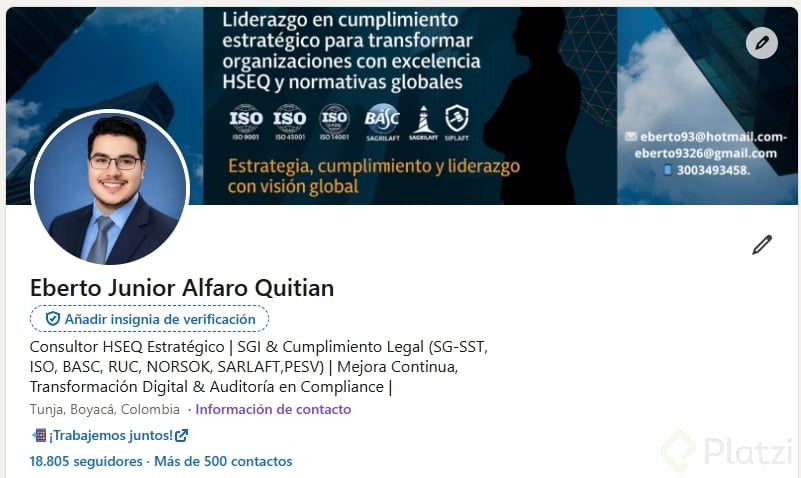
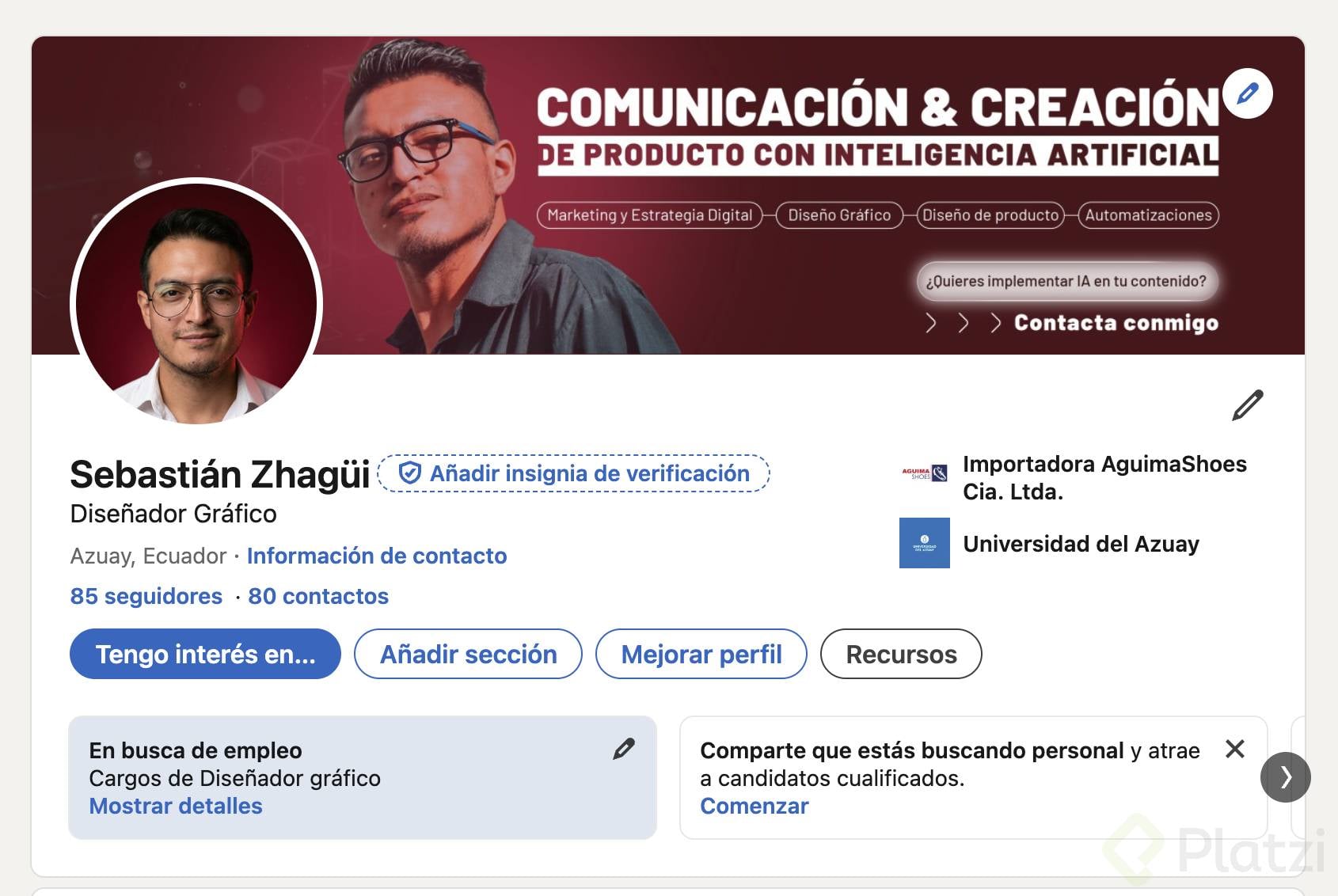
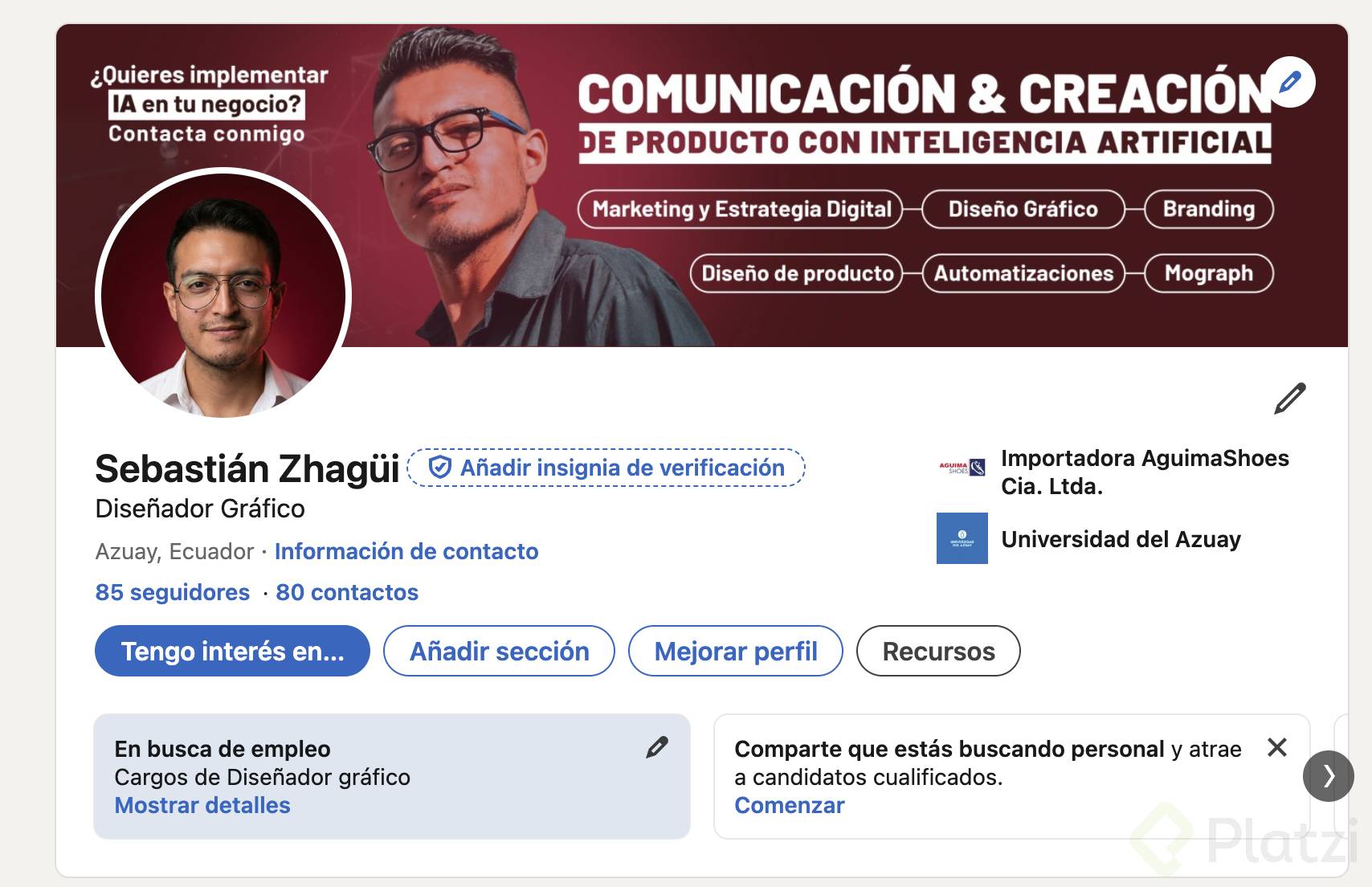
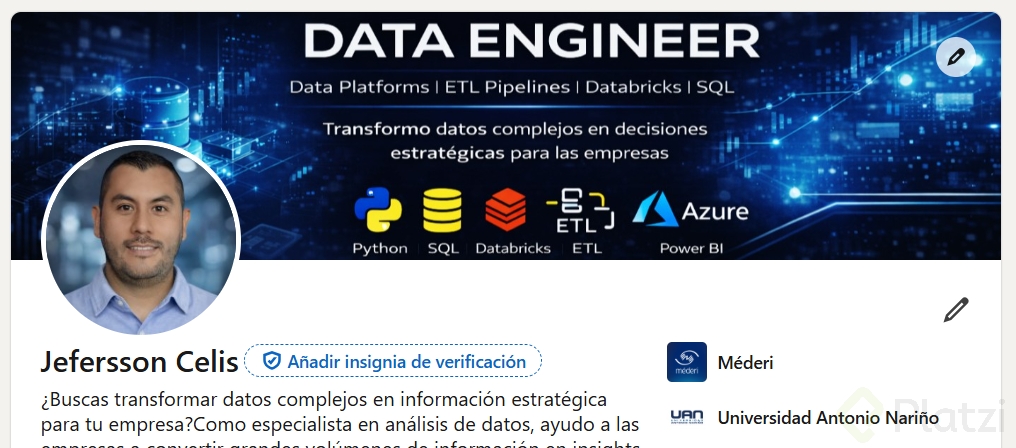
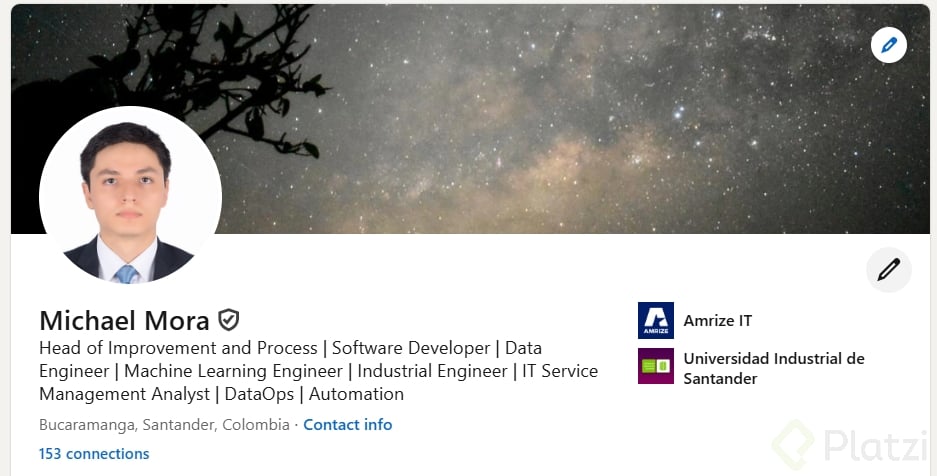
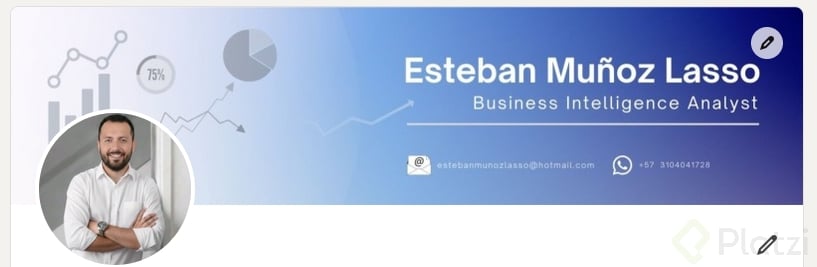
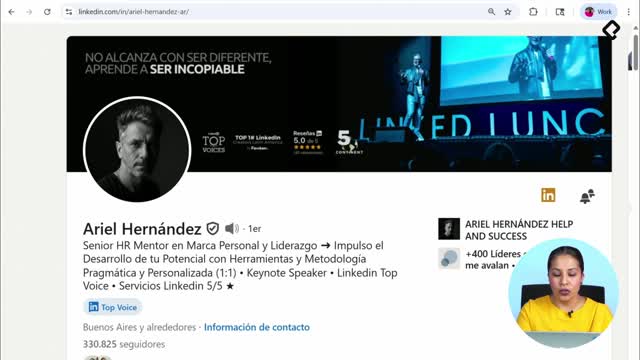
A strong banner reinforces your personal brand through colors, images, and a few well-chosen words. Think of it as a billboard: short, clear, and visual.
Look at how creator Jasmin Alic structures his profile. His banner uses:
- Social proof in the form of testimonials from his community.
- A clear image that hints at his role as a coach or teacher.
- Large text on the right side, where the eye naturally lands.
- A short call to action inviting visitors to explore his profile.
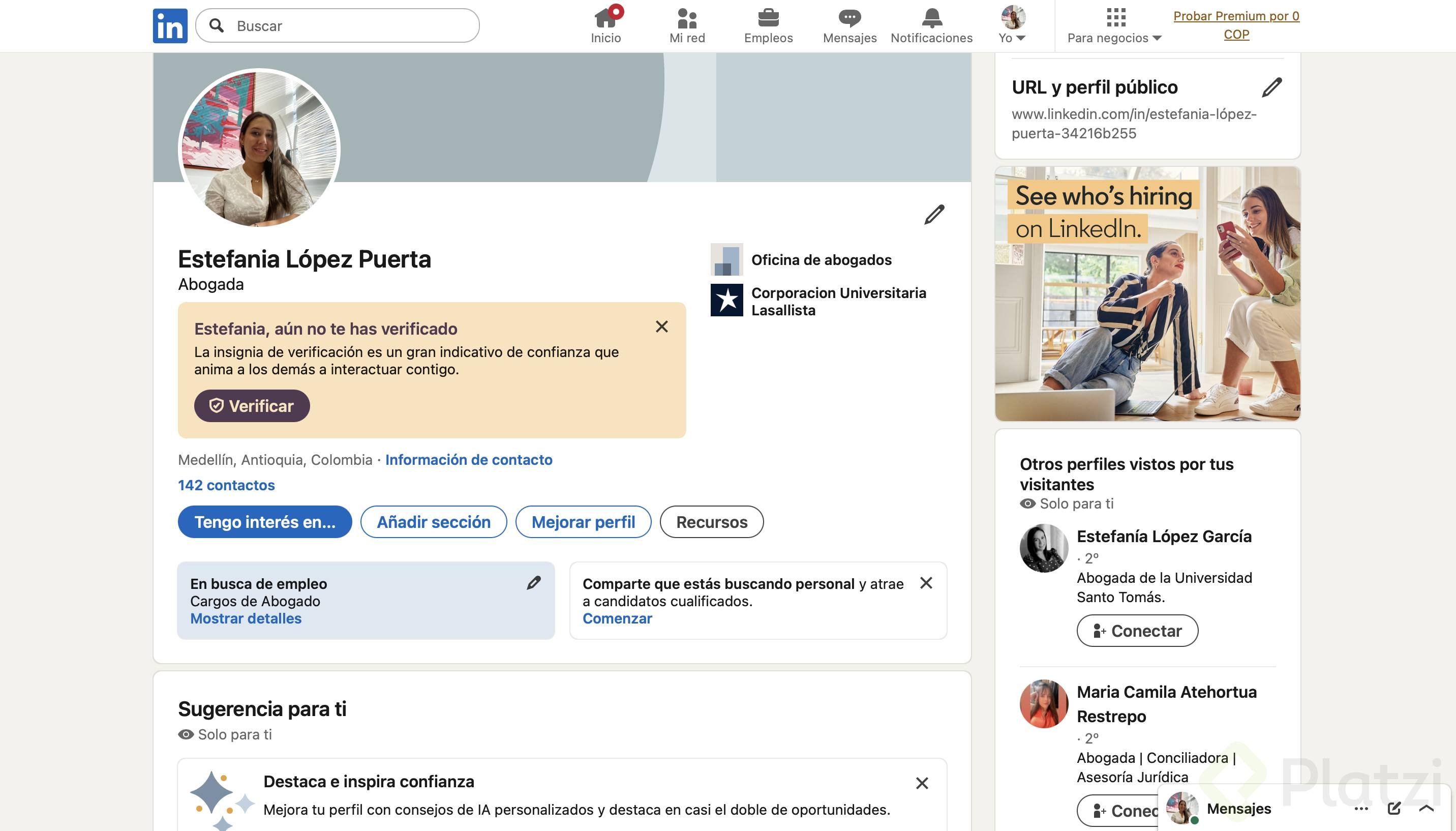
Notice that nothing important sits behind the circle of his profile picture. That space is essentially blocked, so leave it clean.
How do institutional banners communicate authority?
A more corporate example is a Platzi ambassador banner. It shows the logo, a clear positioning line (the technology school in Latin America), and concrete metrics: millions of students and thousands of companies improving their skills. It closes with a direct invitation: join them.
The lesson here is simple. Big letters on the right, short message, one call to action. That combination works whether you represent a brand or yourself.
How should you optimize your banner based on your goal?
Your banner should match your objective on the platform. It's not the same to position yourself as a brand ambassador, sell your own product, or look for a job.
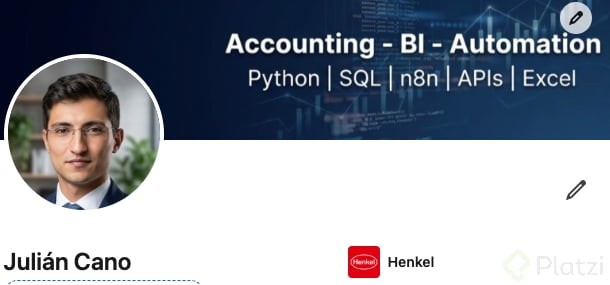
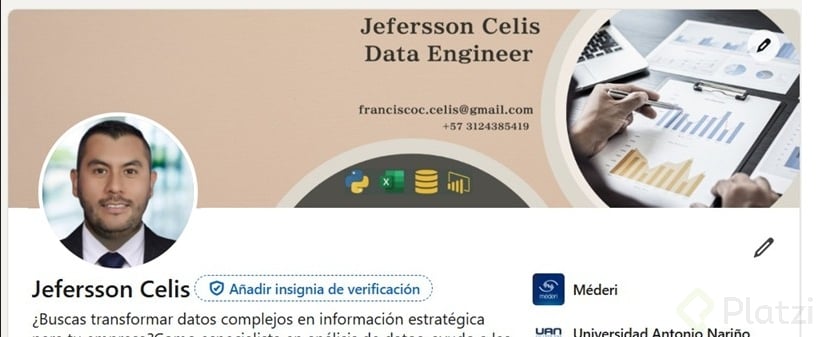
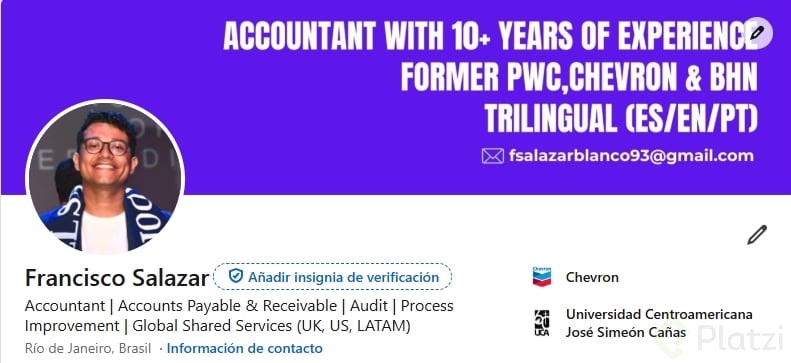
- If you're job hunting, highlight your industry, seniority, software you master, or certifications.
- If you sell a service, show what you do and who you help.
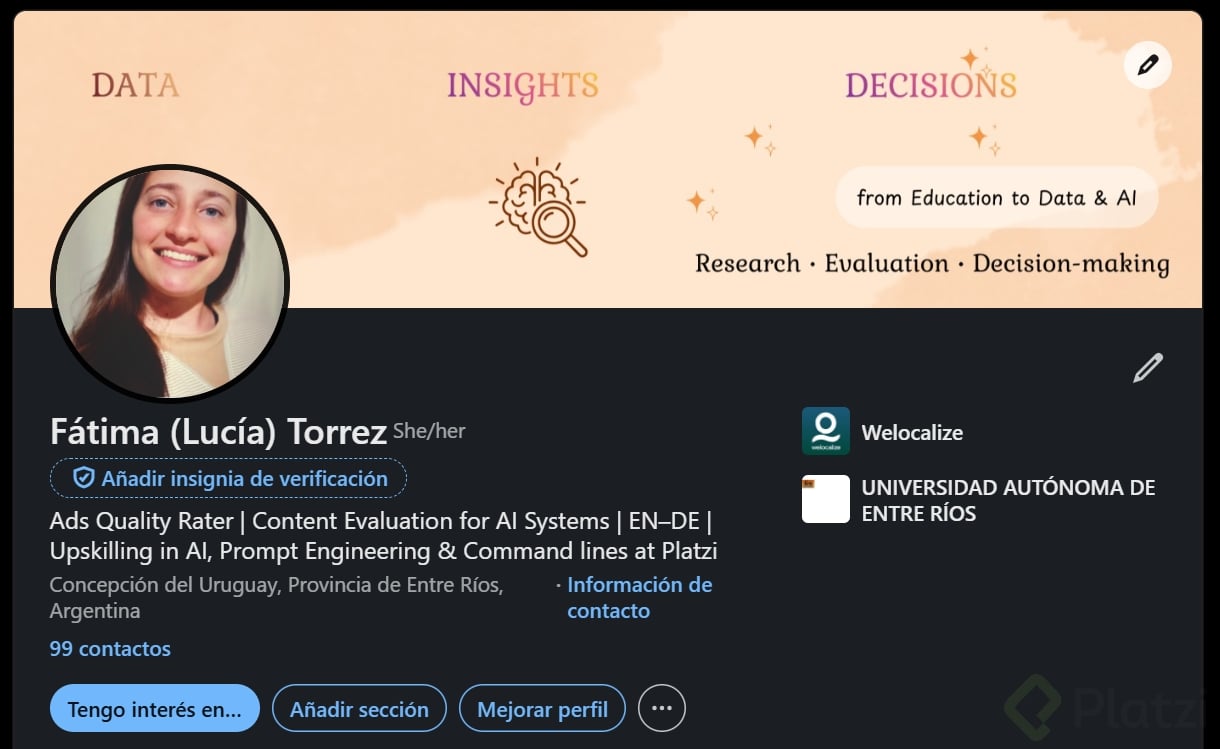
- If you build personal brand, lead with your specialty and a value proposition.
Should I put my name on my LinkedIn banner? No. Your name already appears in your profile header. Use that prime real estate for keywords that explain what you do, like Marketing Strategist or your specialty.
What words and images work best on a banner?
Keywords beat decoration. If your headline says marketing and business strategist, expert in digital marketing, content and public relations, your banner can echo those ideas visually: a meeting scene for PR, content elements for media, or icons that represent digital work.
When you add logos or social proof, explain why they're there. Use phrases like:
- Featured in
- My clients include
- Proudly worked with
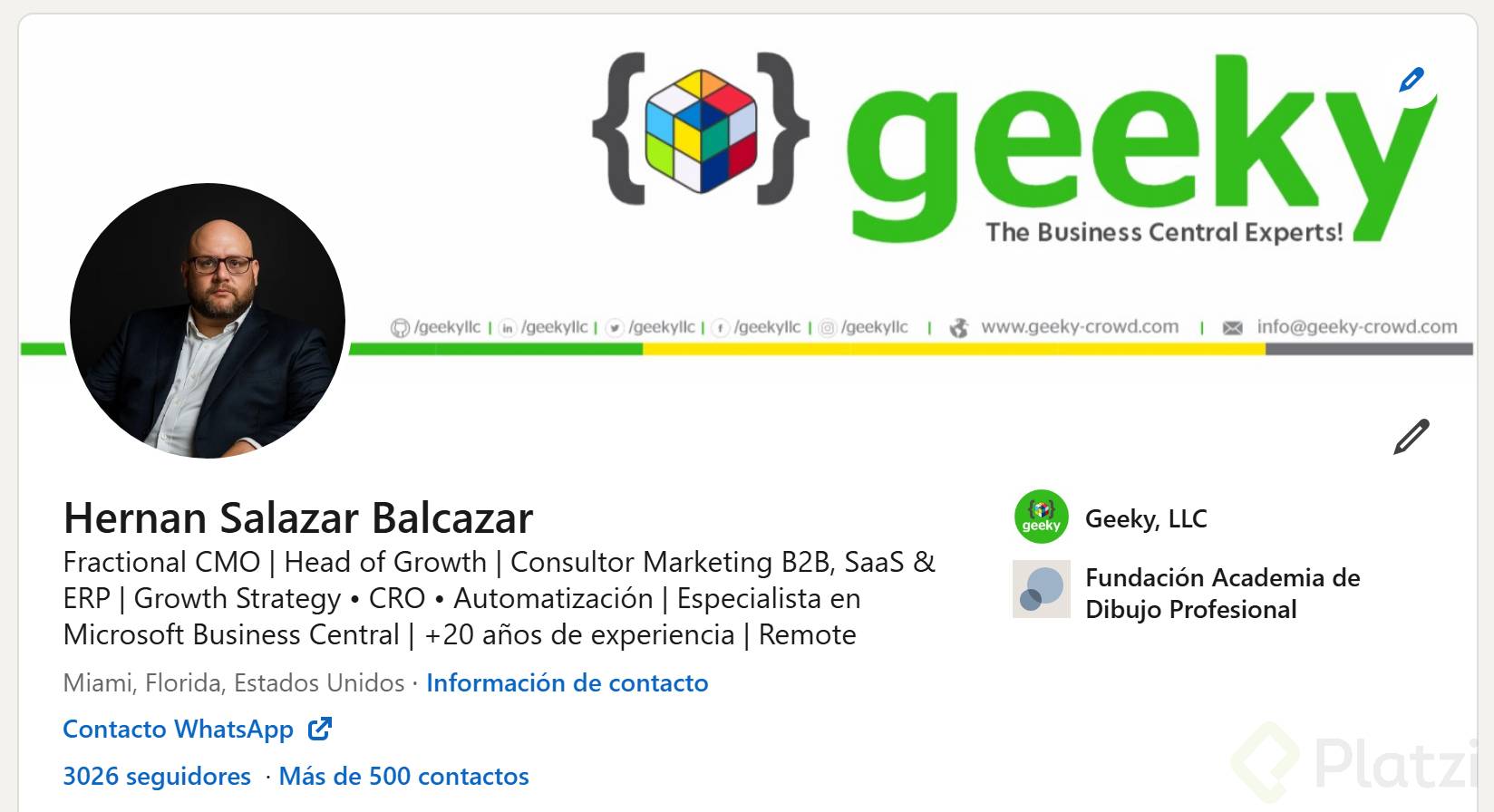
This context turns a random logo wall into a credibility statement. And if you use logos, make sure they're high quality and large enough to read, especially since many people browse LinkedIn from their phones.
What's the call to action in a LinkedIn banner? It's a short line inviting the visitor to take a next step, like checking your services, booking a call, or scrolling to your featured section. Keep it under one line.
How do you connect your banner with your headline?
Your banner and your headline should tell the same story. The banner sets the visual tone; the headline confirms it with keywords. Together they answer three questions in seconds: who you are, what you do, and how you do it.
Pick a color that represents you, choose letters big enough to read on mobile, and keep the message short. The shorter and more concrete, the better.
Share your banner before and after in the comments so we can see your progress, and drop any questions there too.