Contenido del curso

SEO and Narrative Structure
Strategic Networking
Content Creation and Engagement
Job Search Tactics
Open to Work Frame: Public or Private?
Resumen
Deciding whether to use the Open to Work frame on LinkedIn sparks endless debate, but the feature exists for a clear reason: to help members signal job intent directly from their profile photo. If you're job hunting and want recruiters or your network to notice, this tool changes how visible your search becomes.
What does the Open to Work frame actually do on LinkedIn?
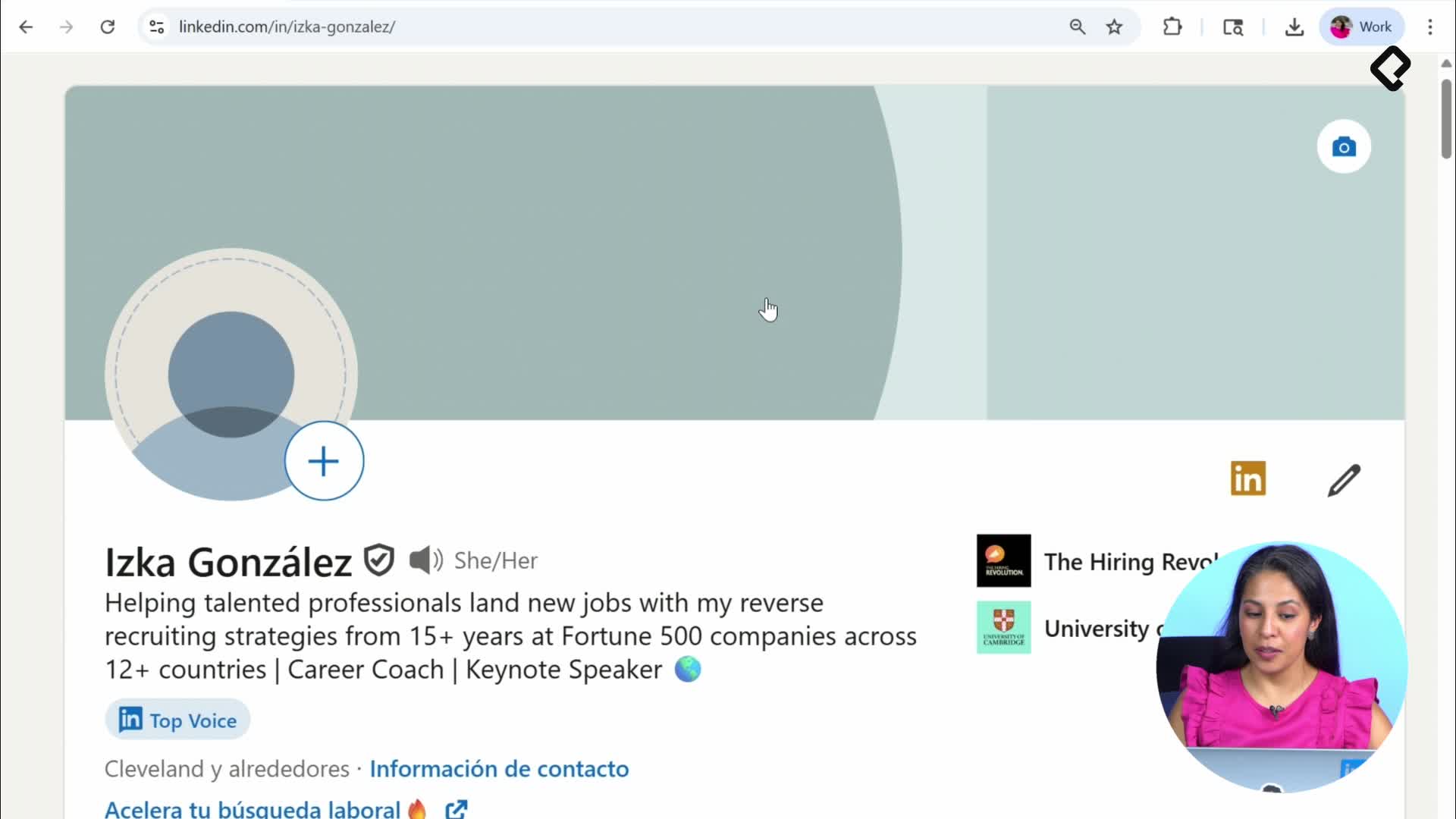
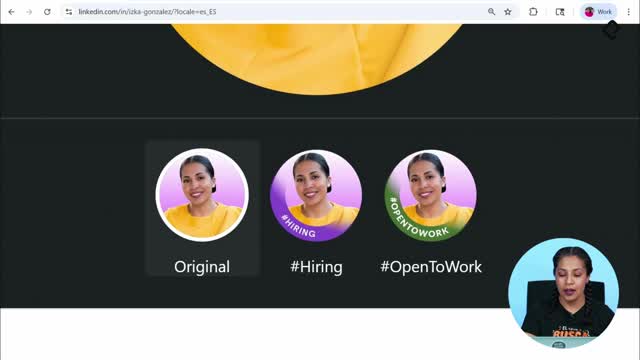
LinkedIn lets you turn your profile picture into a signal. When you click your photo and open the editing options, you'll find a section called Frames, where two options stand out: the Hiring frame and the Open to Work frame [01:00].
The logic behind both is almost poetic. Companies want to grow and hire; professionals want to find work. LinkedIn places both sides on the same surface so they can find each other faster.
- The Hiring frame shows, below the profile photo, the open roles that person is recruiting for inside their company.
- The Open to Work frame displays the job interests of someone actively looking for opportunities.
- Both frames are free alternatives to paid recruiter tools.
What is the Open to Work frame? It's a green banner around your LinkedIn profile photo that tells the entire platform you're open to new job opportunities, along with the roles and locations you're targeting.
Why did LinkedIn create these frames?
LinkedIn sells a product line called Talent Solutions, which includes LinkedIn Recruiter Light and LinkedIn Recruiter [02:10]. Those licenses are expensive, and not every recruiter or company pays for them.
Since LinkedIn's mission is helping members reach their professional goals, the platform built a free way for users to broadcast intent. With a free account, you can announce that you're hiring or that you're open to roles, no premium subscription required.
How do I activate Open to Work on my profile?
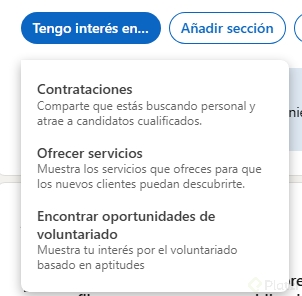
On your profile you'll see a section labeled Open to. When you click I'm interested, LinkedIn asks whether you're hiring, looking for a new job, or offering services. Only the first two come with a frame [03:25].
If you select Finding a new job, a new window opens where you give LinkedIn the details it needs to match you well. The fields marked with a disc are mandatory, so read each prompt carefully before filling it in.
- Job titles: pick from LinkedIn's pre-loaded titles, which are based on real vacancies and user data on the platform.
- Location: specify the city or remote preference.
- Start date: indicate whether you're casually browsing or actively job hunting now.
- Job type: full-time, contract, internship, and similar options.
A tip from the class: if your current title is something creative like happiness interface engineer, LinkedIn won't suggest it. Use closer standard titles such as software developer so recruiters and the algorithm can find you [04:40].
Who can see that I'm open to work?
This is where privacy matters. LinkedIn gives you two visibility levels, and choosing the wrong one can expose your search to your current employer.
- Recruiters only: visible only to people using LinkedIn Recruiter. LinkedIn warns in the fine print that it will do its best to keep this private, though it can't guarantee it.
- All LinkedIn members: activates the green Open to Work frame around your photo, making your search visible to everyone on the platform.
Is the Open to Work frame public? Only if you choose All LinkedIn members. If you pick Recruiters only, your job preferences stay confidential and the green frame doesn't appear on your photo.
How does the Open to Work frame look from another user's perspective?
When you visit the profile of someone using the public version, you'll see the green ring around their photo and, just below, a card describing the roles they want [06:10]. Clicking Show details reveals everything they filled in: target titles, locations, work modes, and timing.
This is where being specific pays off. If a profile lists front-end developer with strong experience in that area, anyone in your network might forward it to a recruiter they know. The clearer your goal, the easier it is for others to connect you with the right opportunity.
Is the Open to Work frame controversial?
The stigma around the frame is a social perception, not a platform rule. Objectively, the feature does exactly what it promises: it tells your network you're open to opportunities. Whether you wear it openly or keep it private depends on your context, your industry, and how comfortable you feel signaling your search.
One last note on safety: being visibly Open to Work can attract spam or fraudulent messages disguised as job offers. If something feels off, pause before replying and report it directly to LinkedIn. The right opportunity often comes from the person you least expect, and protecting your inbox keeps that door open.
Which version of Open to Work would you choose for your current moment, public or recruiters only? Share your reasoning in the comments.