Contenido del curso


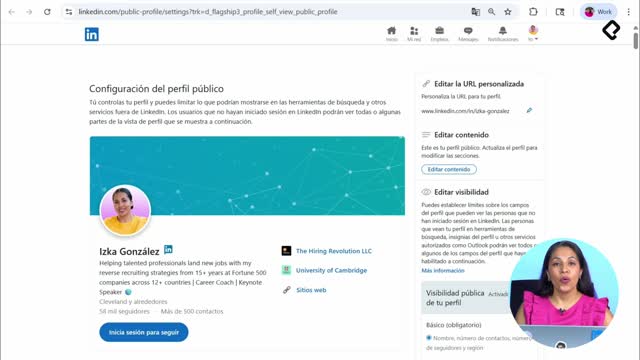
SEO and Narrative Structure
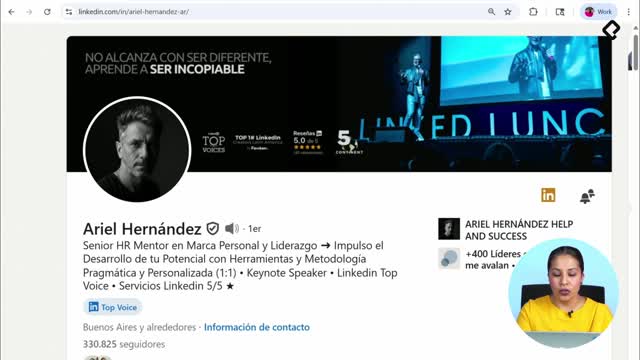
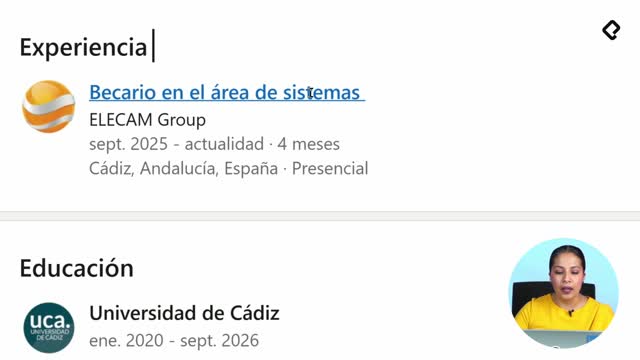
Strategic Networking

Content Creation and Engagement

Job Search Tactics
How LinkedIn Job Alerts Get You Hired First
Resumen
Setting up LinkedIn job alerts is one of the fastest ways to land interviews because it lets you apply to new openings within hours of publication, when recruiters are actively reviewing the first wave of candidates. If you understand how a hiring pipeline works, you can use alerts to position yourself at the top of that funnel.
Why does timing matter in a LinkedIn job search?
Every selection process starts the moment a company decides to fill a vacancy. From there, recruiters have a tight window, usually one to five business days, to present viable candidates to the hiring manager.
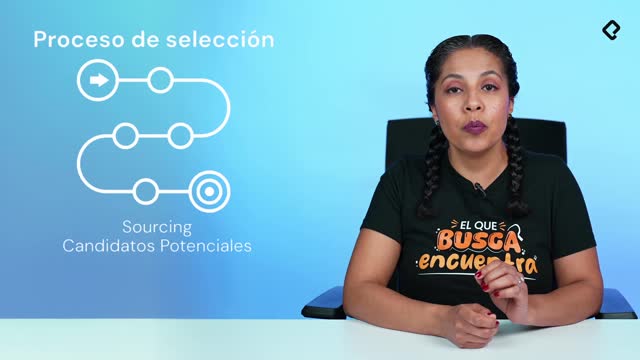
That first curve of the process is called sourcing, and it's where recruiters identify talent through active searches, networking, or by reviewing applicants who applied directly to the posting. Tools like LinkedIn Recruiter help them filter profiles quickly, which is exactly why your SEO inside LinkedIn matters so much: you want to be findable.
What is sourcing in recruitment? It's the stage where recruiters identify potential candidates for an open role, either by searching profiles actively or by reviewing applications received in the first days after the job is posted.
Applying early doesn't guarantee the job, but it dramatically increases the odds that a recruiter will actually see your profile before the shortlist closes.
Who benefits most from job alerts?
Anyone running an active or passive job search benefits, but especially:
- Professionals targeting specific companies whose careers pages auto post to LinkedIn.
- Candidates open to roles in multiple cities or countries.
- People who want to apply within the first 24 hours of a posting going live.
How do I activate job alerts on LinkedIn step by step?
Go to the top navigation bar and click the briefcase icon. That takes you to the Jobs section, where every alert begins with a search.
In the search box, type the role you're targeting. The most common approach is searching by job title, so let's use web developer as an example. LinkedIn will load a results page with filters on the left side: date posted, experience level, salary, and additional filters. Some companies are starting to share salary ranges and benefits directly on the platform, which helps you qualify opportunities faster.
If you want to narrow by location, adjust the country or city filter. For instance, switch the search to web developer in Mexico and LinkedIn will refresh with roughly 700 active openings, meaning roles currently accepting applications.
How do I turn the search into an active alert?
Once your filters reflect what you actually want, click Create alert. You'll see a confirmation that reads Alert activated. From that moment on, LinkedIn will notify you whenever a new role matching your criteria, like web developer in Mexico, gets published.
How fast should I apply after getting a LinkedIn alert? Apply as soon as you can review the posting. Some companies publish from Europe or Asia, so notifications may arrive at night. Check, validate, and apply when you're ready, but don't wait days.
A practical detail: you can create multiple alerts combining role, function, area, and city. That way your inbox becomes a curated feed of relevant openings instead of noise.
How can I spot fake or fraudulent job postings on LinkedIn?
LinkedIn, like any online platform, isn't free from scams. Before applying, verify that the listing belongs to a real company with a consistent profile, employees, and history.
Watch for these red flags:
- Requests for very specific personal data, passwords, or banking details during the application.
- Vague company descriptions or pages with little activity.
- Pressure to move the conversation to external channels immediately.
If something feels off, stop. Search the company outside LinkedIn, check for fraud reports, and protect your information first. Your safety comes before any opportunity.
Key concepts and skills from this lesson
Understanding the recruitment funnel changes how you search. The sourcing stage [00:24] is where recruiters identify candidates either through active searches in LinkedIn Recruiter or by reviewing inbound applications, and it typically lasts one to five business days [01:24].
The briefcase icon [02:00] in the top bar is your entry point to the Jobs hub, where filters like date posted, experience level, and salary [03:05] help you refine results. Creating an alert [03:55] on a search like web developer in Mexico turns that query into automated notifications every time a matching role appears, which can mean hundreds of opportunities, around 700 in the example shown [04:08].
Finally, fraud awareness [05:30] is a non negotiable skill: validate the company, avoid sharing sensitive data, and verify legitimacy inside and outside LinkedIn before applying.
Now it's your turn to activate your first alerts. If you run into doubts while setting them up, drop your questions in the comments.