Contenido del curso


SEO and Narrative Structure
Strategic Networking
Content Creation and Engagement
Job Search Tactics
LinkedIn Visibility Settings Most Profiles Get Wrong
Resumen
Your LinkedIn public profile settings quietly decide whether recruiters, clients, and search engines can actually find you. If you want to optimize your LinkedIn profile visibility, the trick is not gaming the algorithm but aligning every section, keyword, and privacy toggle with your professional goal.
Does the LinkedIn algorithm really need to be tricked?
You have probably heard that you need to outsmart the algorithm to stand out. The reality is simpler. LinkedIn does not publish its algorithm, but it does share clear signals about what helps a profile surface more often.
Two factors weigh the most:
- A profile that is fully completed across every section.
- Active behavior inside the platform, including content creation and interaction.
LinkedIn is a living professional network. If you stay active, comment, post, and grow, your profile shows up more in searches. If you go silent, you fade.
What makes a LinkedIn profile rank higher in searches? A complete profile plus consistent activity. LinkedIn rewards members who fill out every section and engage regularly with content.
Where should I place keywords on my LinkedIn profile?
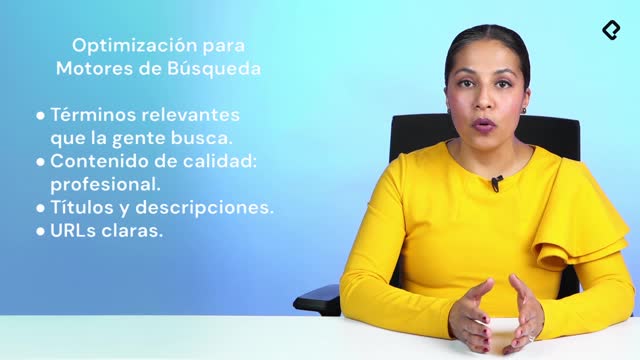
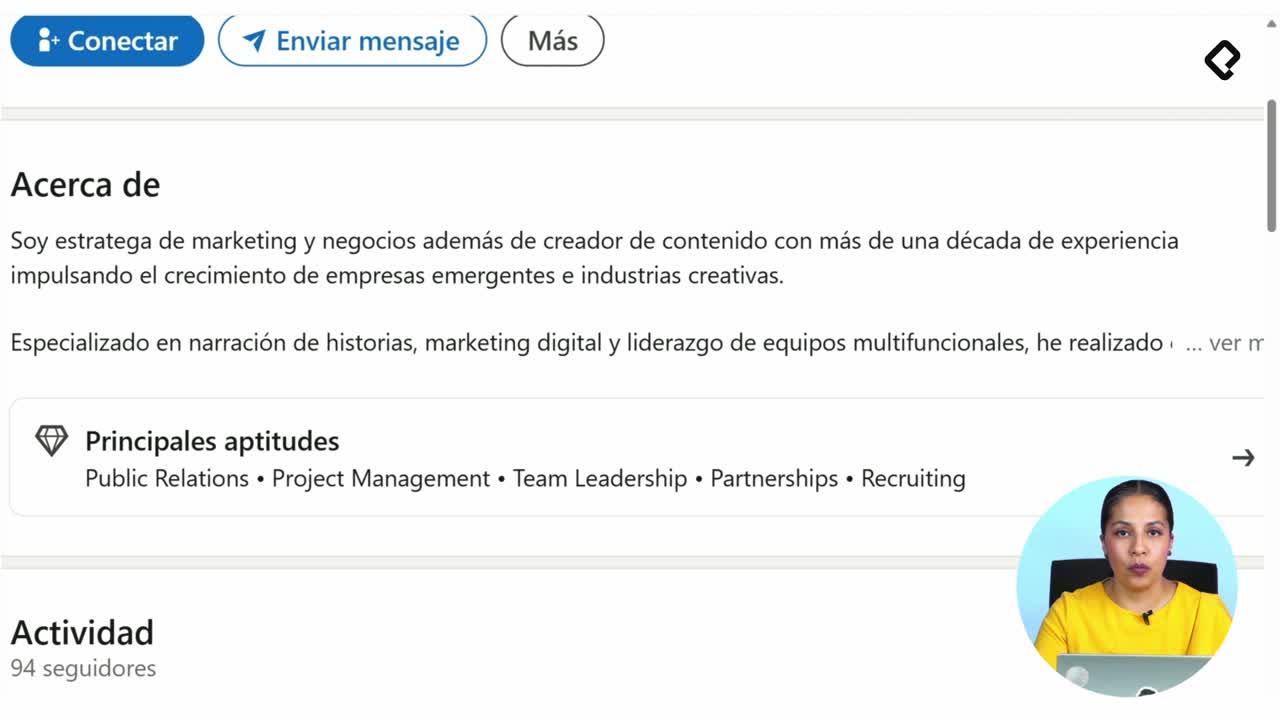
Keywords belong in every section, not stuffed into one. Your headline, your About, your experience descriptions, and especially your skills section all feed the internal search engine.
The goal is not to dump terms like SAP, Python, or design in a list. Each keyword should make sense inside the story you already built in your presentation and your results.
How many skills should I add on LinkedIn?
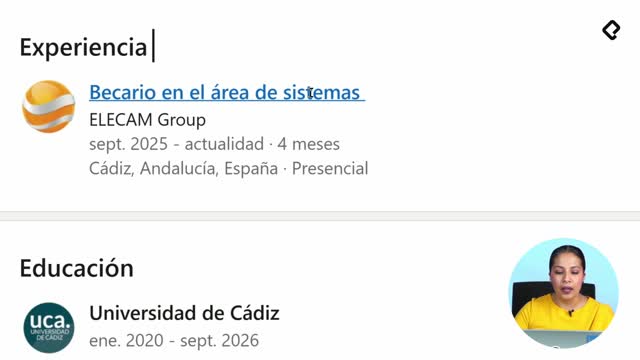
The skills section, also called aptitudes, sits right under the About section. You can also attach skills to each professional experience, which signals to LinkedIn that you developed that ability at a specific company or industry [04:08].
LinkedIn lets you add up to 100 skills, but saturating the list does not help you. A better approach:
- Pick the 3 to 5 skills most aligned with your professional objective.
- Prioritize those that match the roles or clients you want to attract.
- Distribute the rest across each work experience to show where you earned them.
Should I list 100 skills on LinkedIn? No. Three to five highly relevant skills tied to your goal perform better than a saturated list that dilutes your positioning.
How do I configure my LinkedIn public profile visibility?
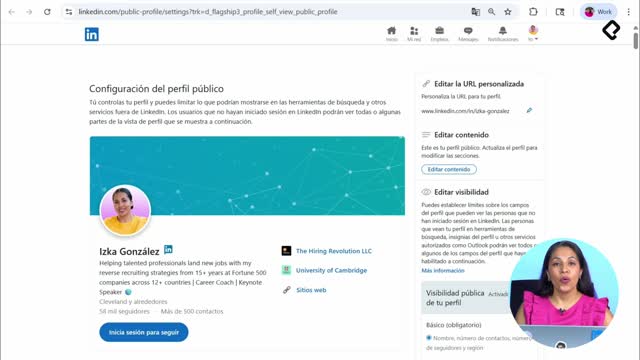
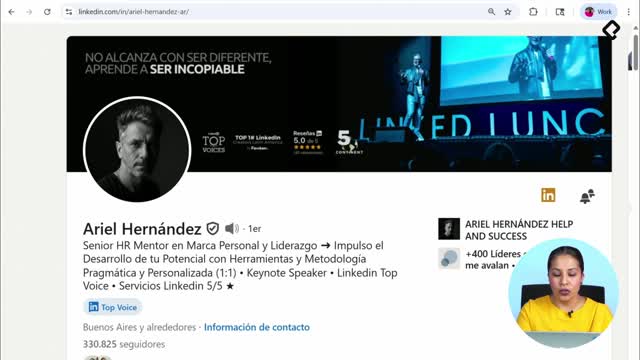
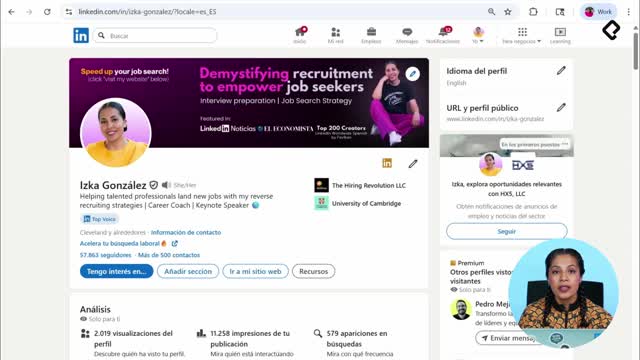
This is the setting most people ignore, and it is the one that can quietly cap your reach. Go to your profile, find the URL and public profile panel on the right side, and open the visibility settings [05:30].
LinkedIn lets you decide who sees what. That flexibility is useful, but it cuts both ways:
- If you are not job hunting or looking for clients, you might want to limit what is public.
- If you want recruiters, headhunters, clients, media, or agencies to find you, you need to open it up.
What should be public on my LinkedIn profile?
When you toggle public visibility on, members can see your name, your number of connections and followers, and your region. From there, you choose section by section what stays open.
A few decisions matter the most:
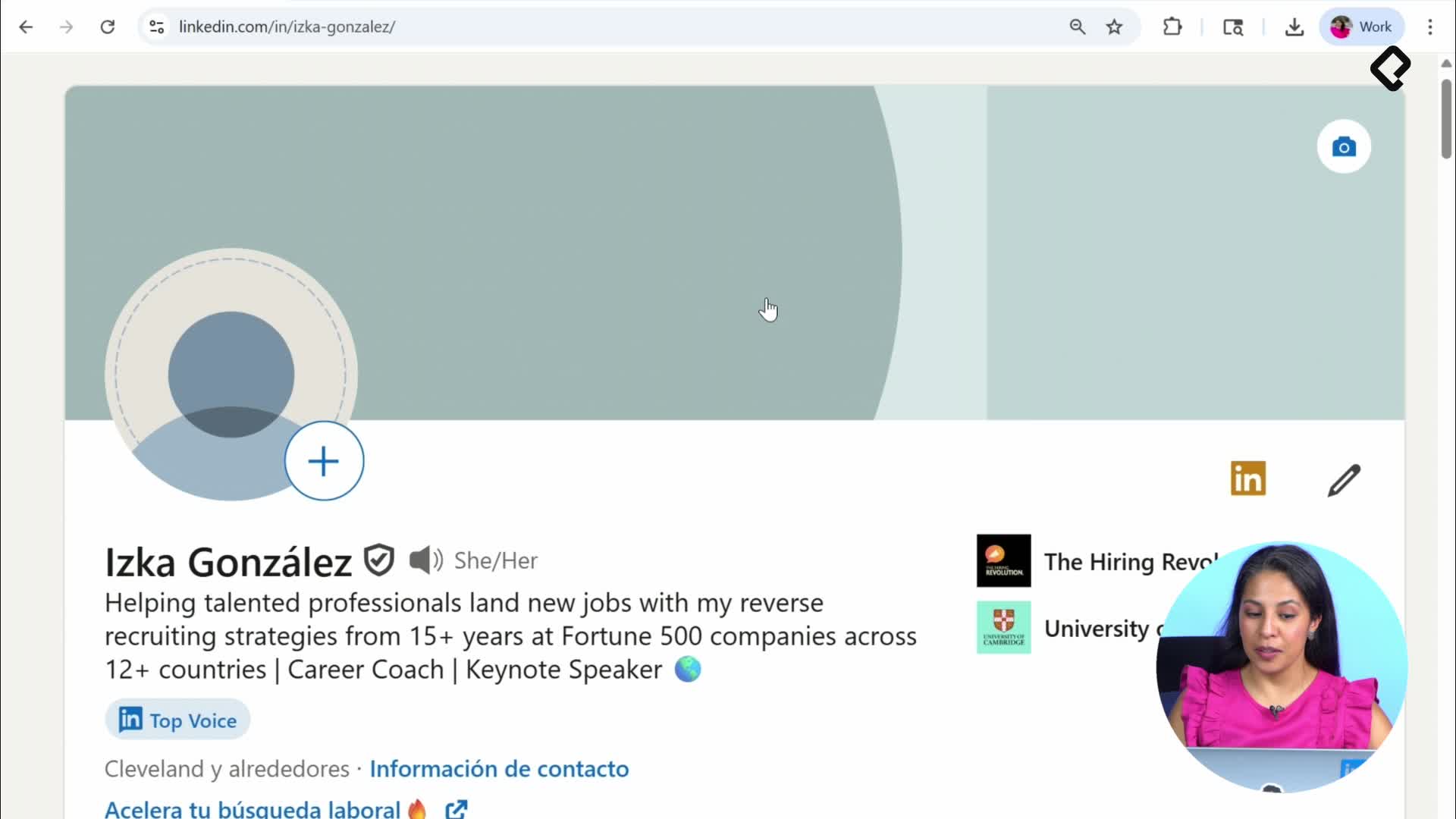
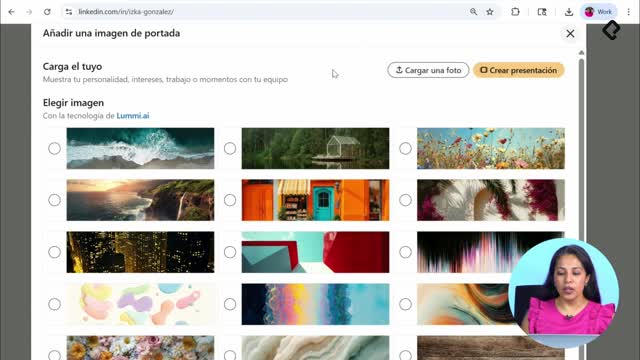
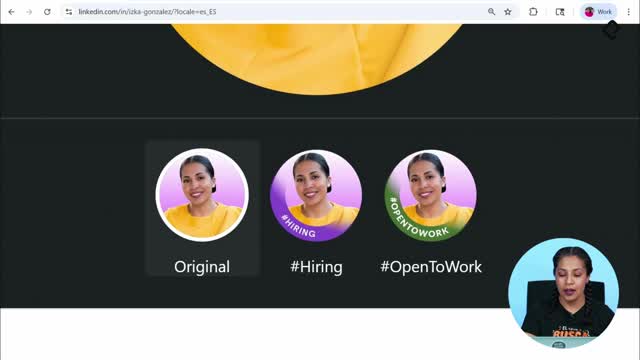
- Profile photo: you can show it only to your network, to all LinkedIn members, or even outside the platform so it appears in search engines like Google.
- Current and past experience: you decide whether the details of your results are visible. If you hide them, your work history looks empty even if you wrote great bullet points.
- About and headline: these feed both LinkedIn search and external SEO, so keeping them public amplifies your reach.
If you have been job searching and the messages are not coming, the cause is often here. You optimized your experience but blocked the platform from showing it.
How do I adjust privacy and content recommendations?
Click your photo, open Settings and Privacy, and read each section carefully. LinkedIn explains every option in plain language, so spending a few minutes here pays off.
Inside Settings you can control:
- Who sees your name, location, and industry.
- The primary language of your profile.
- Whether your profile photo displays across the platform.
- The kind of content the feed recommends to you.
That last point matters. Many people complain that LinkedIn now feels like Facebook, full of repetitive AI generated posts. You can tell LinkedIn what type of content you want to see, whether you prefer recent or relevant posts, and shape your feed instead of suffering it.
On the left side menu, the Visibility section gathers every toggle that affects how findable you are. Walk through it line by line and match each setting to your goal.
Why am I not getting messages on LinkedIn even with a complete profile? Likely because your visibility settings hide your experience or your photo from non connections. Open those toggles and your profile becomes searchable.
Why does LinkedIn work like a search engine for recruiters?
LinkedIn is not only a place to apply for posted jobs. Companies search the platform like a database, filtering by experience, employer history, skills, location, and languages, often before a vacancy is even published.
That means your profile is competing in two arenas at once:
- Internal LinkedIn searches run by recruiters and clients.
- External searches on Google and other engines, where your public profile can appear.
Every field you complete, every keyword you place inside your About or your skills, and every privacy toggle you open expands the surface where someone can discover you.
Drop in the comments three keywords that describe your professional experience. Those three words are the seed of how recruiters will find you next.