Contenido del curso

SEO and Narrative Structure
Strategic Networking
Content Creation and Engagement
Job Search Tactics
How to Create Your First LinkedIn Post
Resumen
Wondering how to create content on LinkedIn that actually positions your professional brand? You can either curate or create posts aligned with your career goal, and the platform itself guides you through the process. This is for professionals who want their digital footprint to reflect real expertise.
What does it mean to create content on LinkedIn?
There are two ways to show up on the platform, and both work depending on your goal.
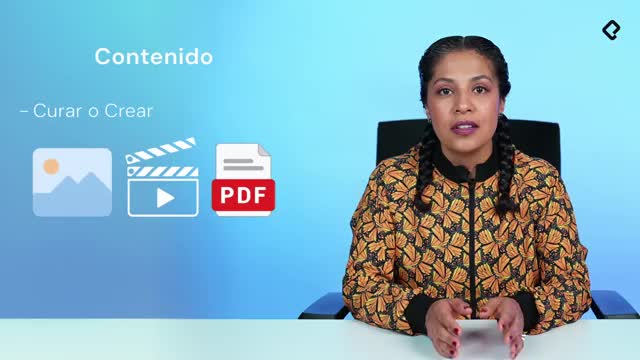
- Curating content: you find articles, materials or information already on LinkedIn (or outside it) and share them with your network in line with your professional objective.
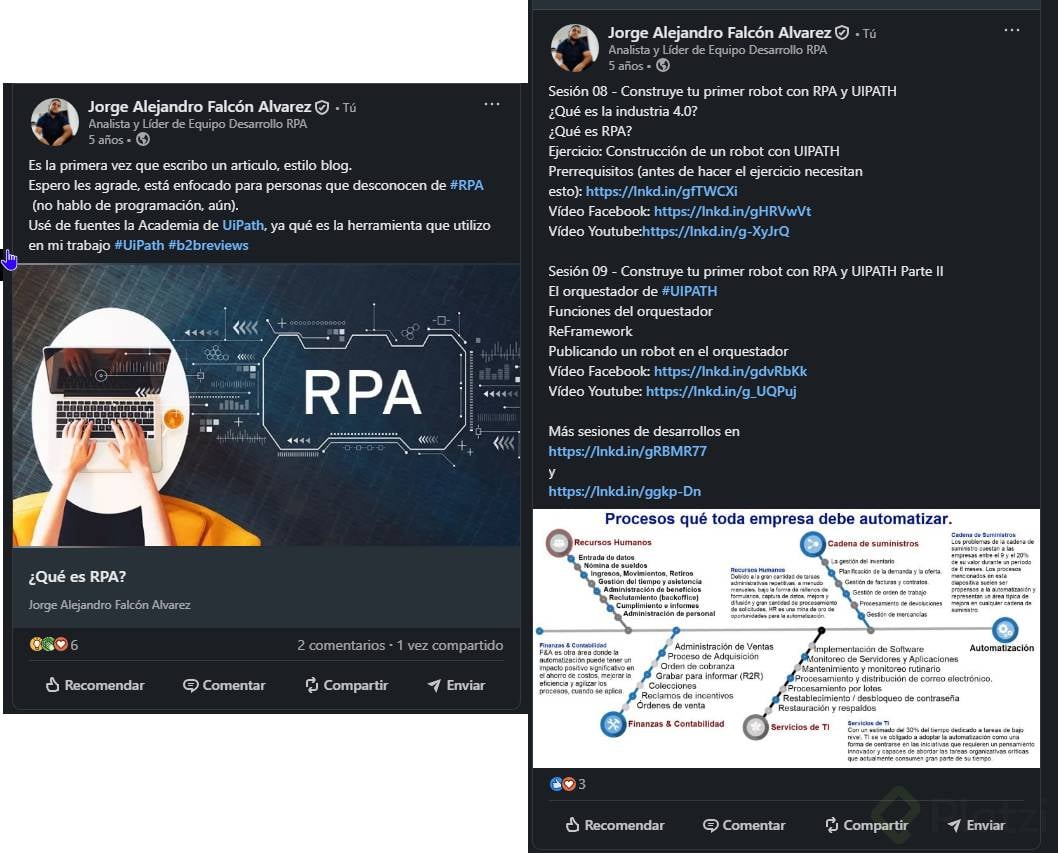
- Creating content: you build something from scratch, whether that's a text, an image, a video or a document, and publish it yourself.
Both paths help you stand out. The choice depends on how much time you have and how much of your own voice you want to put into each post.
What is content curation on LinkedIn? It's the practice of selecting and sharing relevant materials from other sources with your network, adding context that connects to your professional goal.
How do I publish my first post on LinkedIn?
Go to your feed, the home page, and you'll see the option to start a publication. LinkedIn already suggests uploading a video, a photo or writing an article, but if you click on Create a post, you unlock more options.
That's where the magic begins. The first question is simple: what do you want to talk about? Remember, you already defined a professional objective, and LinkedIn is the place to position your personal professional brand, basically your professional digital footprint.
If you want to be seen as an expert in design, in coding or in any specific area, your posts should reflect your experience, your point of view on an industry, a function or a role. You're not classifying your content as good or bad. You're sharing what you can contribute to that industry.
Why does text matter so much on LinkedIn?
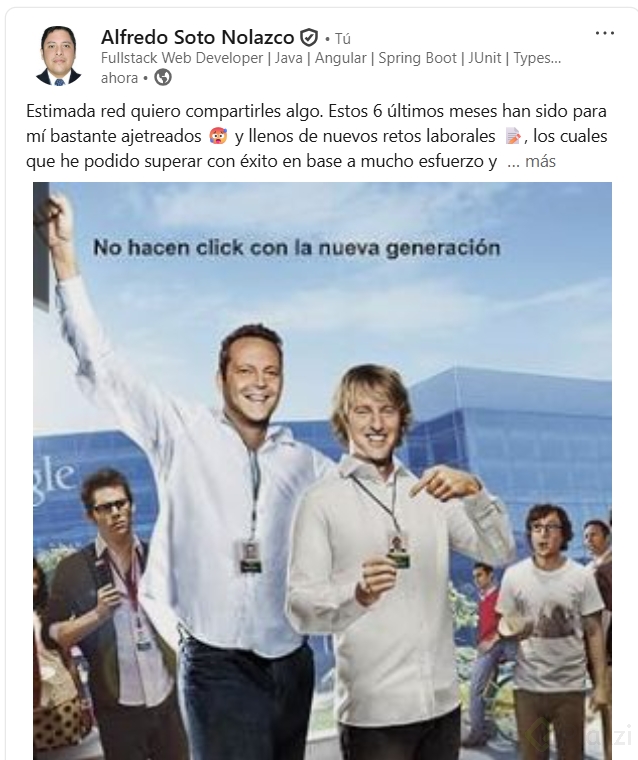
Scroll through your feed on desktop or mobile and you'll notice something: LinkedIn always highlights text first. Even when a post includes a video, a photo or a document, the words come before the visuals. There are also posts made entirely of text, and they perform.
Images, videos or documents are there to complement your message, not replace it. If you only want to write, that works too.
How do I structure a LinkedIn post that gets read?
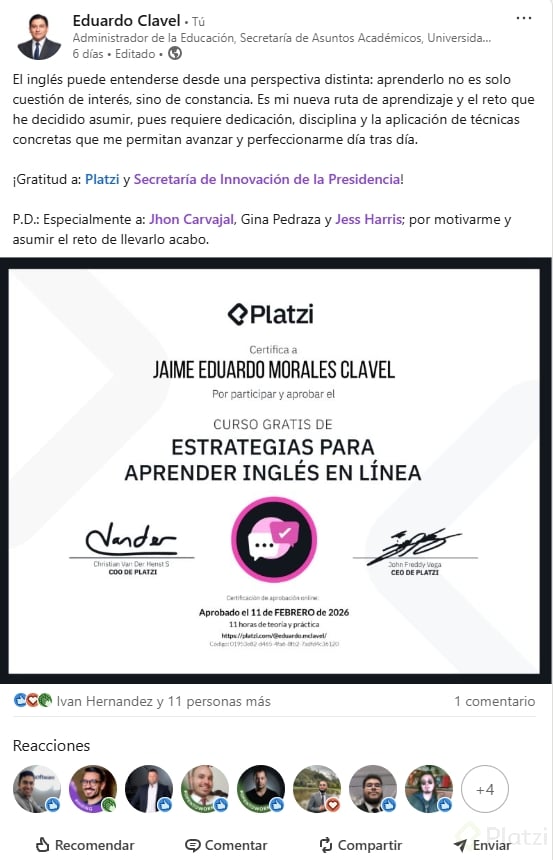
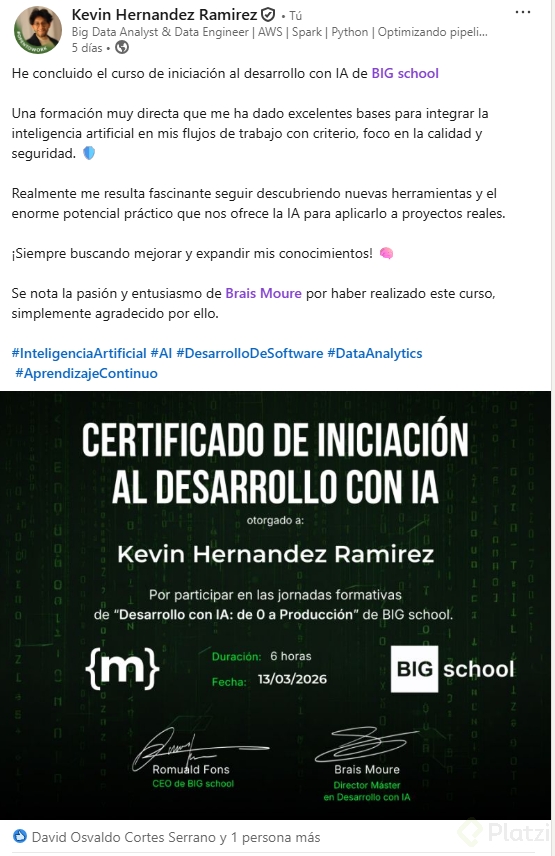
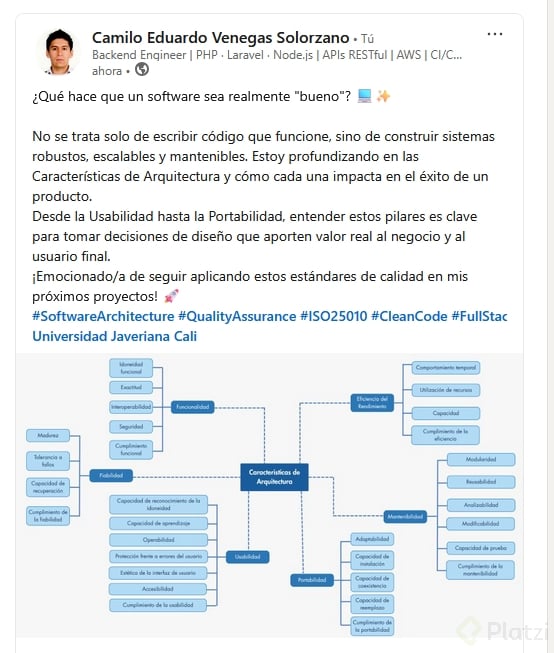
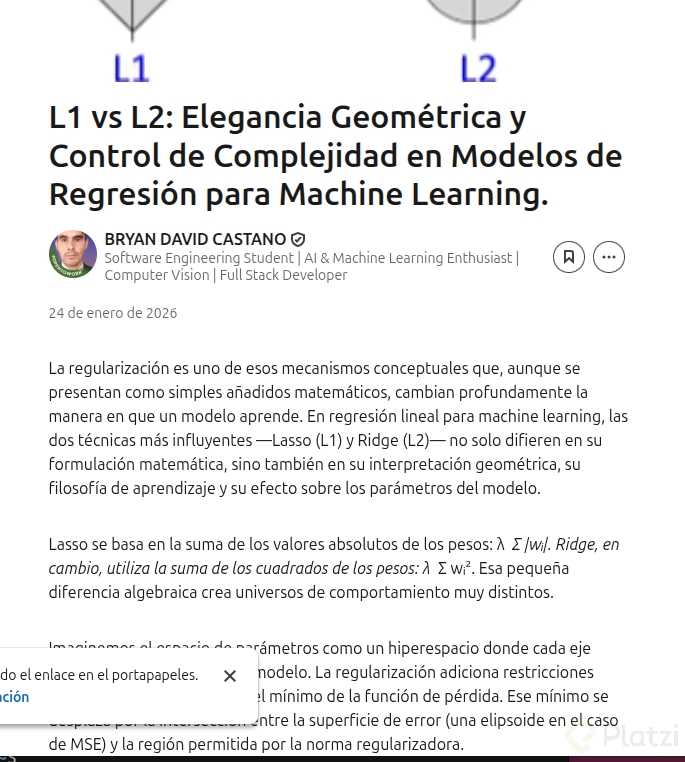
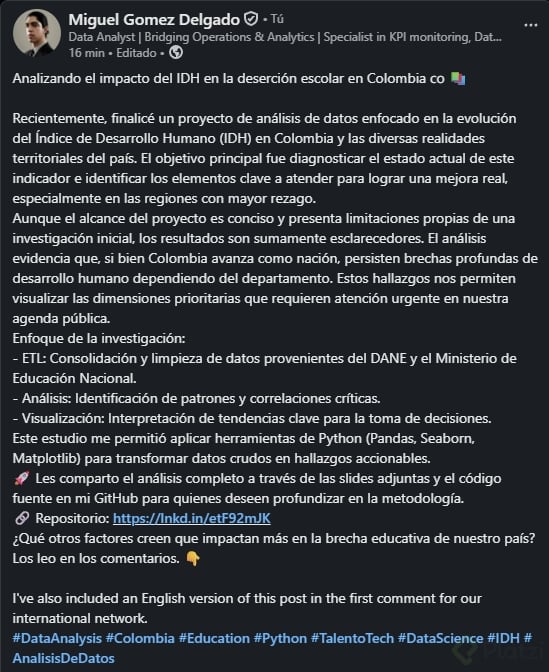
Let's use a real example: "My experience recruiting in international manufacturing companies." From that idea, you build the post.
- The hook: the first line is your gancho. It tells people what's coming and decides if they keep reading.
- The first three lines: LinkedIn only shows these before the see more button, so they need to deliver the promise of the hook.
- The body: develop your idea with bullets, short paragraphs or lines that expand the topic.
- The closing: wrap it up with a message or insight, like "recruiting is a team effort because it means A, B and C."
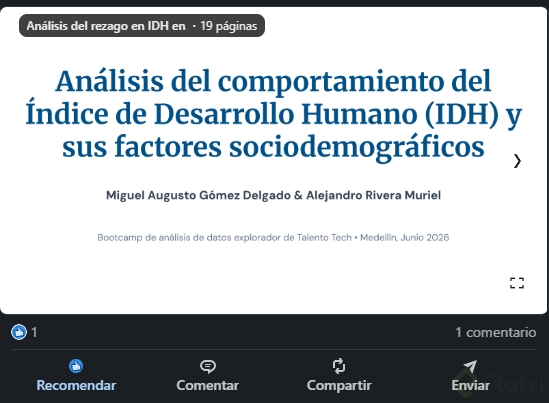
Once your text is ready, you can complement it. LinkedIn lets you add an image, find a specialist, attach a document, create a poll, share a job opening or celebrate a special occasion. The media section is where photos and videos go.
What should the first line of a LinkedIn post say? It should work as a hook. Tell readers exactly what you'll share so they decide to click see more and read the full post.
Should I write my LinkedIn content in English or Spanish?
It depends on your objective. If you want to position yourself in an international market where being bilingual matters, write in English. You don't need to duplicate everything in Spanish.
A practical tip: create your posts in one language and engage in the other through comments. You can publish in English and grow your network by commenting in Spanish, or the other way around. That mix shows your bilingual profile in action.
Do I have to post in English to grow on LinkedIn? Not necessarily. Choose the language that matches your professional goal and the audience you want to reach. Mixing languages between posts and comments is a valid strategy.
What should you keep in mind before hitting publish?
Think step by step: what do I want to say, how am I going to say it, and who could read this. Your post stays on LinkedIn, and someone else will see it. That's not a reason to feel fear, that's the opportunity.
A few things to remember as you build the habit:
- Your content should reflect your experience and point of view, not generic advice.
- Use the first three lines as a window into the rest of the post.
- Add visuals only when they reinforce your message.
- Stay consistent with your professional objective so your brand reads clearly.
I challenge you to publish your first post on LinkedIn, take a screenshot and drop it in the comments. ¿Qué vas a compartir primero?