Contenido del curso

SEO and Narrative Structure
Strategic Networking
Content Creation and Engagement
Job Search Tactics
Why Your LinkedIn Photo Doubles Profile Views
Resumen
A great LinkedIn profile picture can double your views and triple your connection requests, according to LinkedIn data. If you want your profile to feel real, professional and aligned with your personal brand, the photo is where everything starts.
Why does your LinkedIn profile picture matter so much?
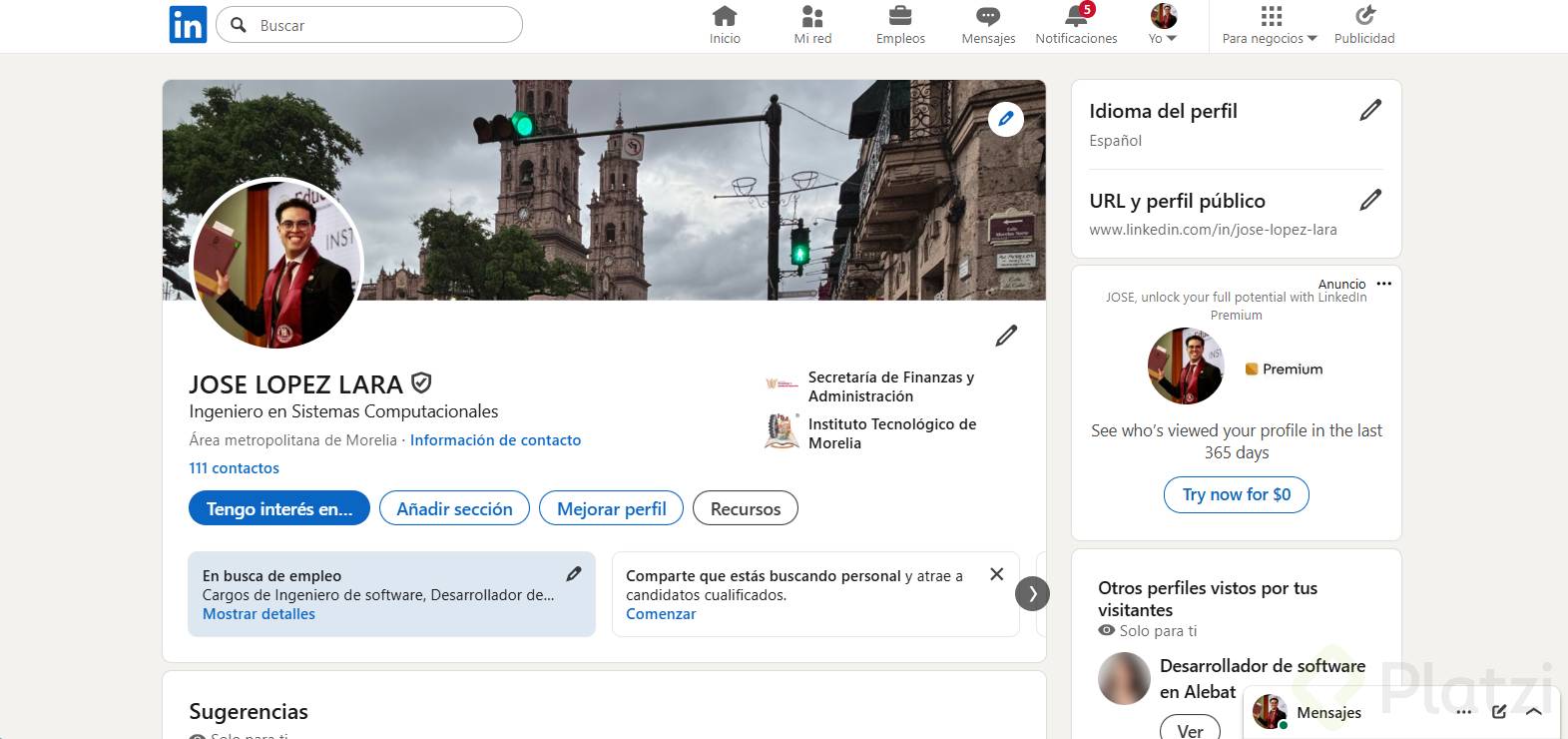
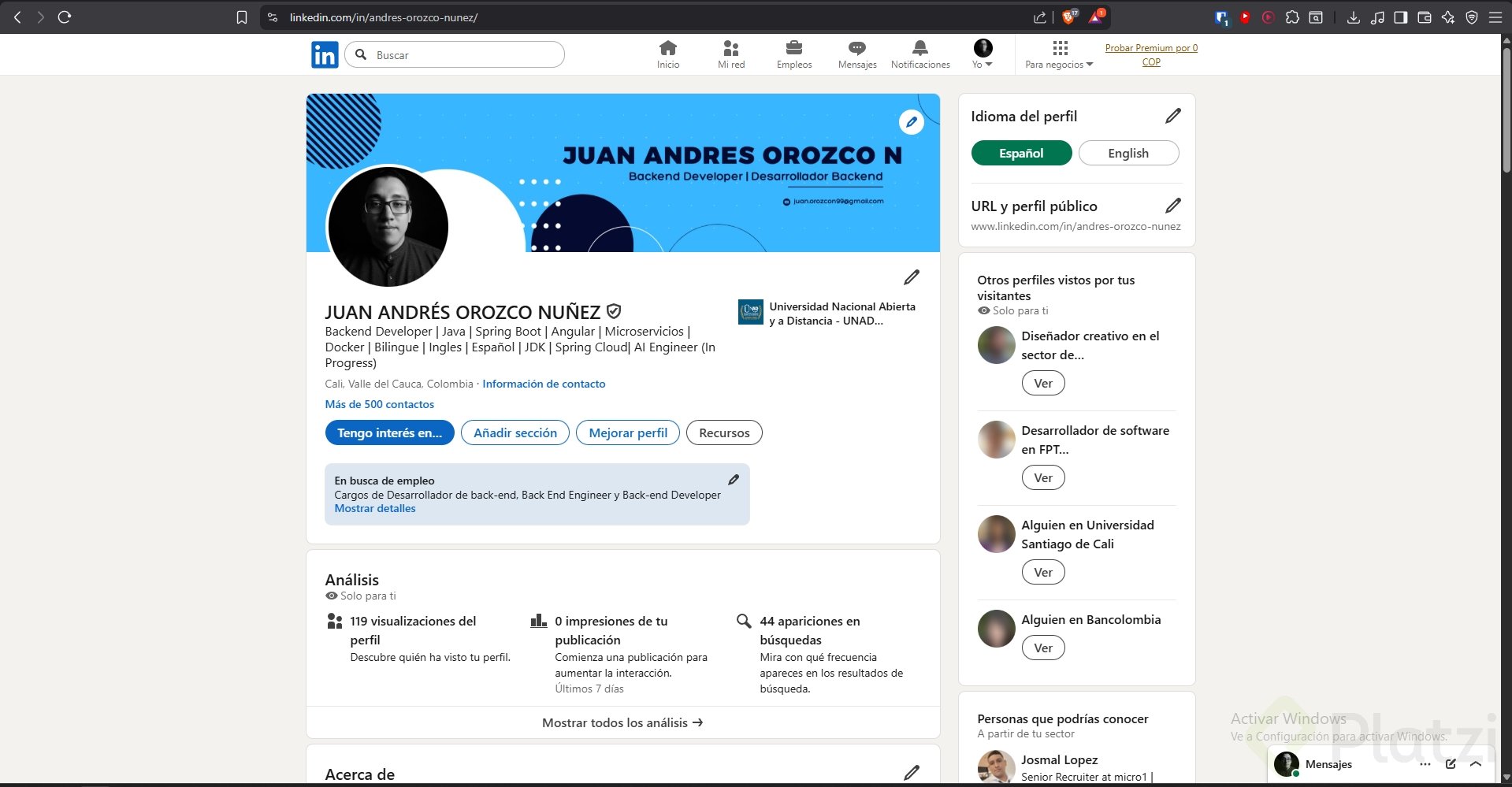
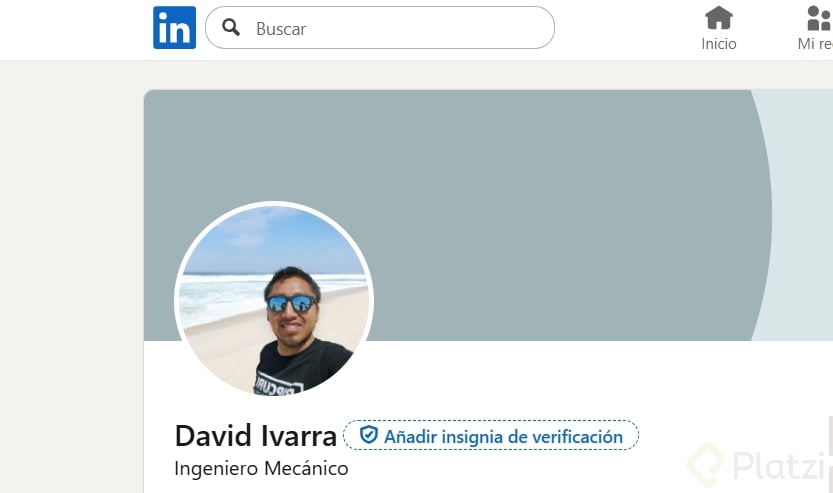
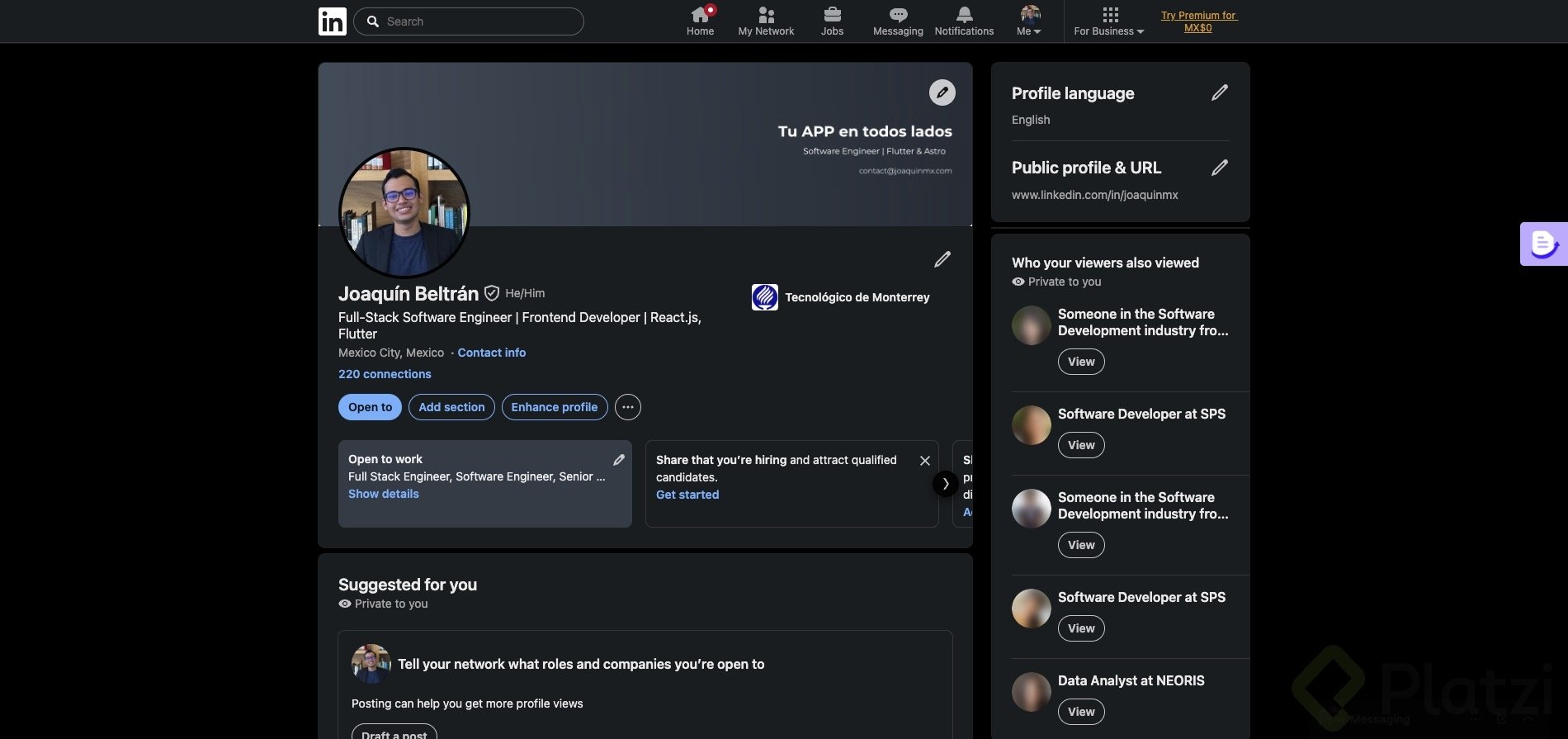
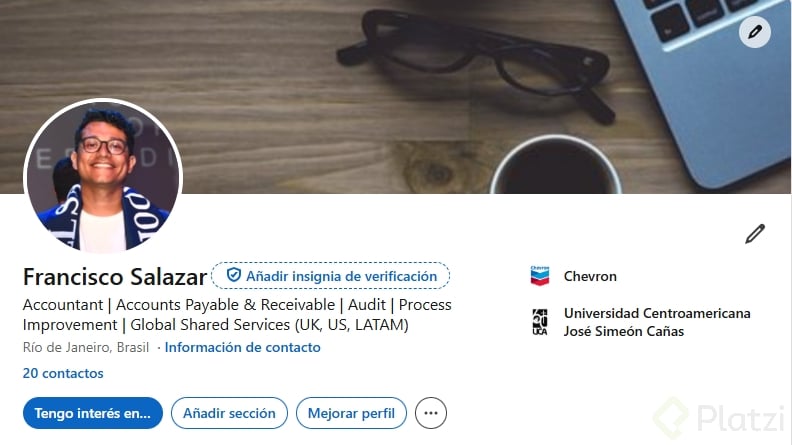
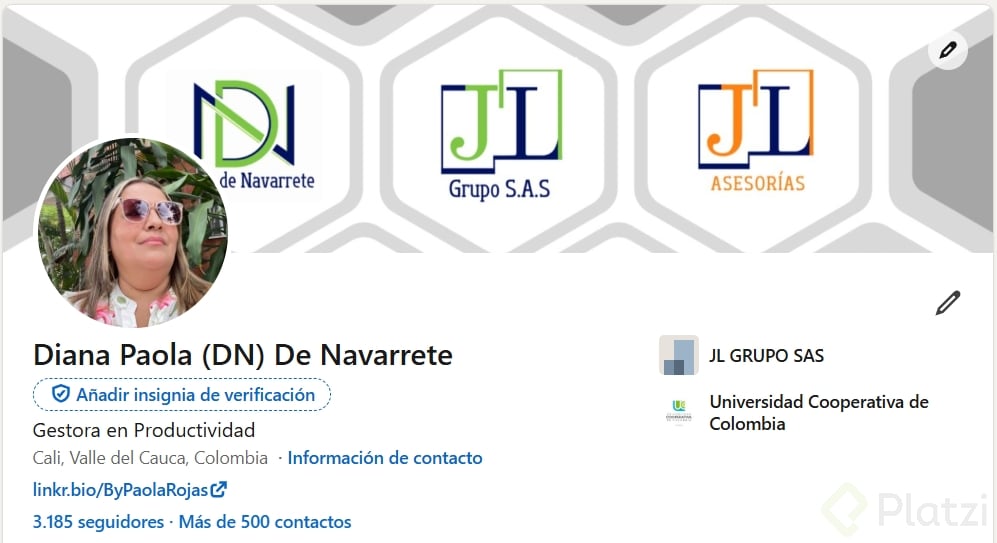
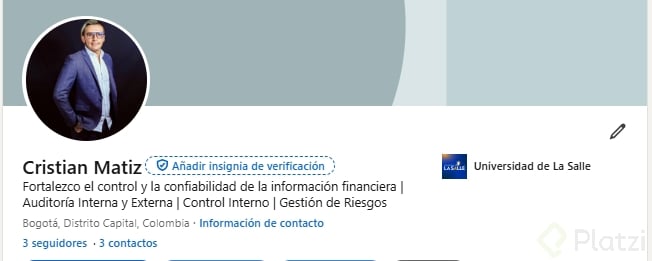
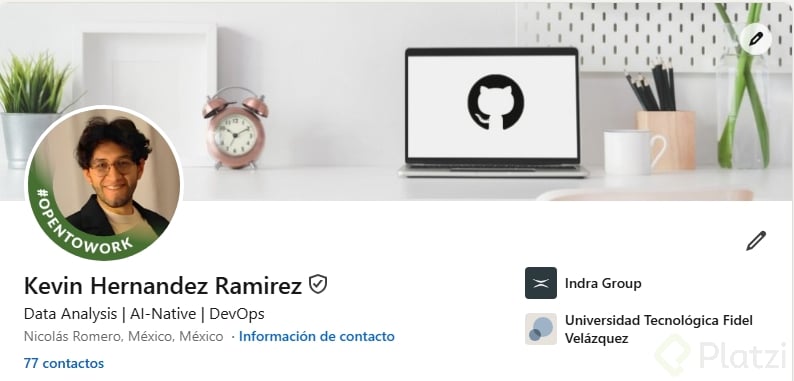
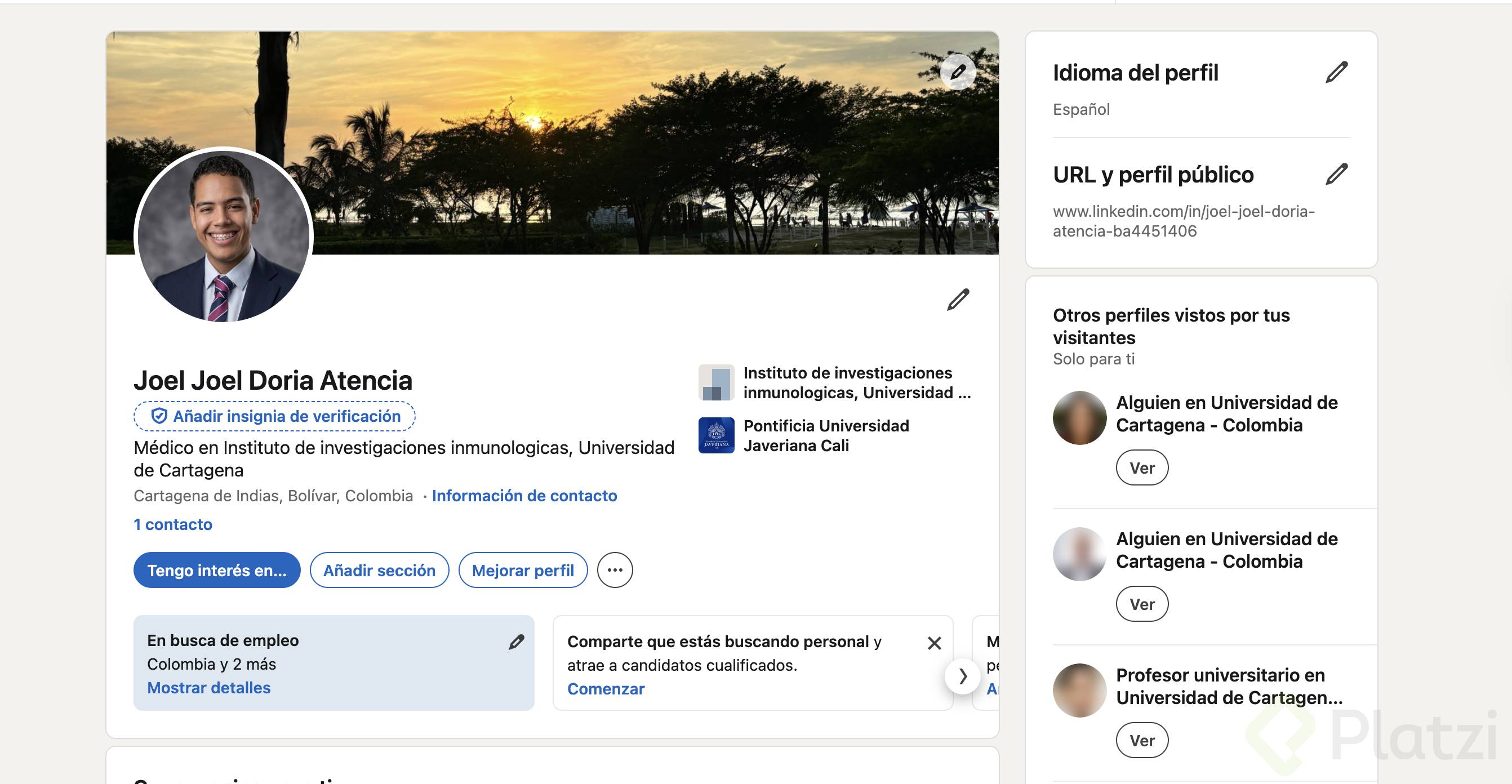
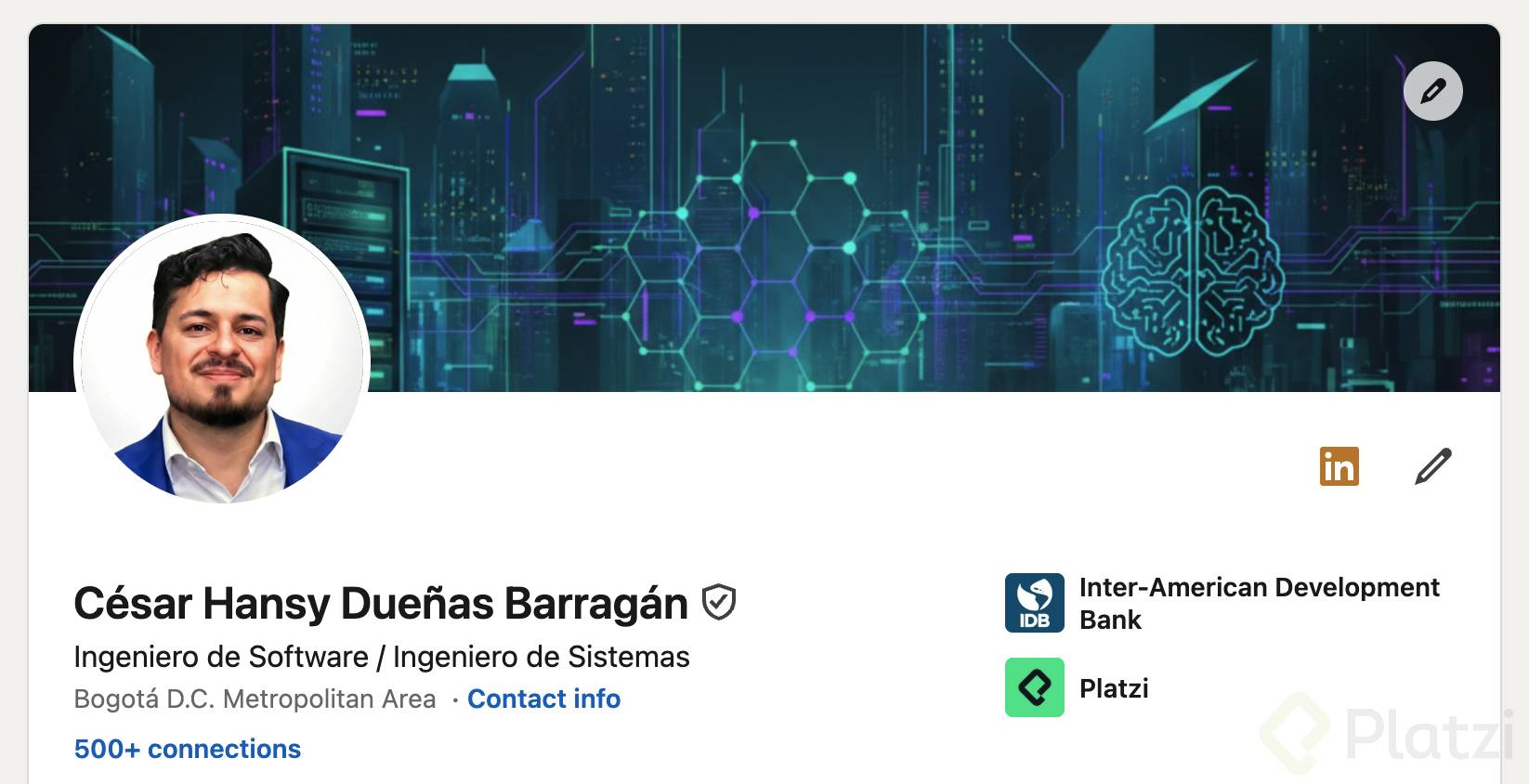
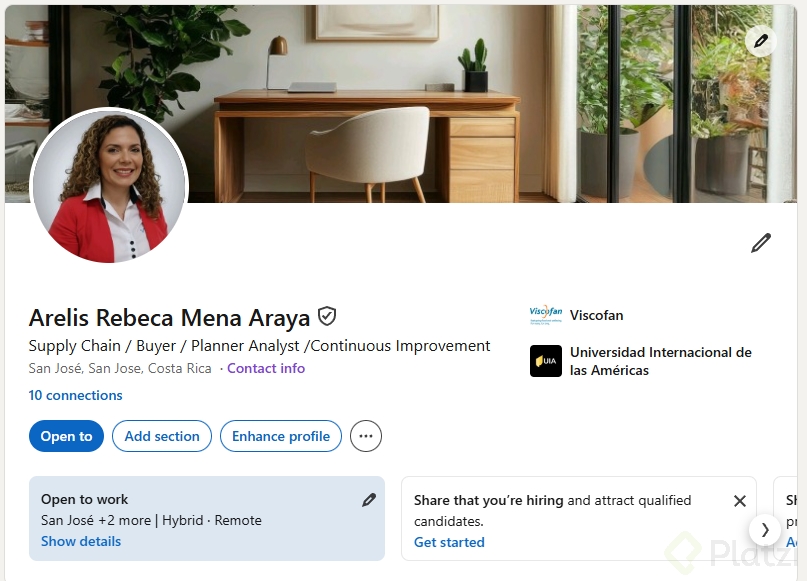
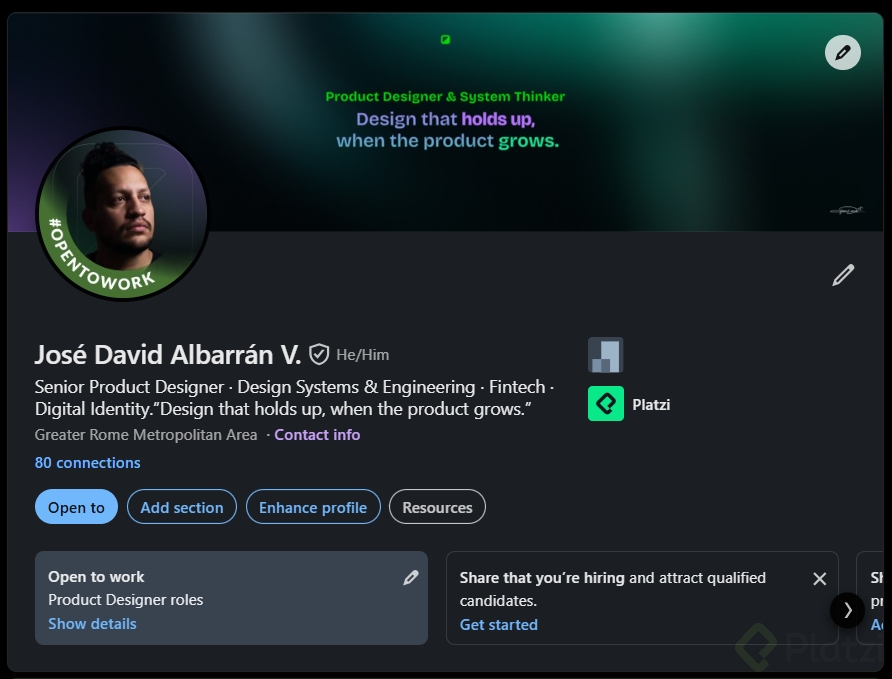
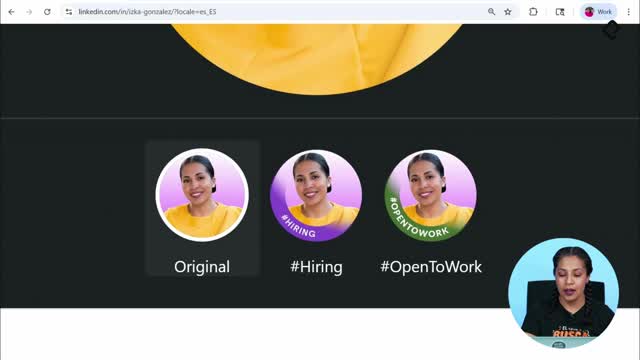
LinkedIn hosts more than 850 million people, and the platform is designed to show real humans, not avatars or distant landscapes. That is why your face needs to be visible, clear and recognizable inside the circular frame LinkedIn uses on every profile.
Think of that circle as a small stage. Whatever distracts from your face, like a busy background, another person next to you or a tilted angle, weakens the first impression you make on recruiters, clients or future collaborators.
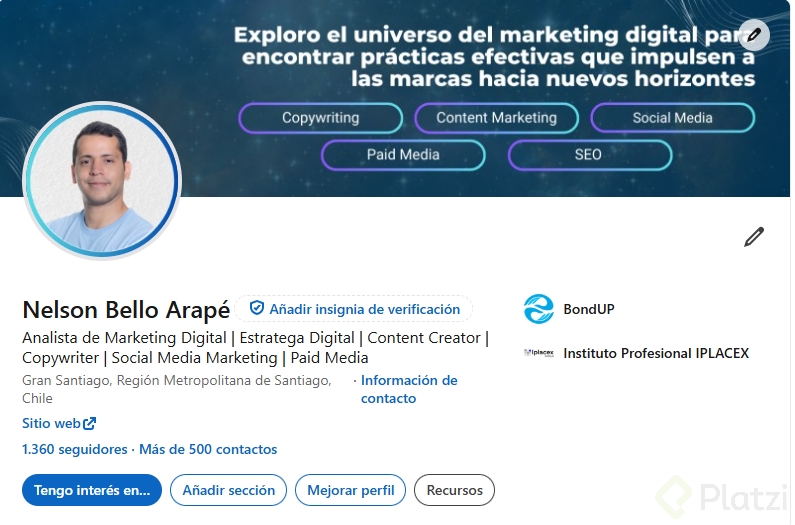
What counts as a professional photo on LinkedIn? A photo where your face fills about 60% of the circular frame, you appear alone, the background does not distract, and you look like yourself in a real working context.
What are the recommended size and format for your photo?
LinkedIn suggests uploading your picture at 400x400 pixels, which is the sweet spot to keep your face sharp inside the circular crop. You can shoot it directly with your computer or phone camera, or upload an image you already have saved.
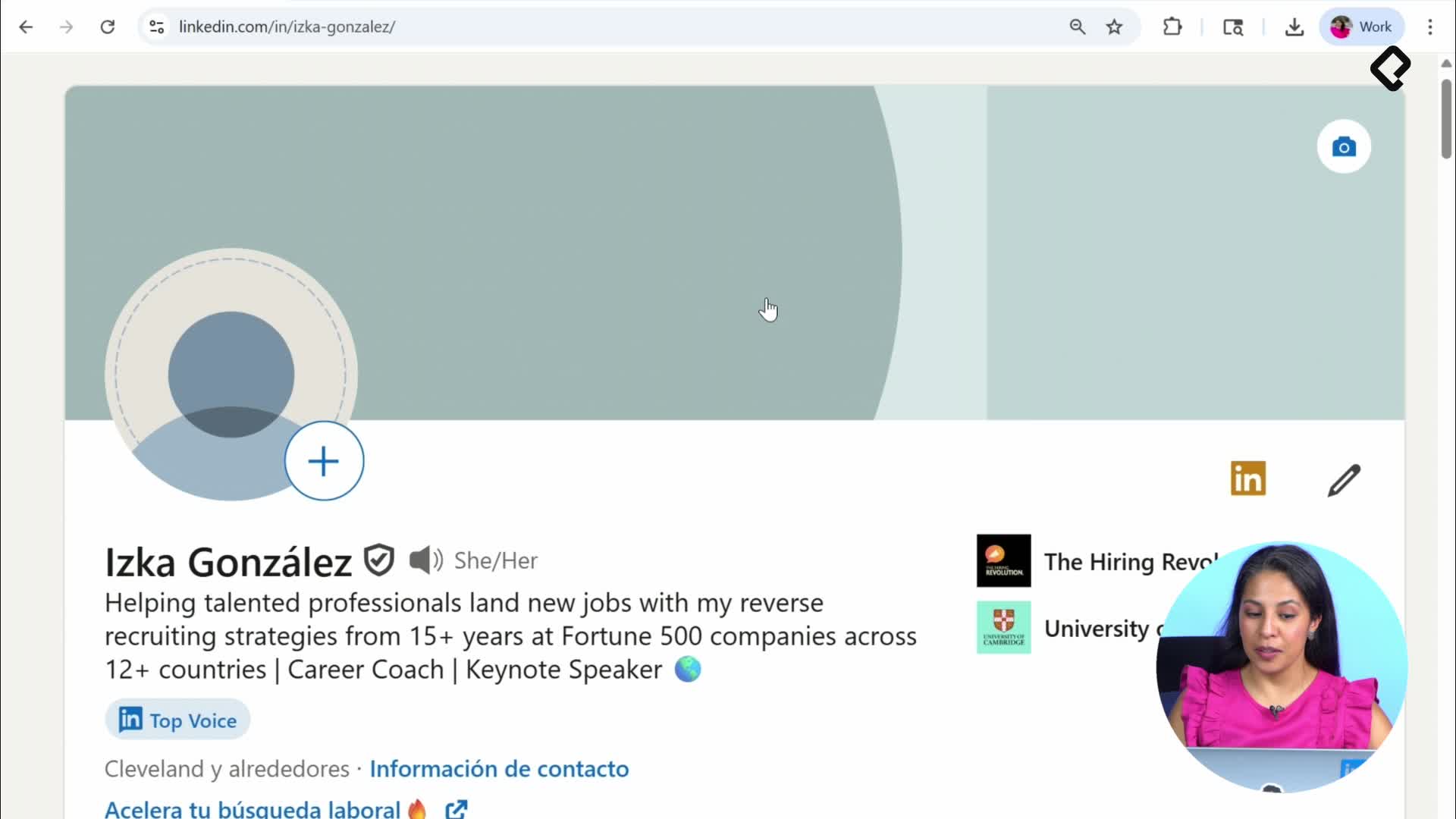
When you click the plus sign on your profile, LinkedIn even shows you reference examples. None of them are vacation pictures, graduation portraits or photos with pets. They are all clean, face forward shots that say this is the person behind this profile.
How do you center and crop your photo correctly?
Once you upload the image, LinkedIn opens its built in editor so you can adjust it before saving. Use these tools to get the framing right:
- Zoom in or out until your face takes up around 60% of the circle.
- Straighten the photo so it is not tilted or crooked.
- Center your face inside the frame, not pushed to one side.
- Apply a subtle filter or leave it original, depending on your style.
- Tweak brightness and contrast to balance the lighting.
A crooked or oversized photo hides exactly what the platform wants to show: you. Spend a minute fine tuning the crop before hitting save.
How can you upgrade your photo without being a designer?
If you already have a picture you love, you can polish it in Canva without any design background. Create a new 400x400 pixel canvas, upload your photo and start adjusting from there.
A practical example: a studio photo with a slightly blurred, neutral background already works for LinkedIn. But you can take it further by replacing the background with colors that represent your personal brand. That small change keeps the focus on your face while signaling your style and identity.
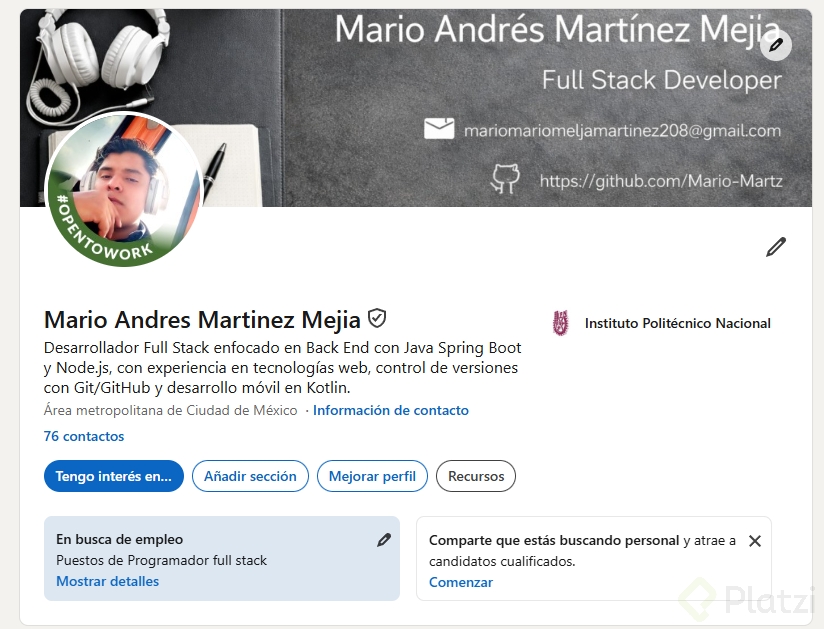
Do you need formal clothing for a LinkedIn photo? No. Wear what reflects your real work life. A tie works if your industry expects it, and a more relaxed look works if that is authentically you. The key is showing up as yourself.
What should you do before updating your picture?
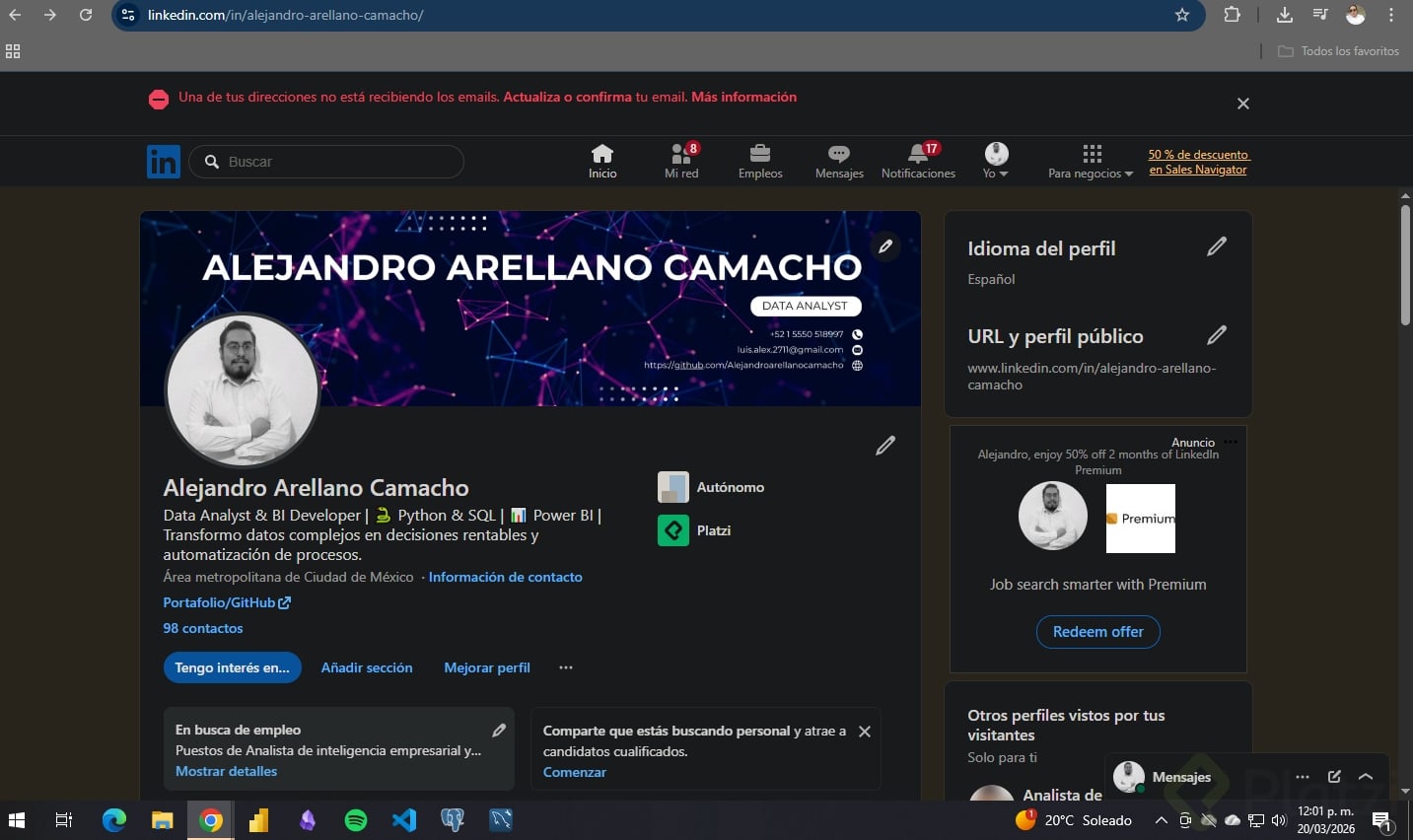
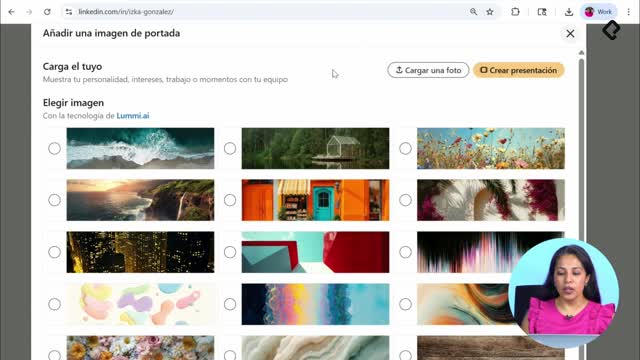
Before replacing your current photo, take a screenshot of your profile. It sounds small, but it lets you track how your page evolves as you apply each improvement, starting with the picture and continuing with the banner in the next step.
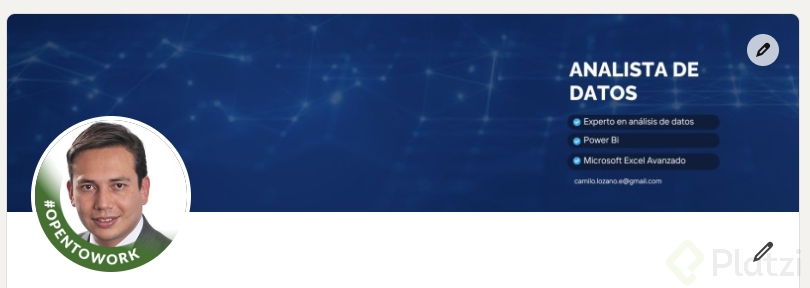
Your profile photo and your banner work as a visual pair, so once your face is dialed in, the next move is designing a banner that reinforces the same message. Have you already updated your photo? Share in the comments how the new version feels compared to the old one.