Contenido del curso


SEO and Narrative Structure
Strategic Networking

Content Creation and Engagement

Job Search Tactics
How LinkedIn Search Finds Your Next Opportunity
Resumen
Knowing how to search on LinkedIn is the difference between a passive profile and a network that actually moves you closer to your professional goals. Here you will learn how to use LinkedIn search, filters, and connection suggestions to find recruiters, companies, and key players who can open doors for you.
Why does your LinkedIn network matter more than your profile?
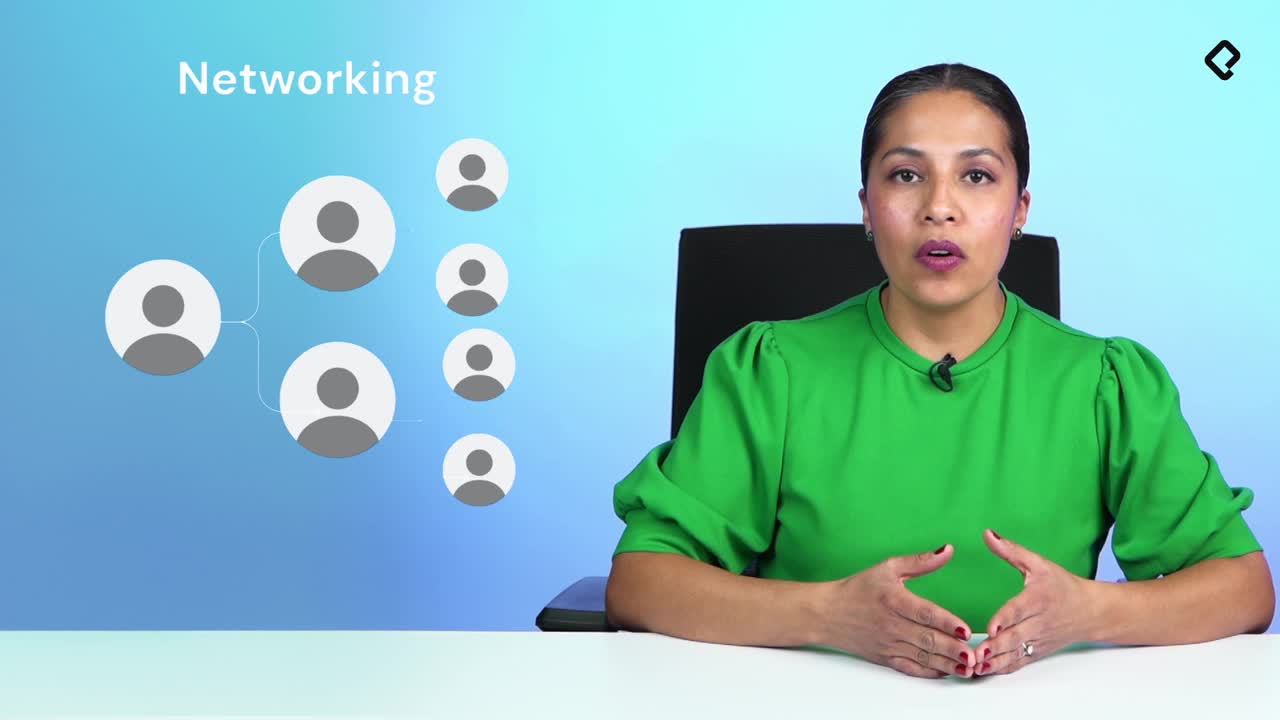
LinkedIn is a professional network, and the real power lives in your connections. Today you know someone, and that someone knows three more people who could be exactly the bridge to your next opportunity.
Think of it like a chain: you start with first degree contacts, the people you already know personally. Former colleagues, ex managers, classmates from university, even people you studied with in high school. From there, your network expands to second and third degree connections, jumping from one industry to another through every new conversation.
Pause for a second and do this exercise: identify three people in your current network who could realistically help you reach your professional goal. That short list is the starting point of every smart networking strategy.
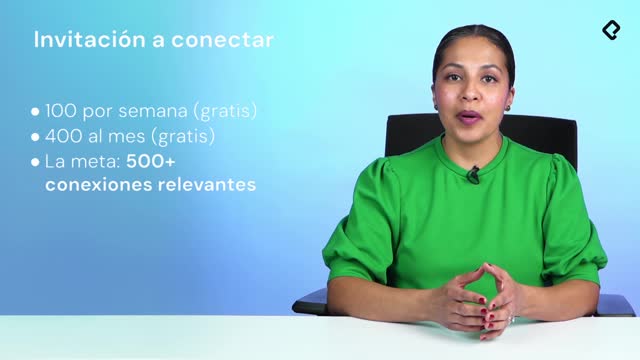
How many connections should I have on LinkedIn? LinkedIn recommends starting with 500 contacts and caps the limit at 30,000. Reaching 500 signals that your professional and academic experience is relevant.
How do I use the LinkedIn search bar and filters?
Next to the LinkedIn logo you will find the search box, and that tiny field is where most of the magic happens. You can search for people, companies, groups, posts, jobs, schools, courses, events, products, and services.
Let's say you are looking for a job in sales. One way to find opportunities is applying directly to listings, but another powerful path is finding members who are hiring even if they have not posted a formal vacancy yet. To do this, type something simple like sales and hiring. The connector and helps you combine ideas, but the recommendation from recruiters is to keep searches as simple as possible so you don't limit the engine.
Once you hit search, the famous LinkedIn filters appear at the top:
- Posts, to see what people are publishing about the topic.
- People, to find profiles that match your query.
- Jobs, for formal vacancies.
- Companies, groups, schools, courses, events, products, and services.
If you want to go deeper, refine the search. Interested in sales but only inside tech companies? Add that layer. Experiment with connectors, but remember the platform is moving toward natural, simple queries.
How do I find people who are hiring on LinkedIn?
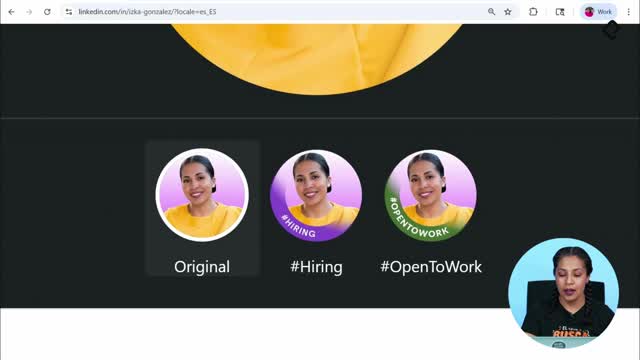
Switch to the People filter and look for profiles with the #hiring frame around their photo. That visual badge tells you instantly that the person is open to talent conversations.
If you have a Premium account, there is a specific filter that surfaces people who are hiring even faster. Test both options and see which one gives you cleaner results for your industry.
What does the #hiring frame mean on LinkedIn? It is a visual badge LinkedIn places around a profile picture to signal that the user is actively looking to hire. Spotting it saves you time when prospecting recruiters or hiring managers.
How does LinkedIn suggest new contacts to grow your network?
Click the My Network icon and LinkedIn opens a full dashboard: your current network, who you follow, who follows you, groups, events, pages, and newsletters. You can accept or reject pending invitations from there.
Scroll a bit further and you will find connection recommendations, the section most people ignore. These suggestions are powered by artificial intelligence, and the algorithm uses three main signals:
- Your recent activity and the topics you consume.
- The schools where you studied and the companies where you worked.
- The profiles you interact with through likes, comments, and messages.
This is exactly why having a clear professional goal matters from day one. Your goal defines what you search, what you consume, and who you connect with. The algorithm learns from those decisions and feeds you better matches over time.
How is artificial intelligence changing LinkedIn search?
LinkedIn is rolling out an AI powered people search that lets you ask questions in natural language, the same way you would talk to any AI assistant. Instead of stacking boolean operators, you can simply ask who can help you with a financial project, who could implement a specific norm, or who has experience launching a software process.
This test is currently live mainly in the United States, with plans to expand to other countries. Like any platform feature, it might evolve or change, but knowing it exists helps you prepare your profile today.
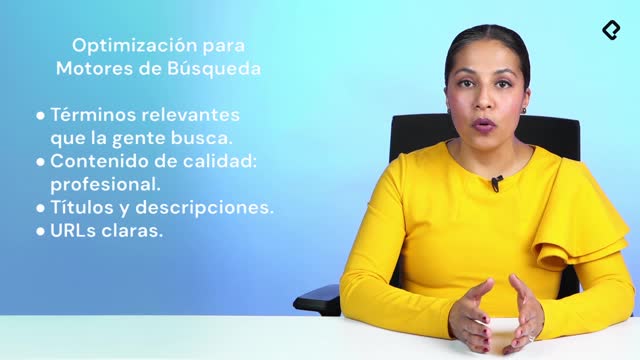
The practical implication is huge: every word in your headline, your about section, and your experience becomes a signal. If you are not clear about what you do, where you do it, and for whom, the AI will not surface you. Clarity is the new SEO inside LinkedIn.
What should I do right now with my three target contacts?
Go back to the three people you identified earlier. Open each of their profiles and review their networks. Look for second degree connections that could help you reach your professional goal, and send a personalized message or a connection invitation.
That single action, repeated consistently, is what turns a static profile into a living network. Tell me in the comments which strategy you are testing first.