Contenido del curso

SEO and Narrative Structure
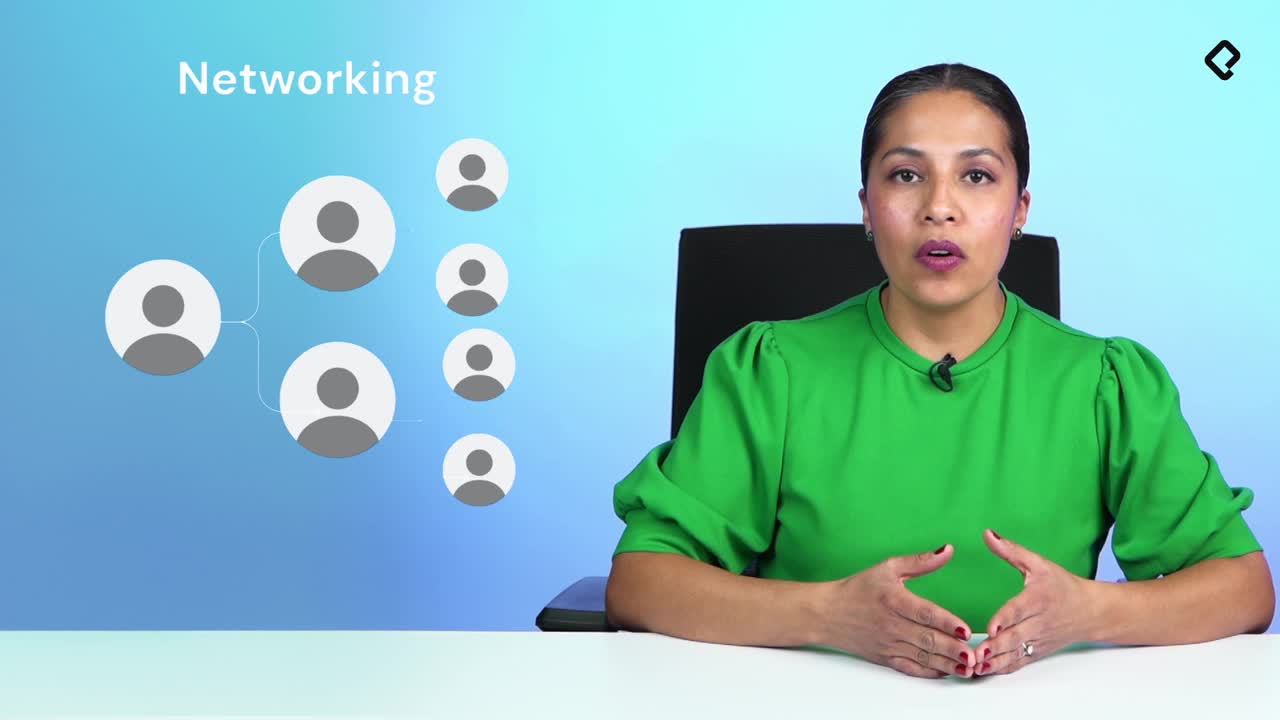
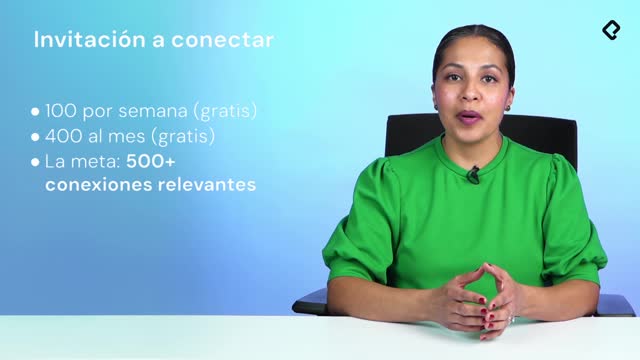
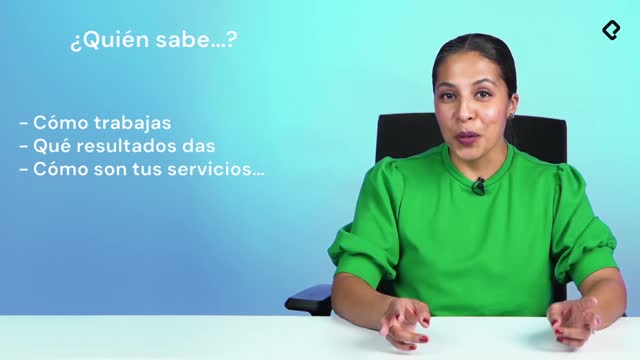
Strategic Networking
Content Creation and Engagement
Job Search Tactics
LinkedIn Profile Strategy That Gets You Hired
Resumen
If your LinkedIn feels like a CV pasted online instead of an opportunity engine, the problem is not your talent, it is your strategy. In a network of more than 850 million users, knowing how to optimize your LinkedIn profile is what turns visibility into real conversations, interviews, and offers.
Why does your LinkedIn profile fail to generate opportunities?
Most profiles underperform because they lack focus. LinkedIn does not only reward experience; it rewards who you interact with and how easy it is to find you. Before changing a single word, ask yourself a brutally honest question: what is this profile for?
- To change jobs.
- To grow in your current role.
- To re-enter the market after a career pause.
- To improve your networking.
When you answer that, every section of your profile starts pulling in the same direction. Without that clarity, even strong experience gets buried.
What is the main reason a LinkedIn profile underperforms? Lack of focus. If your profile is not aligned to a specific goal, recruiters and connections cannot tell what you are offering or what you are looking for.
What does a strategic LinkedIn profile actually look like?
A strategic profile is not about looking perfect. It is about looking trustworthy, current, and aligned to the role you want. That means treating every visible element as a signal.
How should you set up your photo, banner, headline, and URL?
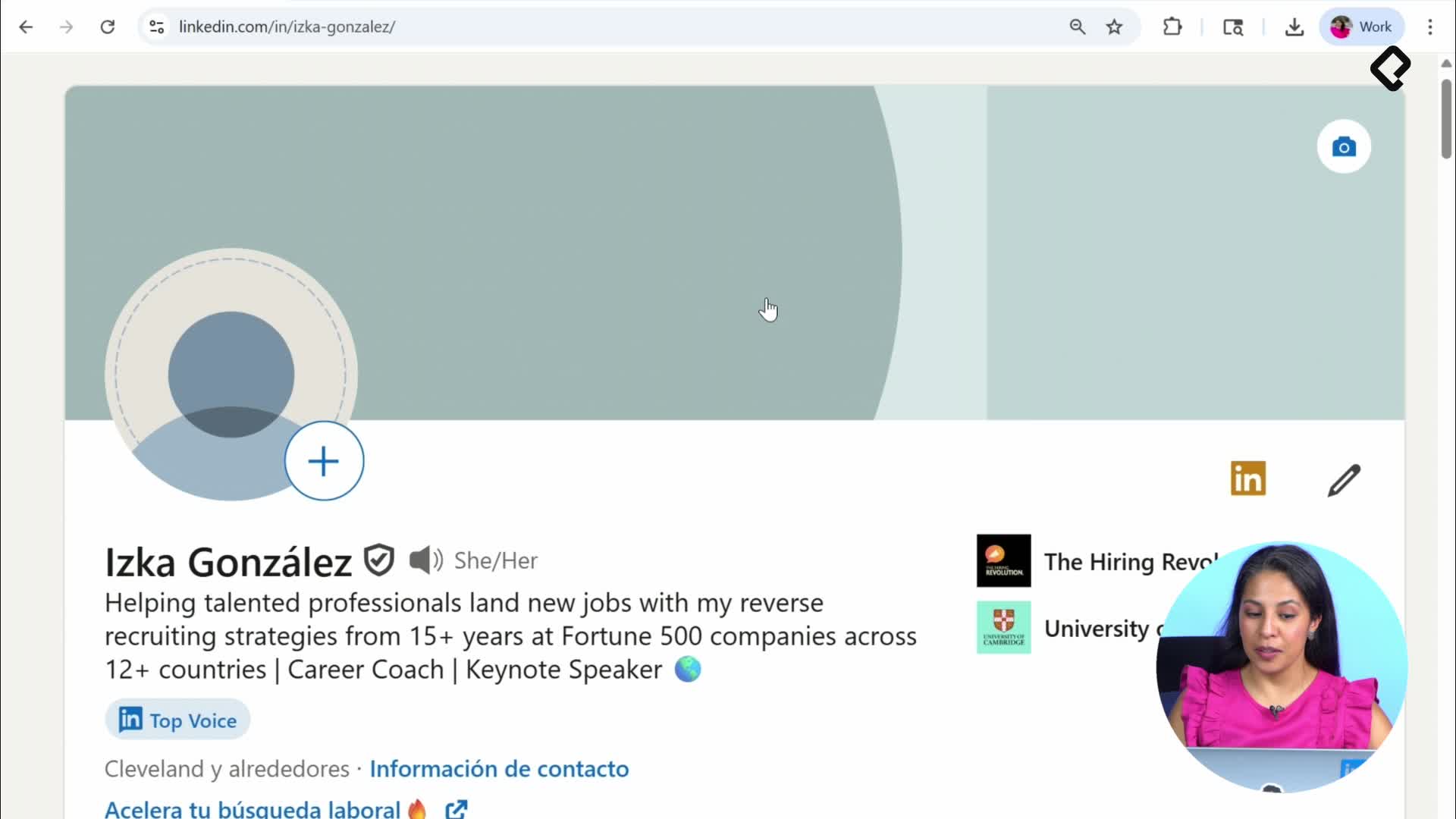
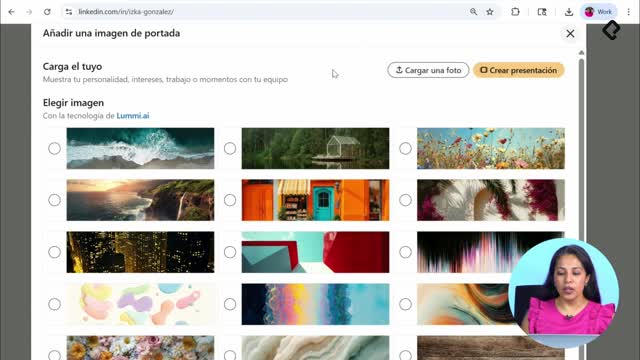
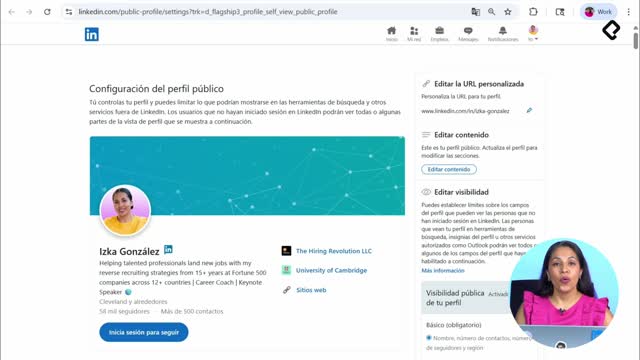
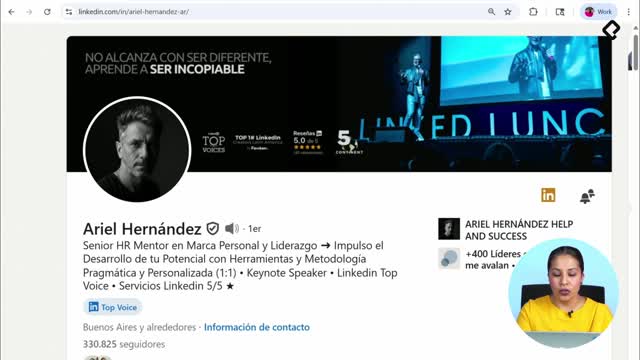
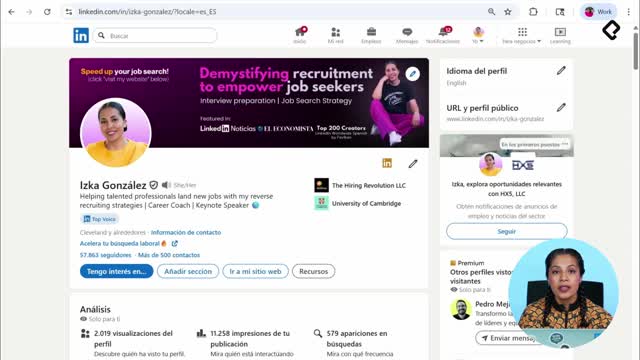
These are the first things anyone sees, and they shape the decision to keep reading. Your photo, banner, headline, and custom URL work together as your first impression. The goal is consistency: the visuals, the words, and the link should all point to the same professional identity.
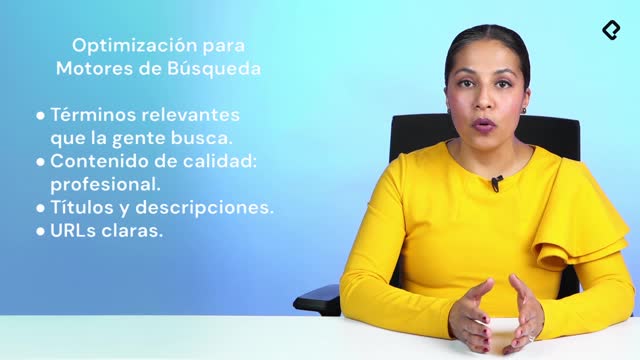
Beyond the obvious, there are basic settings most people ignore that quietly affect how often you appear in searches. Reviewing them is part of turning a static CV into a discoverable profile.
How do you write an effective About section on LinkedIn?
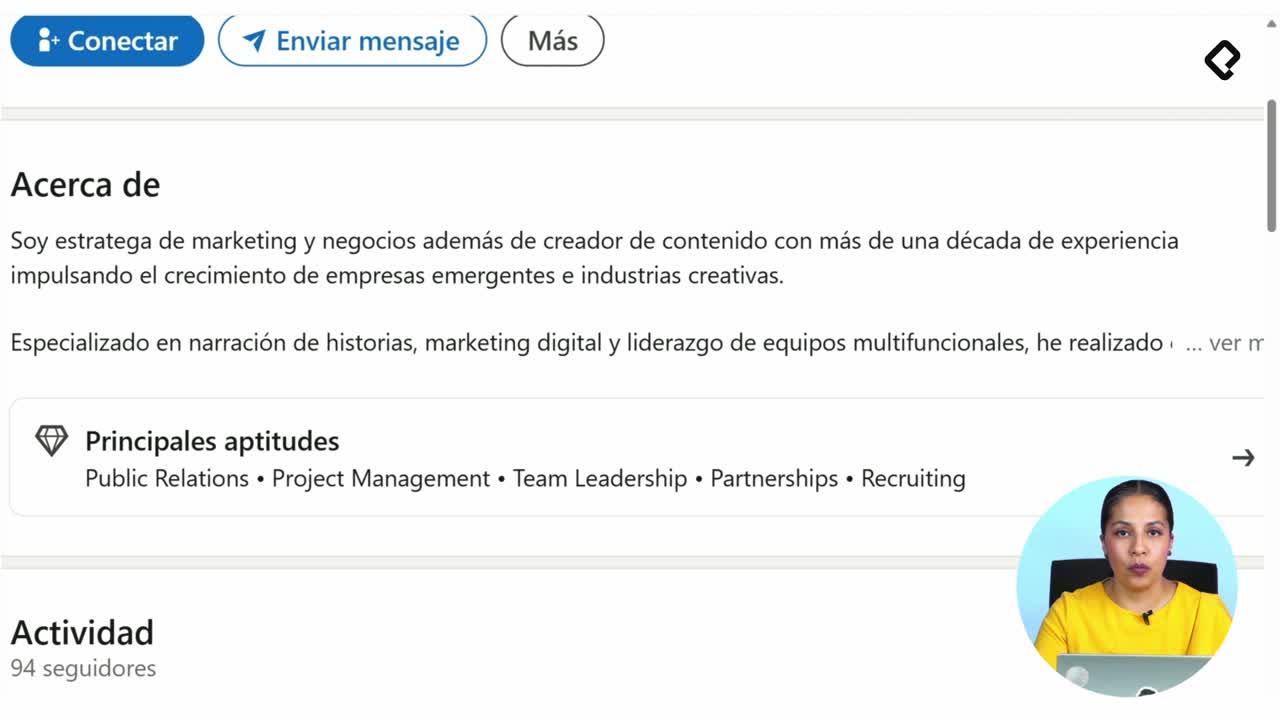
The About section gives you up to 2,600 characters, but the real game happens in the first 250 words visible in the top two lines. Those lines decide whether someone clicks See more or scrolls away.
Think of it as a hook. If the opening is sharp and clearly tied to your goal, the reader will follow you all the way to the last sentence. If it sounds generic, the other 2,300+ characters never get read.
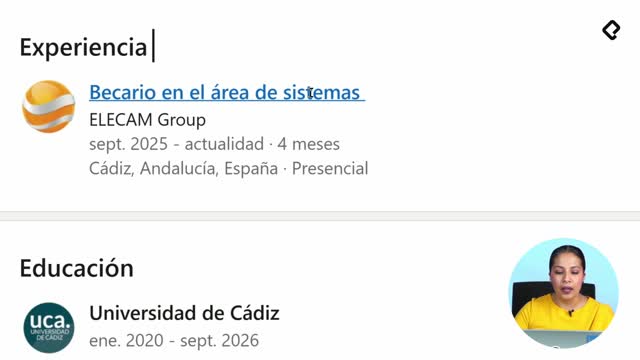
How do you turn your experience into evidence on LinkedIn?
What you did matters, but what you achieved is what the market actually buys. The shift from listing tasks to showing results is what separates a forgettable profile from one that generates messages.
If you think you do not have achievements, you probably do, you just have not framed them. Use this simple formula:
- Context: the situation or challenge you faced.
- Action: what you specifically did.
- Result: the measurable or visible outcome.
Applied to every role, this turns a job description into proof of value. Recruiters stop reading responsibilities and start reading impact.
How do you write achievements on LinkedIn if you think you have none? Use the context, action, and result formula. Describe the situation, what you did, and the outcome. That structure reveals achievements hidden inside everyday tasks.
Why are your skills the metadata of your LinkedIn profile?
Your skills section is not decoration. It works as search metadata: it tells LinkedIn when and where to show your profile. If your listed skills are not aligned with the role you want, you are essentially hiding, even with excellent recommendations backing you up.
Align each skill with your target role. Remove the ones that no longer represent where you are going. The cleaner the signal, the better the matches.
How do you search for jobs on LinkedIn without doing it blindly?
Searching well is a skill in itself. Instead of scrolling endlessly, use filters to narrow down positions, companies, and opportunities that fit your goal. Then reach out with human, personalized messages instead of copy-paste templates.
A personalized note looks more professional and increases your response rate, because it shows you actually read the other person's profile before writing.
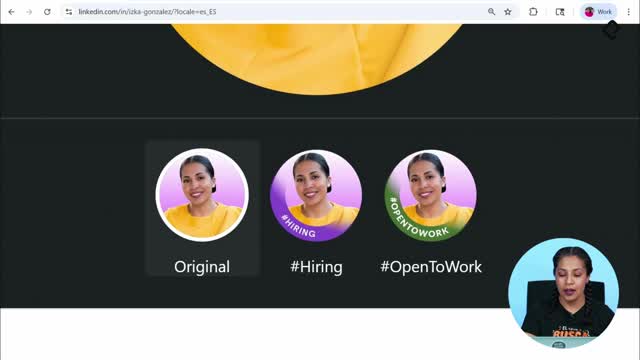
Should you use the Open to Work frame on LinkedIn?
The green Open to Work frame is one of the most debated features on the platform. Some see it as a clear signal to recruiters; others worry it looks desperate. The honest answer depends on your goal, your industry, and how visible you want your search to be.
The same applies to other job search tactics: there is no universal rule, only choices that match your strategy. Once you understand the trade-offs, you can decide with intention instead of fear, and increase your real chances of landing the role you want.
A practical challenge before you start: take a screenshot of your current profile and save it. When you finish applying these changes, compare the before and after. You will see it was never magic, it was strategy. Drop a comment with the biggest change you plan to make first.