Contenido del curso

SEO and Narrative Structure
Strategic Networking
Content Creation and Engagement
Job Search Tactics
How Comments Grow Your LinkedIn Network
Resumen
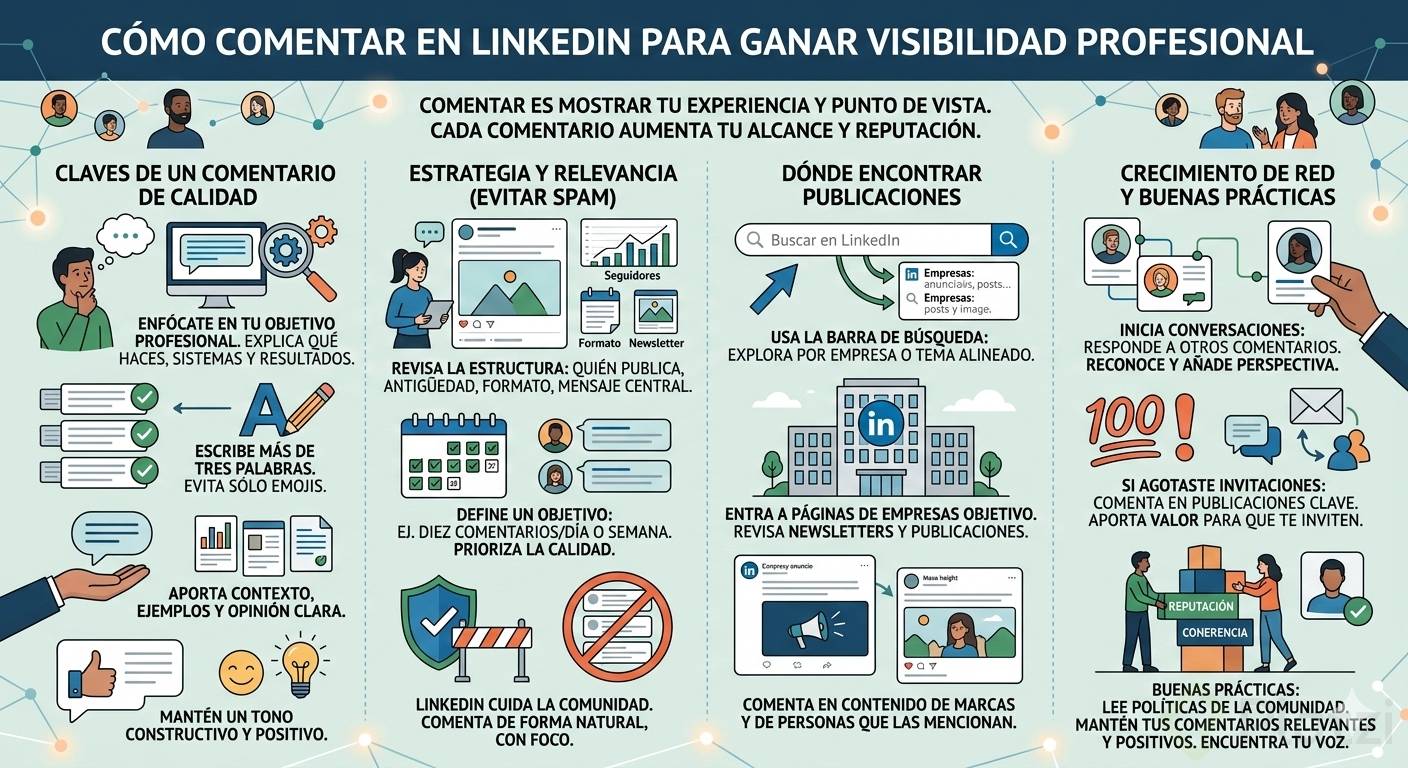
Commenting on LinkedIn is one of the most underrated ways to grow your professional presence, and learning how to comment on LinkedIn strategically can open doors to jobs, mentors and collaborators you would never reach otherwise. Unlike other social platforms, LinkedIn rewards thoughtful dialogue tied to your professional goal. If you want recruiters or peers to notice you, your comments are the fastest path.
Before you type your first reply, read LinkedIn's Professional Community Policies. Those guidelines set the tone for every interaction inside the platform and protect the quality of the conversations you want to be part of.
Why are comments the real networking on LinkedIn?
When you comment on a post, you are sharing your professional point of view, your experience and the unique angle that only you can offer about a topic, an industry or a tool.
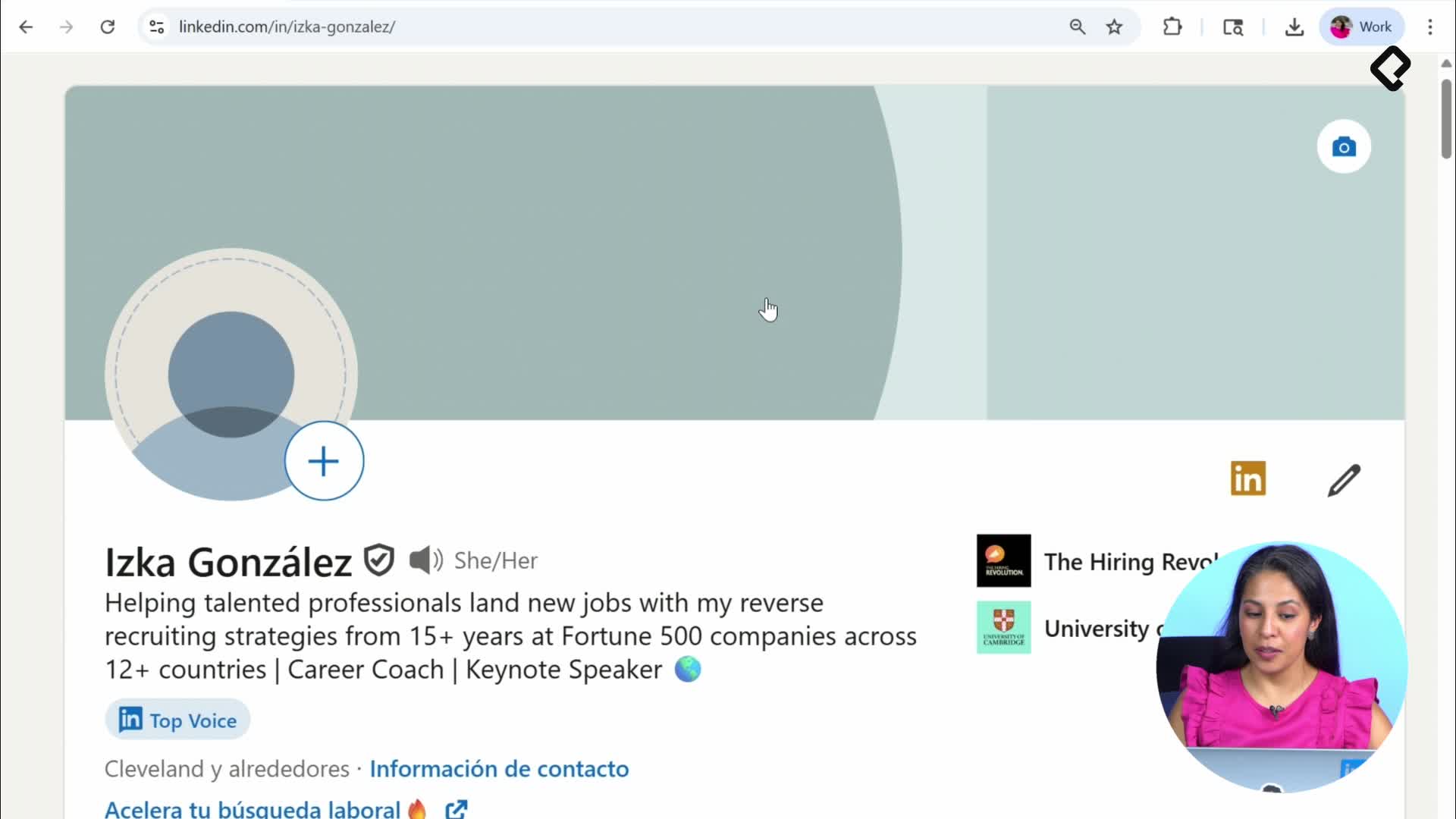
Think of it this way: everything you already described in your profile, the software you use, the systems you know, the results you have delivered, becomes raw material for valuable comments. Your background is your edge.
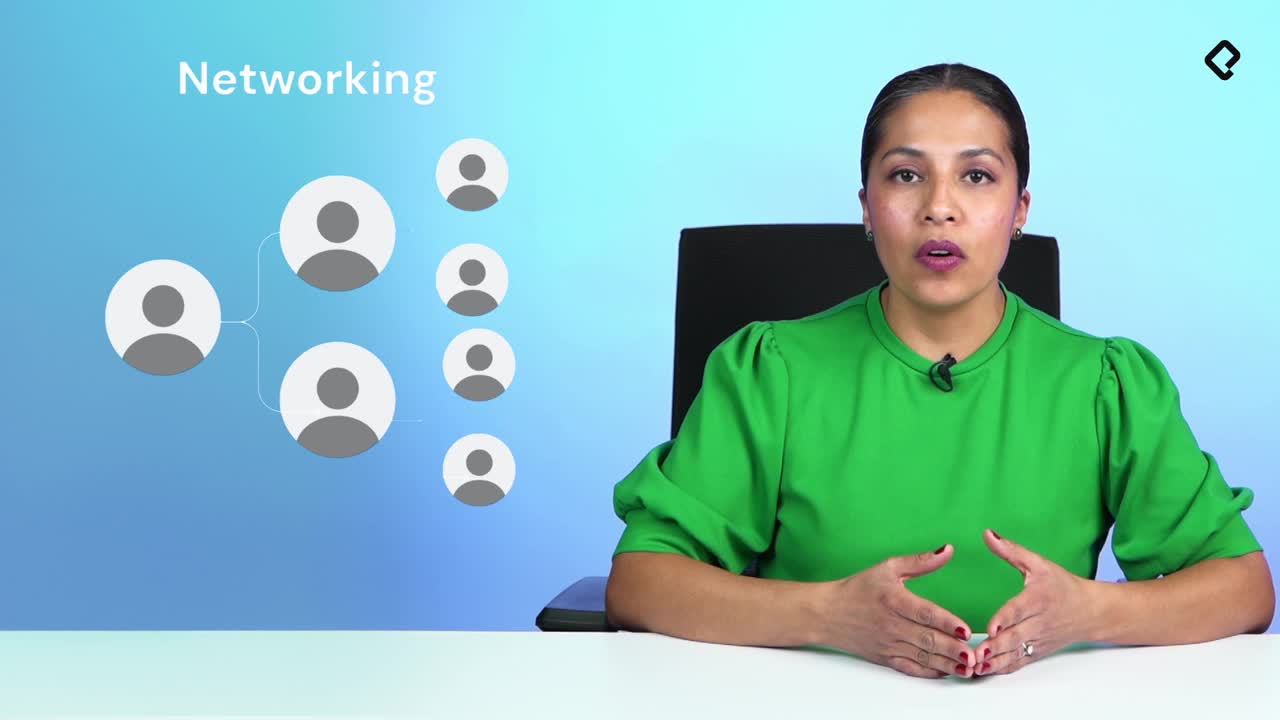
And here is the interesting part. Comments make you visible. Every time you comment, a notification reaches your network, and the post author plus other readers get exposed to your voice. That is real networking happening in public.
What counts as a good LinkedIn comment? A comment longer than three words, written in full sentences, that adds your perspective or experience to the conversation. Two emojis communicate, but they rarely create connection.
How do I find posts worth commenting on?
Start with your professional goal. If you are looking for a job at a specific company, say Platzi, type the company name in the search bar and explore the available content: the company page, its newsletter and recent posts.
From there you can:
- Comment directly on posts published by the company.
- Reply to other professionals who already commented on those posts.
- Engage with employees who share content related to that company.
Does the post need to be brand new? Not really. LinkedIn now highlights professional content that stays relevant, so you will see posts from two weeks ago in your feed. Newsletters and articles from years ago still receive comments because of their professional value. Quality matters more than freshness.
How should I structure a comment that stands out?
Before writing, read the full post and review every image or slide if it is a carousel. Then ask yourself what you can genuinely add.
A strong comment usually includes:
- A reaction tied to your real experience with the topic.
- A specific detail, tool or result you can share.
- An invitation to keep the conversation going.
For example, on a Platzi post about Excel tips you could write that you are currently taking that Excel course, mention how many courses you have completed and share what stood out to you. That kind of reply feels human and shows your professional journey.
How do I start commenting if I feel stuck? Begin with how the post made you feel or what it reminded you of in your work. Authenticity beats any template, and your tone should match LinkedIn's professional community guidelines.
How often should I comment on LinkedIn?
There is no official limit on the number of comments you can leave, but LinkedIn protects its community against anything that looks like spam. The smart move is to set your own rhythm.
A simple goal works well: aim for around 10 comments per day or 10 per week, depending on your bandwidth. What matters is that every comment connects to your professional goal and feels natural, not mass produced.
What if I ran out of weekly invitations?
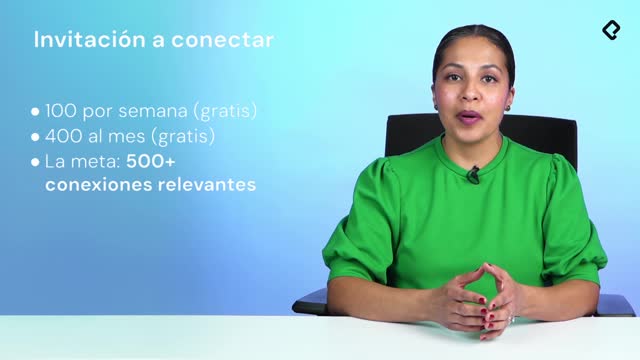
LinkedIn's free account gives you up to 100 connection invitations per week to people you do not know. Once you hit that ceiling, commenting becomes your best alternative to keep growing your network.
When you reply to someone with a thoughtful observation, you often trigger the opposite effect: that person sends you the invitation. You are literally one comment away from a new professional contact.
Reply to other commenters too. Clicking Reply on someone else's comment starts a fresh conversation thread, and that is how you connect with people who share your interests even without a prior invitation.
How can I find my own commenting voice?
Look at examples of natural interactions inside posts you admire. Notice how people respond, what they share and how they tie the topic back to their own story. Use those examples as inspiration, not as scripts.
Little by little you will discover your voice: the angle, the tone and the kind of insight that only you bring to a conversation. That voice is what turns a random comment into a memorable one.
Now that you know how comments boost your visibility, the next step is creating your own content on LinkedIn. Tell me in the comments below: what is the first post you plan to engage with this week?