Contenido del curso
Conceptos basicos de MCP
- 5
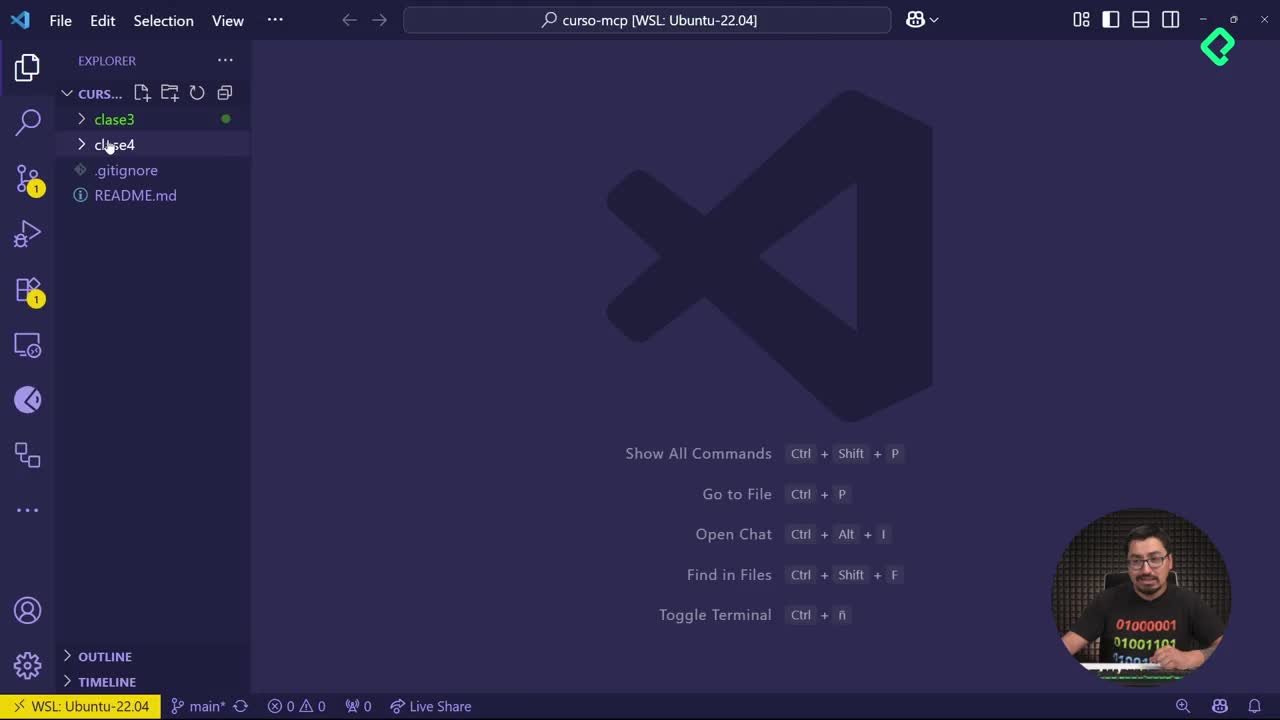
Four Core Blocks of Every MCP Server
05:47 min - 6
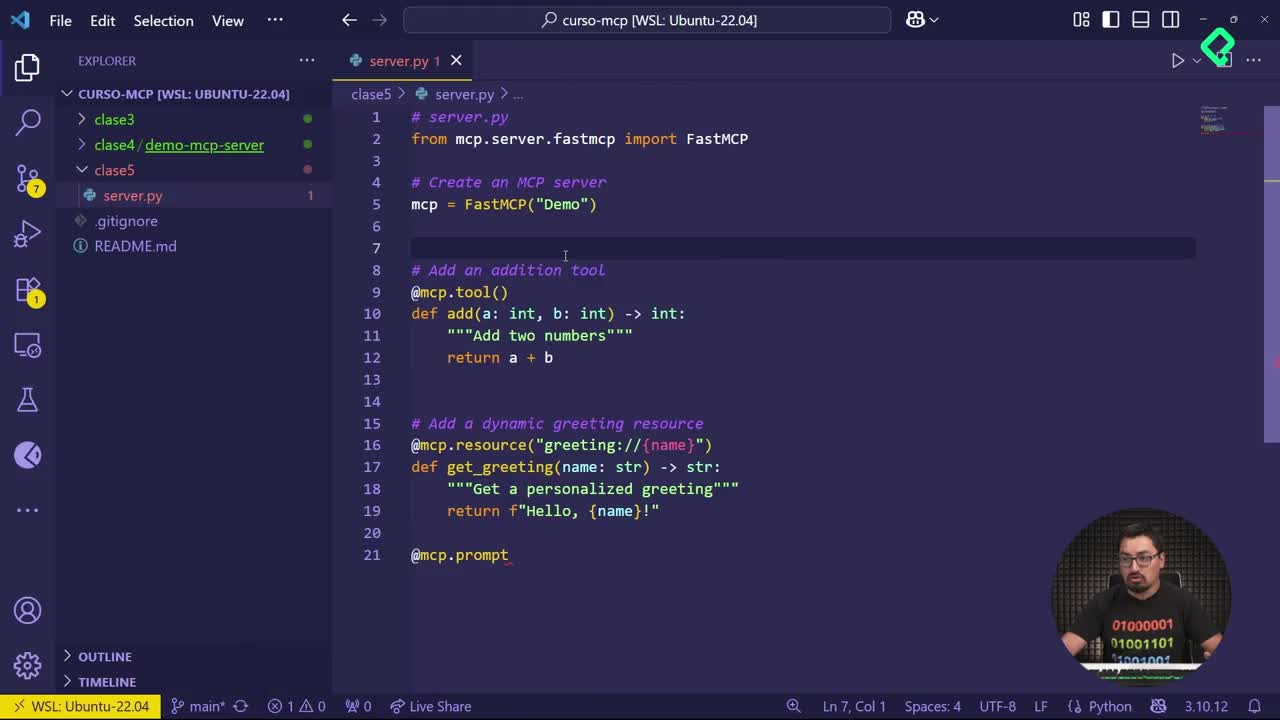
Building an MCP Client That Talks to Your Server
07:18 min - 7
Adding an LLM to Your MCP Client
11:38 min - 8
STDIO vs SSE in MCP Servers
05:44 min - 9
LLM Connected to a Local MCP Server
11:14 min - 10
Testing MCP Servers Without a Browser
08:53 min - 11
Deploying an MCP Server to Azure Container Apps
09:39 min - 12
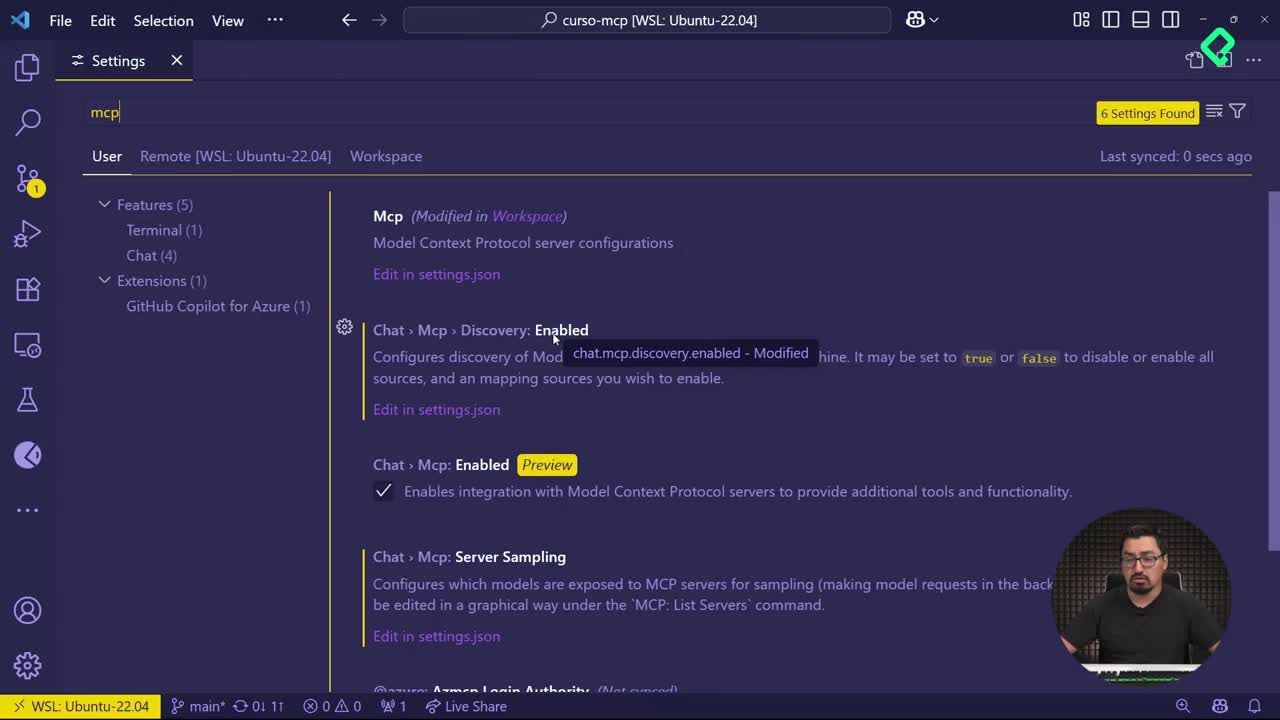
Using MCP Servers in VS Code Agent Mode
09:52 min
MCP avanzado
- 13
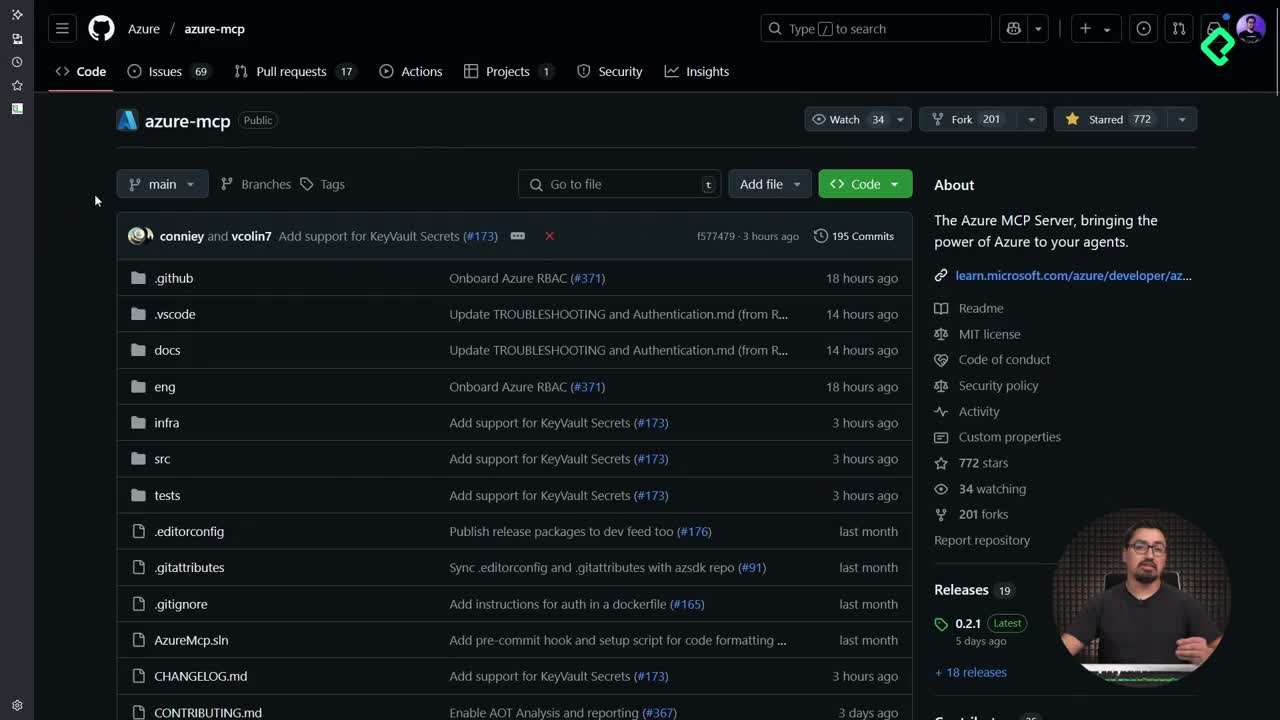
Query Azure Resources Directly From VS Code
06:46 min - 14
Herramientas avanzadas de MCP para optimizar servidores y seguridad
03:53 min - 15
GPT-4 Reading Local Files via MCP Server
14:09 min - 16
Image Brightness Analysis with MCP and NumPy
09:48 min - 17
How MCP Agents Remember Conversations
05:01 min - 18
Enrutamiento de herramientas con MCP Server
09:19 min
Integrando tu MCP con un agente
Building a Web Search MCP Server with SERP API

Resumen
Building a web search MCP server turns everything you have learned about the Model Context Protocol into a real, useful product. You will connect a Python server to SERP API, expose a search tool, and add proper logging so you can see what works and what breaks. This guide is for developers who already understand MCP basics and want a practical project to ship.
What do you need before coding the MCP server?
Before writing a single line, set up the external service that powers the search.
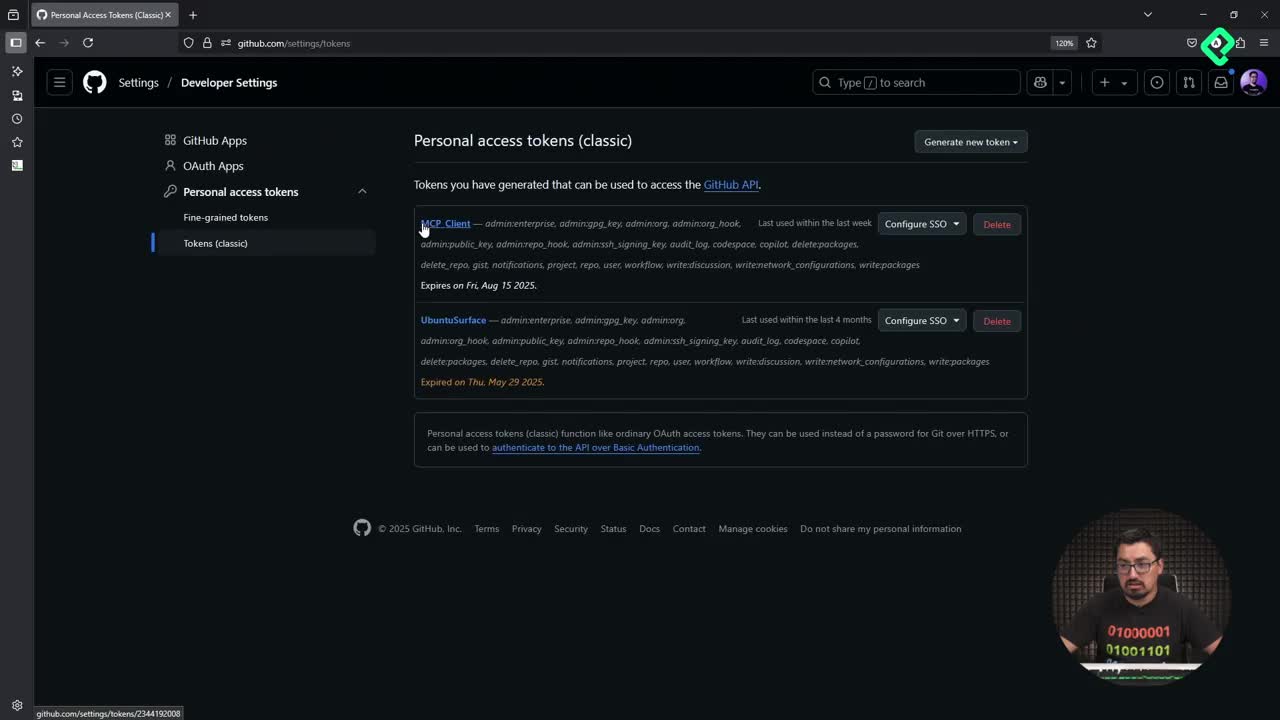
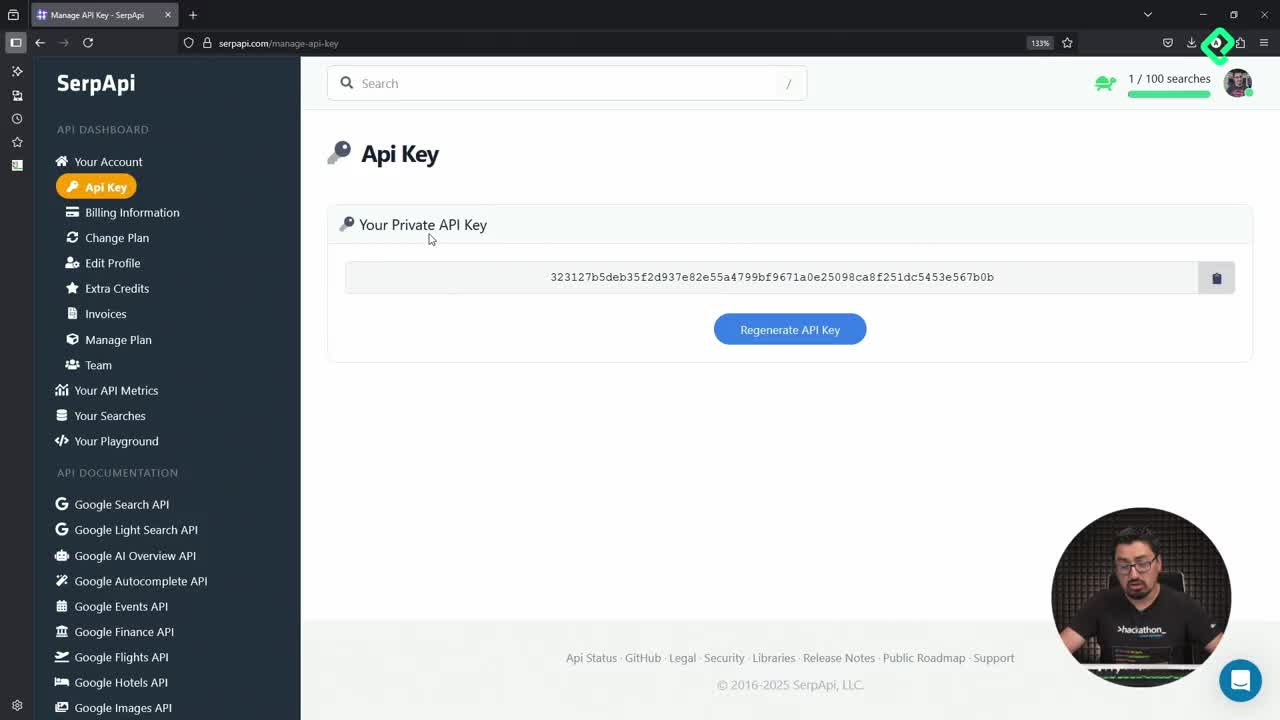
- A free SERP API account, created with GitHub, Gmail, a phone number, and an email.
- The API key from the API key section of your SERP API dashboard.
- Visual Studio Code or any editor you prefer, plus Python ready to run MCP projects.
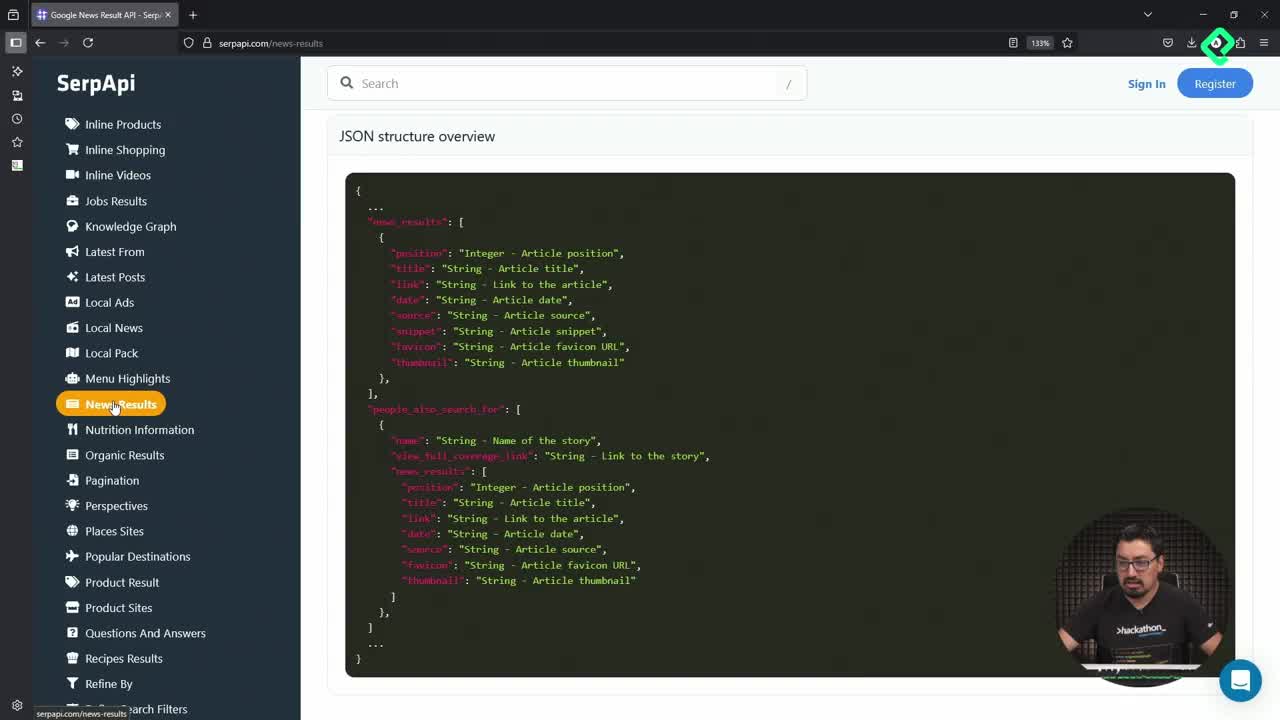
What is SERP API? It is a service that lets you query Google and other search engines through a simple HTTP request, returning structured JSON results you can plug into your own apps.
Once you copy the key, treat it like a password even if it leaks in a tutorial. You can rotate it with one click from the dashboard, so exposure is recoverable.
How do you structure the project files?
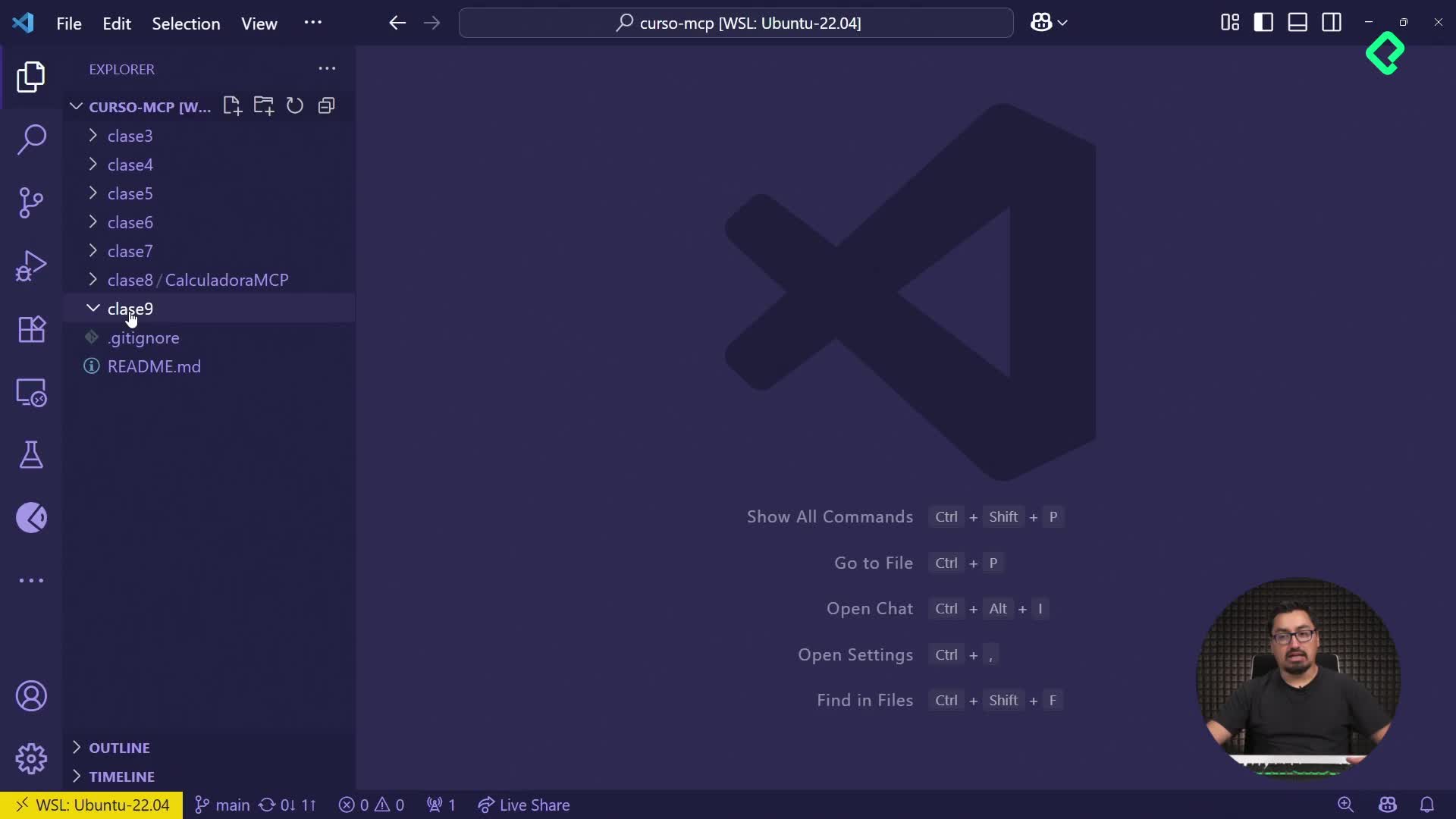
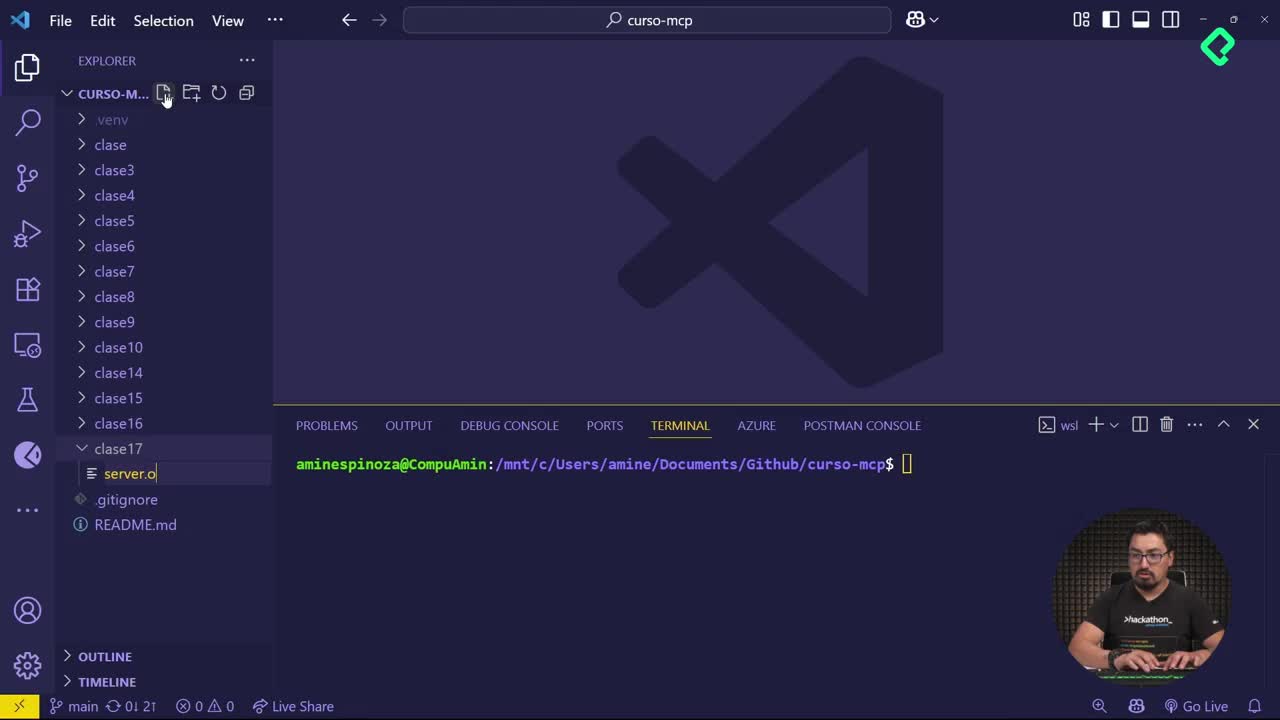
Inside a new folder called clase 18, create three files that keep secrets and code separated.
.envwith the lineSERP_API_KEY="your-key-here"..env-samplewith the same variable but without the real value, so anyone cloning your repo knows what to fill in.server.pywhere the MCP logic lives.
The .env-sample trick matters more than it seems. It documents your configuration without leaking credentials, and it is the difference between a hobby script and a project someone else can actually run.
Which imports power the server?
In server.py you bring in everything the server needs to read config, talk to SERP API, and report what is happening.
osto read environment variables.jsonandhttpxto format payloads and perform HTTP requests.load_dotenvfrom python-dotenv to load the.envfile.MCP Server Fast(FastMCP) to expose tools through the Model Context Protocol.loggingto trace every relevant event.
Observability is non negotiable in AI systems. With clear logs you can tell which tool failed, which query returned nothing, and which path is slowing the agent down.
How do you configure the FastMCP web search server?
After the imports, call load_dotenv() and pull SERP_API_KEY from the environment. If the key is missing, raise an error immediately so the server never starts in a broken state.
Then define three constants that govern how the server behaves:
- The base URL of SERP API, which is fixed and should not change.
- A timeout for the request, so a slow response does not freeze your agent.
- A maximum number of results, kept low because you are on the free tier.
With that, instantiate FastMCP("Web Search Server"). This object is the one that will register tools and handle the MCP protocol for you.
Why log everything in an MCP server? Because AI systems fail in silent, weird ways. Logs tell you whether the model called the wrong tool, the API timed out, or the query returned zero results, which is the only way to improve the system over time.
How do you implement the SERP API request function?
Create a helper called make_serpapi_request that centralizes the HTTP call. It receives the parameters of the search, injects the API key, and handles every failure path you can imagine.
A solid implementation covers:
- A successful response parsed as JSON.
- A timeout that returns a controlled error message.
- An HTTP error from SERP API mapped to a readable message.
- A JSON decoding error in case the payload is malformed.
If you have built REST APIs before, this pattern will feel familiar. There is one happy path and roughly twenty five thousand ways things can go wrong, and your job is to make each failure visible instead of cryptic.
Why write the documentation in English?
For learning oriented MCP servers, Spanish is fine because the audience is the student. For a project you treat as real, English widens the audience. You do not know if the next user speaks English, Spanish, or just enough of either to get by, so writing tools and docstrings in English, or in both languages, makes the server portable.
How do you expose the General Search tool?
Register the first tool with the FastMCP decorator and call it general_search. Its job is simple: run a generic web search, the way you would type a query into Google.
The tool accepts three inputs:
query, the search string the agent wants to run.num_results, defaulted to 5 to respect the free tier.ctx, the root context of the MCP request, which lets you accumulate state across calls.
Inside the tool, build the parameter dictionary, include the API key, and call make_serpapi_request. If the response has no results, return a clear message saying nothing was found. If it has results, format each one so the model can read titles, links, and snippets without parsing raw JSON.
The context parameter is what makes successive searches smarter. You can store previous queries or results there, so the agent does not repeat itself and can build on what it already learned.
How do you test the MCP server with the inspector?
Open the terminal, move into the project folder, and launch the MCP inspector pointing at server.py. Once the inspector loads, hit connect, open the tools panel, and you should see general_search listed and ready to call.
From there you can run a test query, watch the logs in your terminal, and confirm that the SERP API key, the timeout, and the result formatting all behave as expected. This is the moment where the project stops being theory and starts being a tool you can plug into any MCP compatible client.
In the next step you will add more tools, like specialized searches for news or images, to turn this into a truly versatile web search server. What other search tools would you add first? Drop your ideas in the comments.