Contenido del curso
Conceptos basicos de MCP
- 5
Four Core Blocks of Every MCP Server
05:47 min - 6
Building an MCP Client That Talks to Your Server
Viendo ahora - 7
Adding an LLM to Your MCP Client
11:38 min - 8
STDIO vs SSE in MCP Servers
05:44 min - 9
LLM Connected to a Local MCP Server
11:14 min - 10
Testing MCP Servers Without a Browser
08:53 min - 11

Deploying an MCP Server to Azure Container Apps
09:39 min - 12
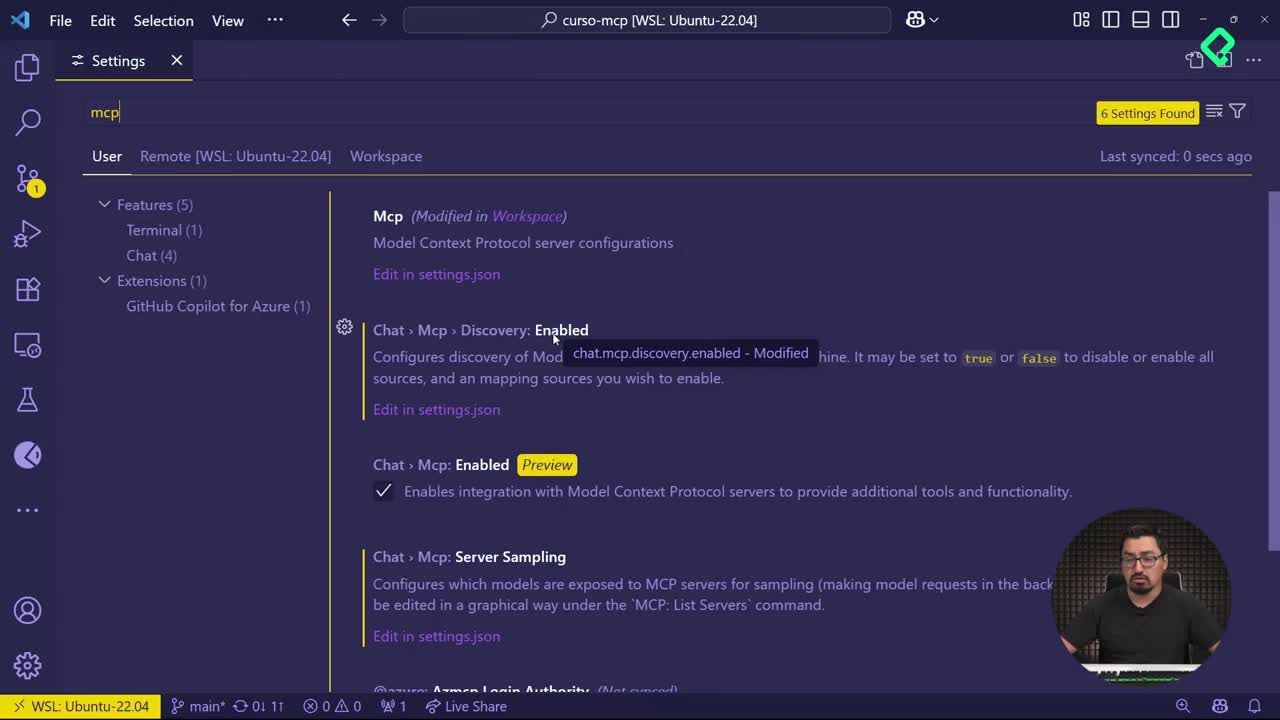
Using MCP Servers in VS Code Agent Mode
09:52 min
MCP avanzado
- 13
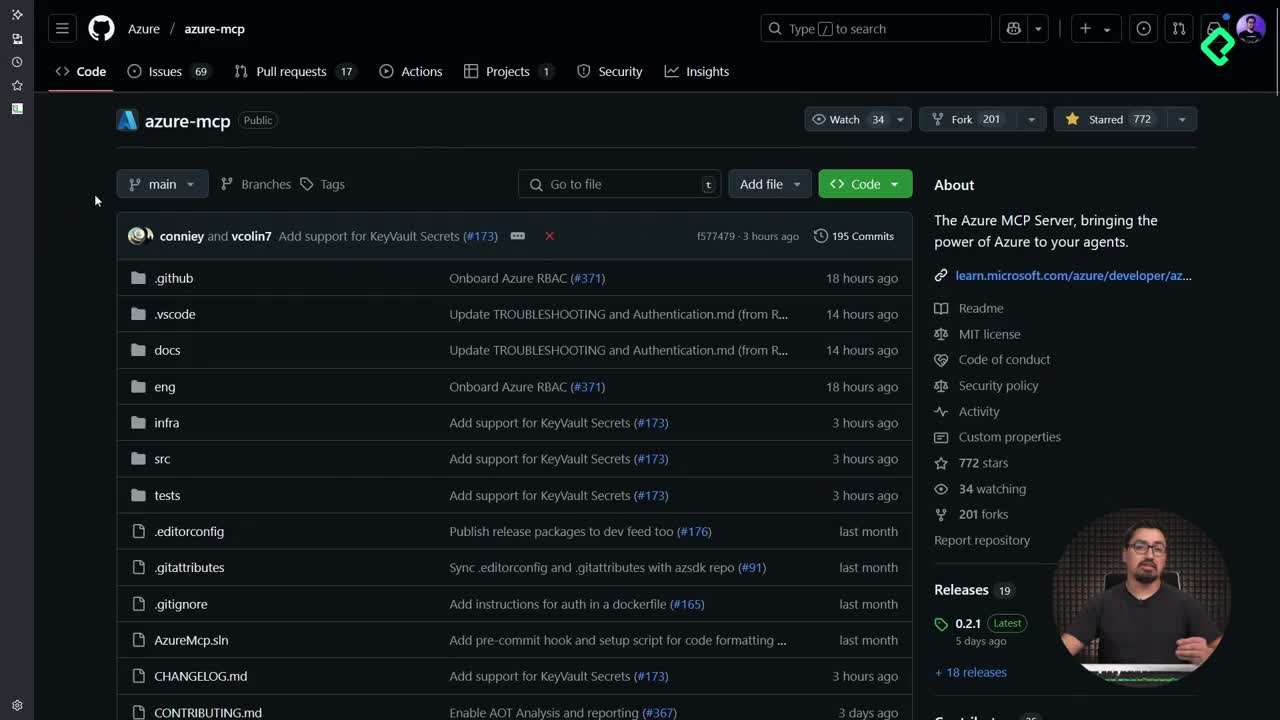
Query Azure Resources Directly From VS Code
06:46 min - 14
Herramientas avanzadas de MCP para optimizar servidores y seguridad
03:53 min - 15
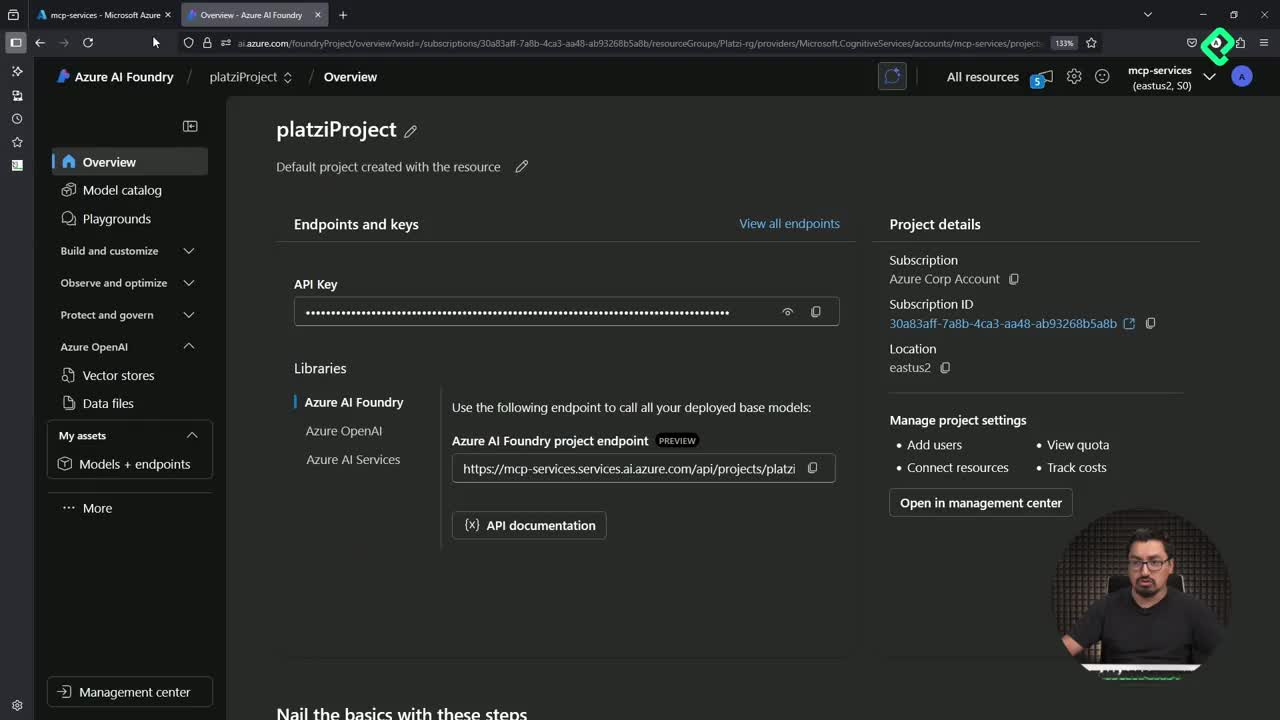
GPT-4 Reading Local Files via MCP Server
14:09 min - 16
Image Brightness Analysis with MCP and NumPy
09:48 min - 17
How MCP Agents Remember Conversations
05:01 min - 18
Enrutamiento de herramientas con MCP Server
09:19 min
Integrando tu MCP con un agente
Building an MCP Client That Talks to Your Server

Resumen
Building an MCP client in Python lets you consume the resources and tools that an MCP server exposes, closing the loop between both halves of the protocol. You will learn how to initialize a client session, list available resources and tools, and invoke them directly from your terminal, all without manually starting the server.
What is an MCP client and why does it matter?
The client is the counterpart of the server: while the server exposes capabilities, the client consumes them. Once you have a server with at least one tool and one resource implemented, the client becomes the piece that lets you query, read, and execute everything the server offers.
What is an MCP client? It is a program that opens a communication session with an MCP server, lists its resources and tools, and calls them on demand. You do not need to start the server separately, the client handles that.
The interesting part is that the server does not speak human. It returns structured responses that need a client to interpret and present them in a friendly way to the end user.
How do you set up the project structure for the client?
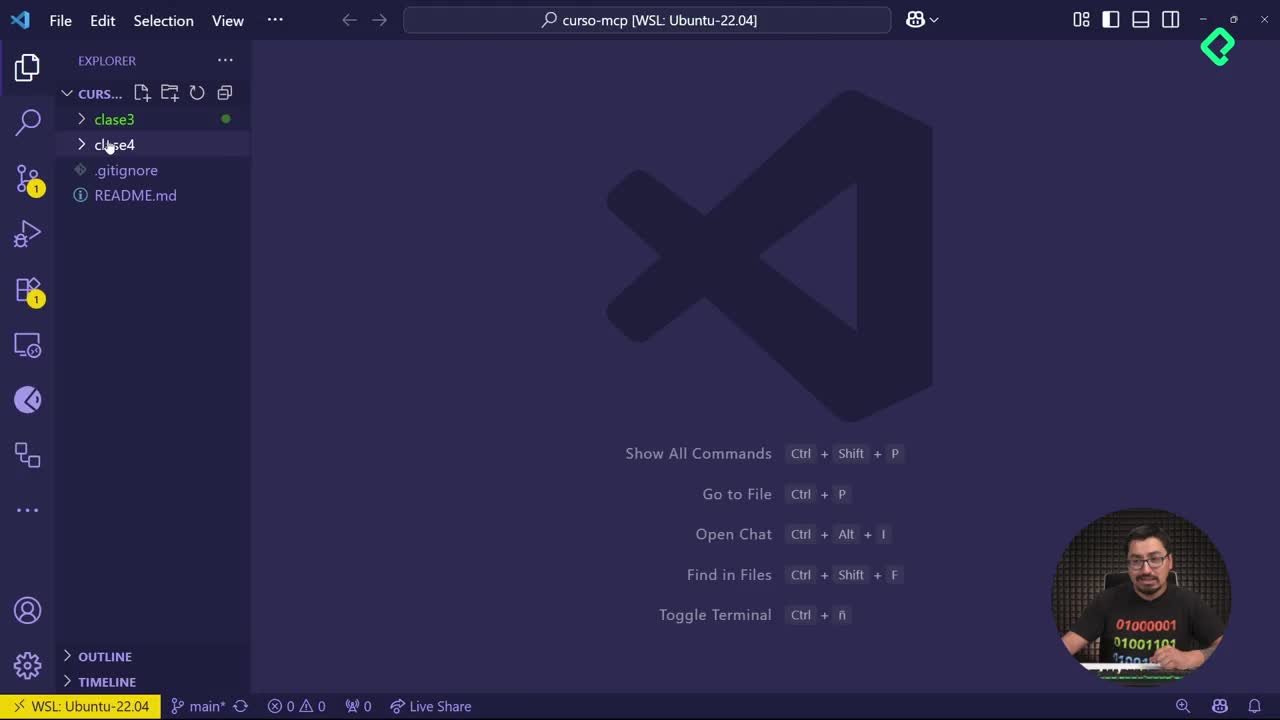
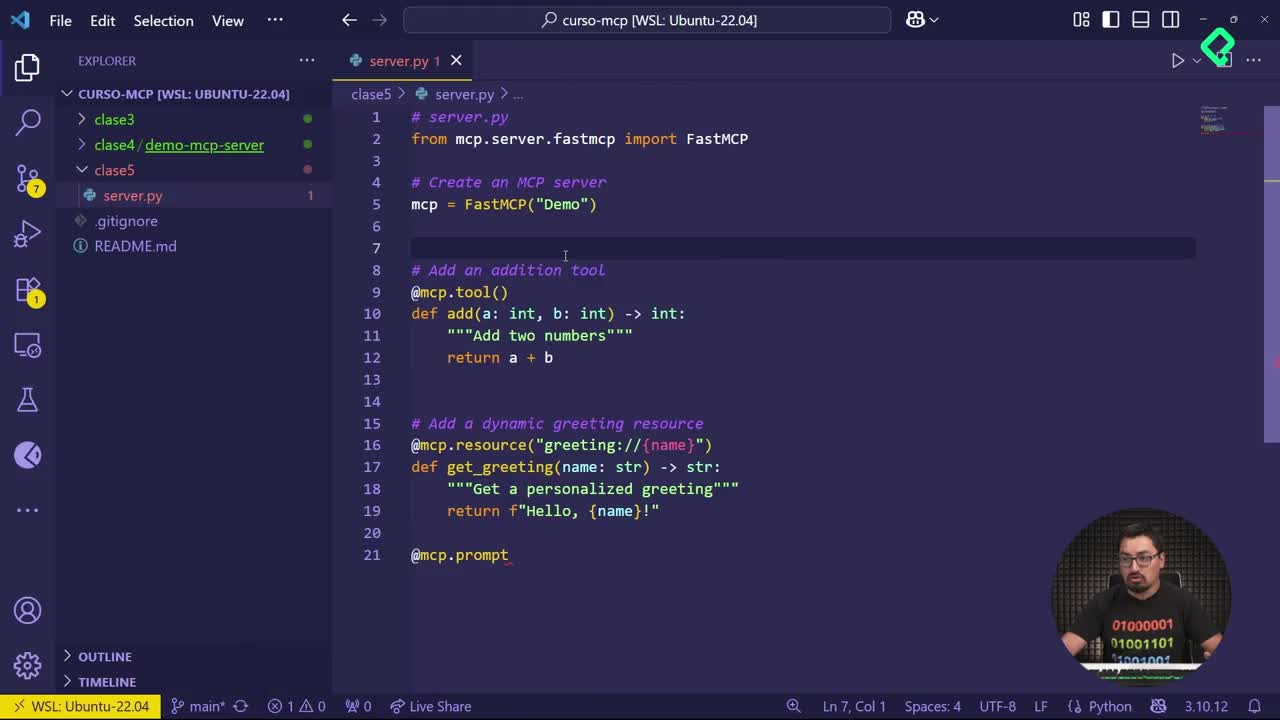
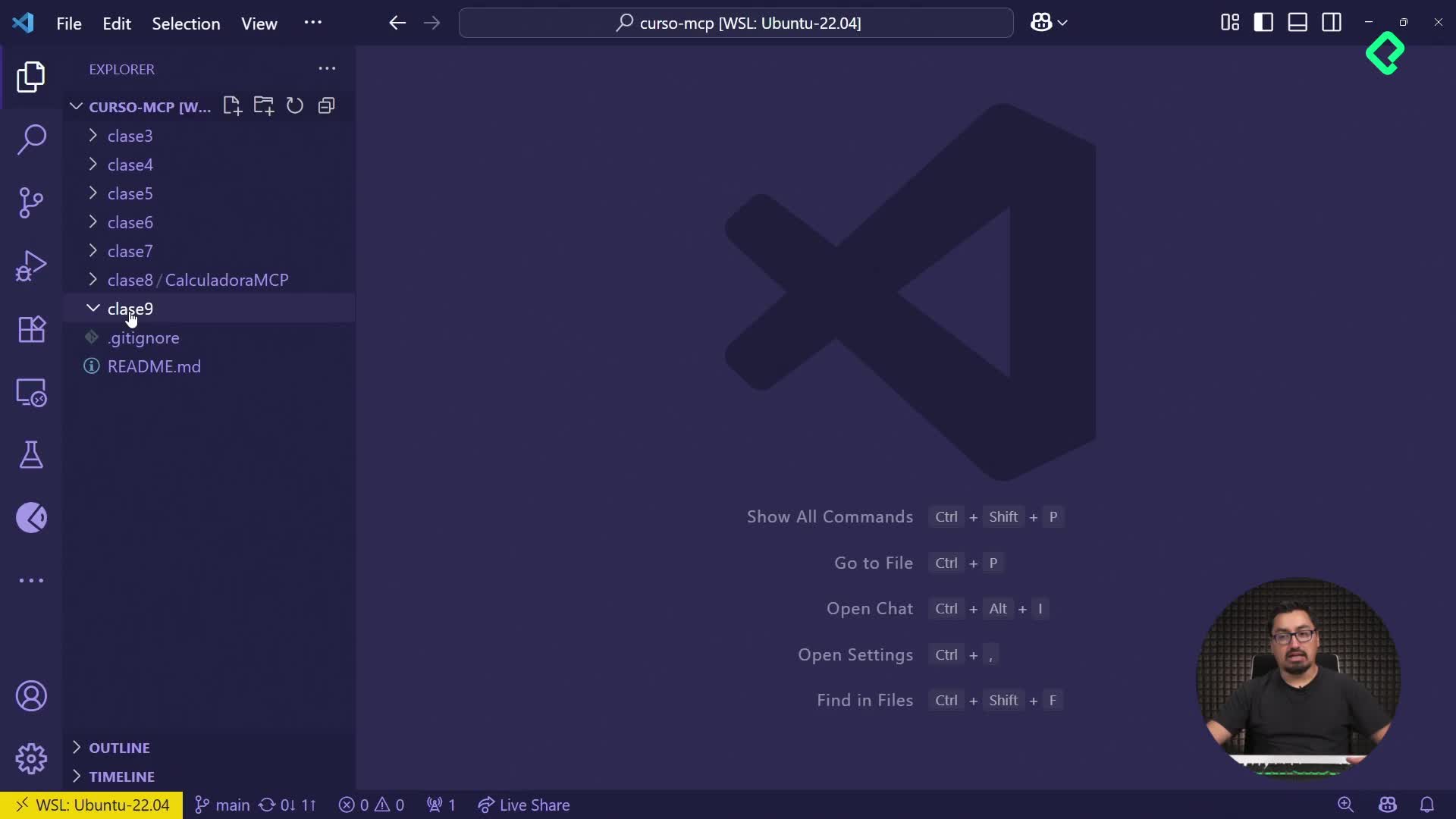
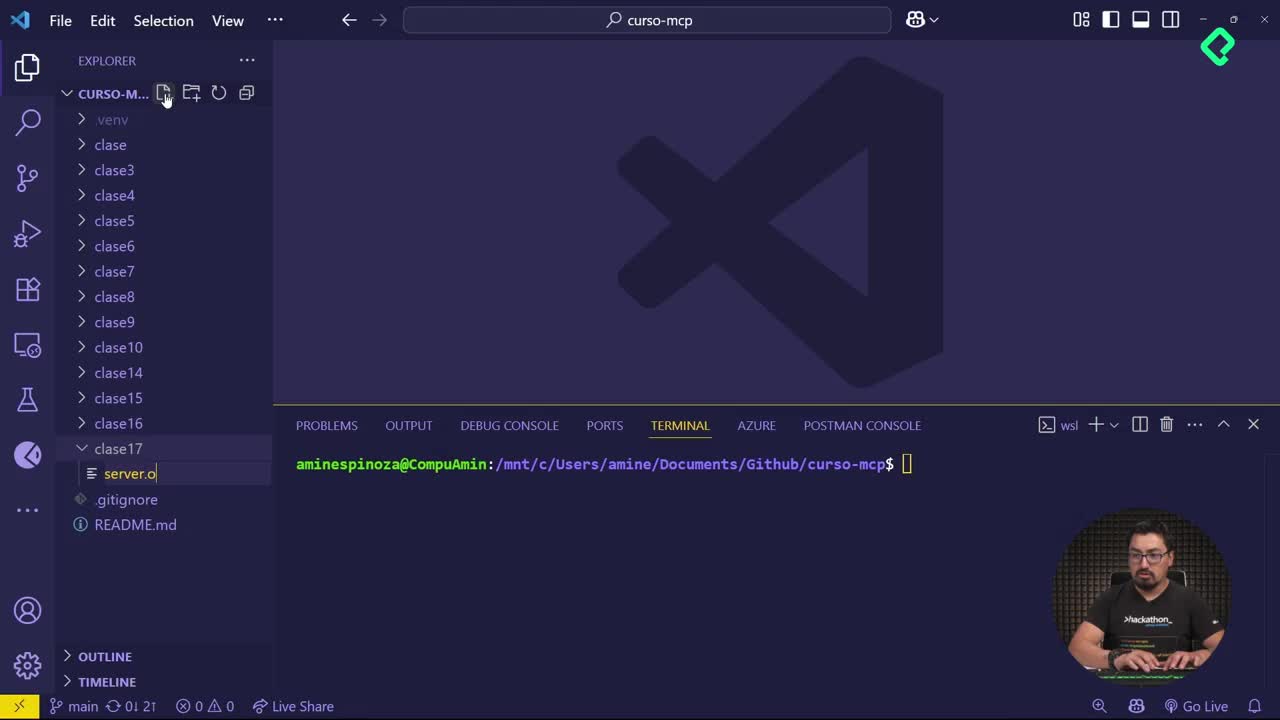
The first step is organizing the workspace so the client and server live together. Around [00:14], the recommendation is to create a folder named classe cinco and copy the existing server.py into it. Then, inside that same folder, you create a new file called client.py.
Keeping both files in the same directory matters because the client will reference the server file by name when launching it as a subprocess.
Which libraries does the Python client need?
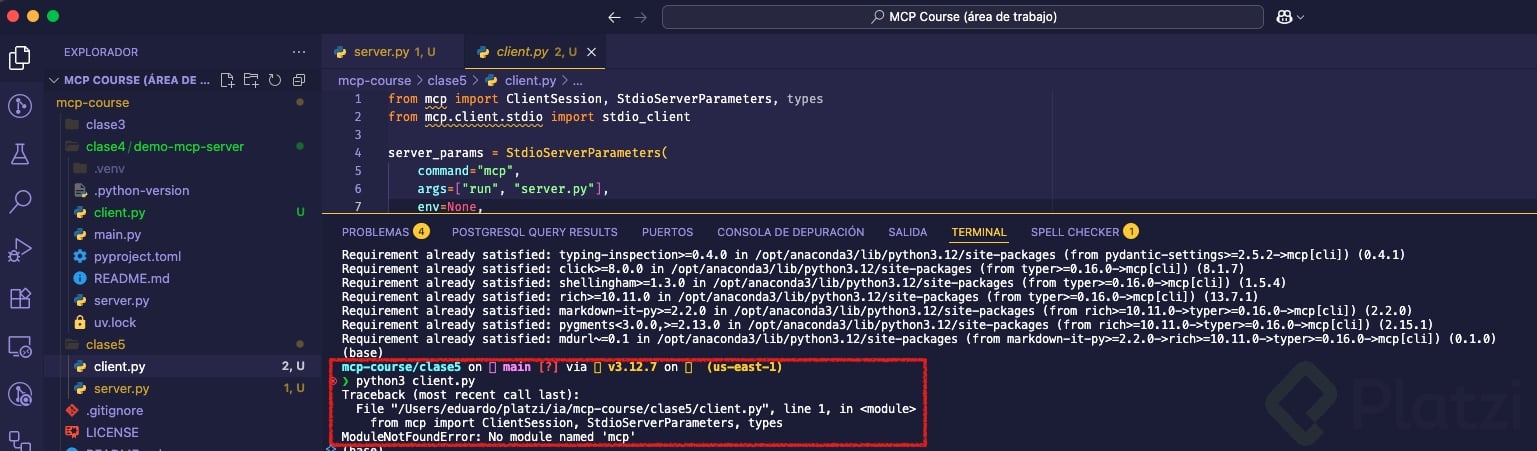
At the top of client.py you import two key pieces from the MCP SDK, mentioned around [01:00]:
ClientSession, which manages the active communication session with the server.StdioServerParametersand thestdiohelpers frommcp.client.stdio, which configure how the client talks to the server through standard input and output.
These imports are what allow your client to establish a bidirectional channel with the server process.
How do you configure the server parameters from the client?
The client needs to know how to launch the server. You define a parameters object where the command is mcp and the arguments are run and server.py. That is why the server file must live in the same folder: the client invokes it directly.
Around [02:00], the main asynchronous function is introduced. This function initializes the session, and following standard Python style, an if __name__ == "__main__" block runs it.
Do I need to start the MCP server manually? No. The client launches the server as a subprocess using the configured parameters, so you only run
python3 client.pyand everything boots together.
How do you list resources and tools from the client?
Once the session is initialized, the client can ask the server what it offers. Inside the run method you add two blocks:
- A call to
session.list_resources()to retrieve every resource the server exposes. - A call to
session.list_tools()to retrieve every available tool.
Each result is iterated with a for loop and printed. The output is more austere than what you see in the MCP Inspector, but it confirms the same information programmatically.
How do you read a resource and call a tool?
Listing is only half the value. The client should also be able to read a specific resource and execute a tool. Around [04:30], two extra calls are added:
session.read_resource("greeting")to read the greeting resource that already exists on the server.session.call_tool("add", {"a": 1, "b": 7})to invoke the sum tool with parameters A equal to 1 and B equal to 7.
The result of the tool call is then printed so you can see the server response on screen.
How do you run the client and interpret the response?
With everything in place, you open a terminal, navigate into the classe cinco folder, and run python3 client.py. Notice that you never run the server by hand. The client takes care of starting it.
The output shows three things:
- The list of resources registered on the server.
- The list of tools, including
add. - The result of calling the
addtool with 1 and 7, which returns 8 wrapped in a structured format.
Why does the server response look so verbose? Because the server returns structured metadata, not plain text. The client is responsible for extracting the useful value, in this case the number 8, and presenting it cleanly to the end user.
This is exactly why the client exists. The server executes the operation, but the formatting and final presentation belong to the client, and later to the host that sits on top of it.
What did you actually build with this client server interaction?
You now have a working client that establishes communication with an MCP server, enumerates its capabilities, reads a resource, and calls a tool with custom parameters. This pattern is the foundation for plugging a host on top, where the same response will be displayed in a much more visible and user friendly way.
What resource or tool would you add next to your own server? Share it in the comments.