Contenido del curso
Conceptos basicos de MCP
- 5
Four Core Blocks of Every MCP Server
05:47 min - 6
Building an MCP Client That Talks to Your Server
07:18 min - 7
Adding an LLM to Your MCP Client
11:38 min - 8
STDIO vs SSE in MCP Servers
05:44 min - 9
LLM Connected to a Local MCP Server
11:14 min - 10
Testing MCP Servers Without a Browser
08:53 min - 11

Deploying an MCP Server to Azure Container Apps
09:39 min - 12
Using MCP Servers in VS Code Agent Mode
09:52 min
MCP avanzado
- 13
Query Azure Resources Directly From VS Code
06:46 min - 14
Herramientas avanzadas de MCP para optimizar servidores y seguridad
03:53 min - 15
GPT-4 Reading Local Files via MCP Server
14:09 min - 16
Image Brightness Analysis with MCP and NumPy
Viendo ahora - 17
How MCP Agents Remember Conversations
05:01 min - 18
Enrutamiento de herramientas con MCP Server
09:19 min
Integrando tu MCP con un agente
Image Brightness Analysis with MCP and NumPy

Resumen
Building a multimodal MCP server lets you process more than text. You can analyze images, audio, or video by combining MCP with FastAPI, NumPy, and Pillow. This guide walks developers through extending an MCP server to read image brightness using a real Python example.
Why does multimodal matter in MCP servers?
When ChatGPT launched in early 2023, the excitement was about chat. Within six months, users wanted more: image processing, voice replies, generated visuals. That demand pushed products toward becoming multimodal, meaning they handle text, images, audio, and beyond.
That same evolution applies to MCP. You can build a server that does more than send messages. It can also process files like images, and that is where libraries like NumPy come in.
What is a multimodal MCP server? It is an MCP server that handles multiple input types, not only text. With the right libraries, it can analyze images, audio, or video files inside your project.
How do you set up the project with NumPy and Pillow?
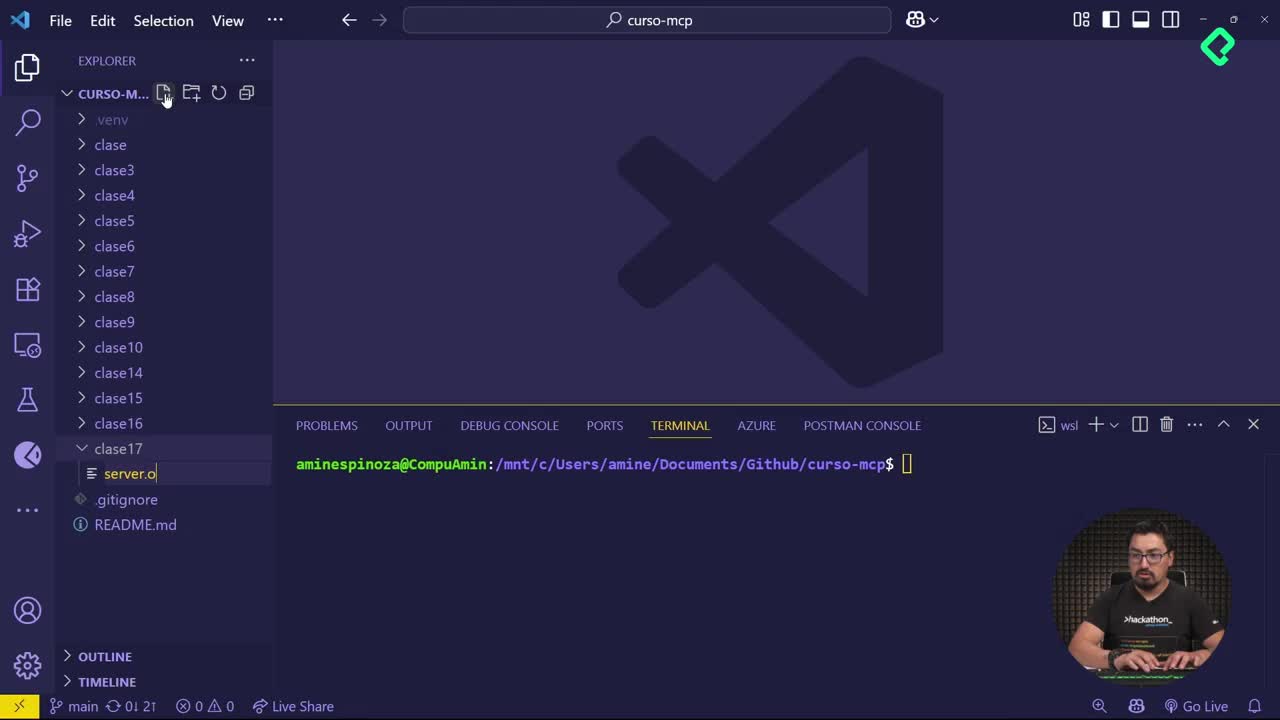
The setup starts inside VS Code, in a folder called clase 15, with a reference image (jardin.jpg) from Jardín, Antioquia. From there, you open the terminal and install the dependencies.
- Navigate to the folder with
cd clase 15[03:20]. - Install the required packages:
pip install numpy pillow[03:35]. - Create a new file called
server.py[04:10].
NumPy is a Python package designed for vector and matrix processing, which makes it ideal for handling images as numerical arrays. Pillow complements it by opening and converting image files. Together they let you read pixel data without writing low level code.
How do you expose an image endpoint with FastAPI?
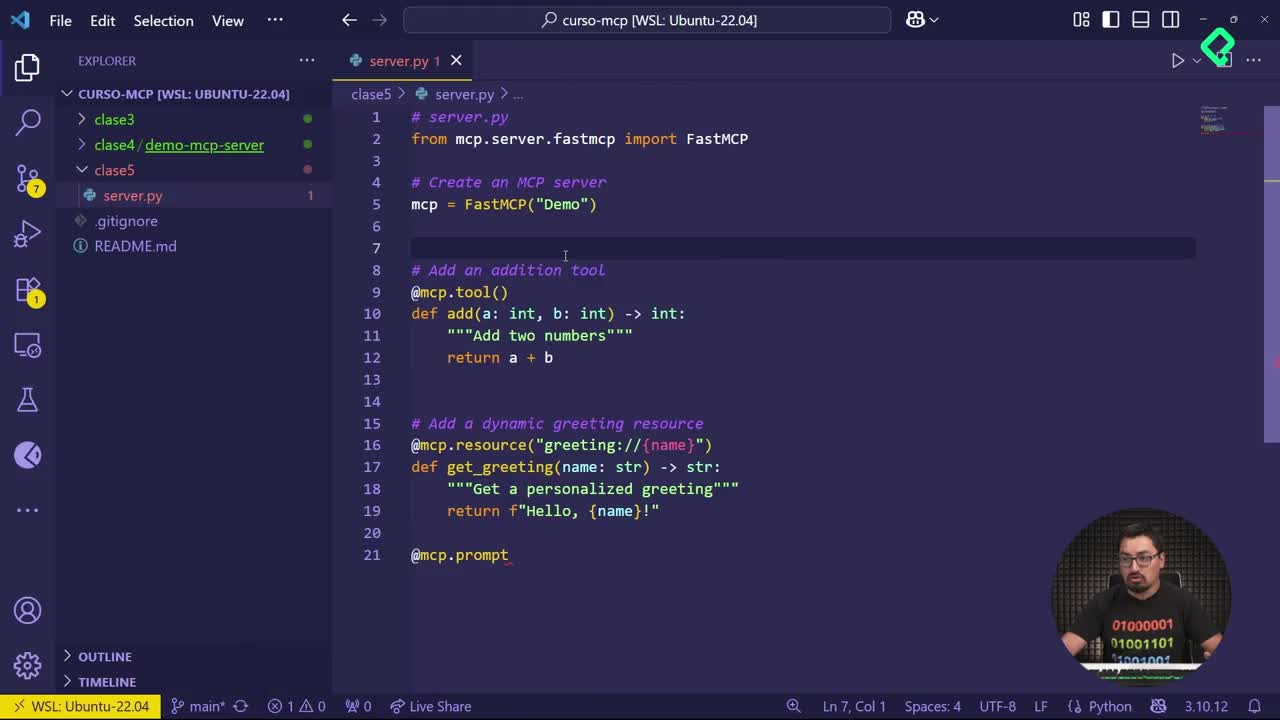
Inside server.py, you import the usual MCP setup plus the two new packages. The key difference is that you no longer create only a FastMCP instance. You also create a FastAPI app, which is what allows you to expose HTTP routes [05:40].
Instead of using the standard MCP tool decorator, you use @MCP.post to define a new route. The route is named MCP image brightness, and its job is to calculate the brightness of an uploaded image.
The async method receives the uploaded file, opens it with Pillow, and converts it to a NumPy array. From that array you extract the brightness value and return a response with the number plus a confirmation message.
How do you run and test the multimodal server?
To start the server, you use uvicorn, the ASGI server commonly paired with FastAPI. The command targets localhost on port 8000 [07:50].
- First attempt fails because the FastAPI app is not mounted to the MCP route.
- After adding the mount line that connects the MCP object to the FastAPI app, the server starts correctly [08:25].
- A pop up in VS Code confirms the server is running.
Why does uvicorn fail on the first run? Because the MCP object was not mounted to the FastAPI app. You need a line that registers the MCP route inside FastAPI before starting uvicorn.
Why does the MCP inspector not show the post route?
When you open a second terminal and launch the MCP inspector from inside clase 15, you connect to the server and browse resources and tools. The agregar tool shows up, but the post route does not [10:15].
That is expected. The inspector lists MCP tools, not raw HTTP endpoints. Since @MCP.post behaves like a web route, you need a different approach to test it.
How do you call the endpoint with curl?
You close the inspector and treat the MCP server as a regular web server. A curl command with the POST method, pointing to http://localhost:8000/MCP image brightness, uploads the image file directly [11:40].
With the terminal positioned in clase 15 (so jardin.jpg is reachable), the request returns a brightness value of 142.65 and a success message confirming the image was processed.
What can you build next with a multimodal MCP server?
This simple example shows the pattern. With NumPy handling array math and Pillow loading the file, you can extend the same idea to audio, video, or any other media type your project needs.
A recommended next step: turn the post method into a proper MCP tool so it shows up inside the inspector and can be consumed by an agent, not only by curl. That way the functionality lives inside your MCP toolset and stays consistent with the rest of the server.
Try it before checking the repository solution. What other file types would you process inside your MCP server? Share your ideas in the comments.