Contenido del curso
Conceptos basicos de MCP
- 5
Four Core Blocks of Every MCP Server
05:47 min - 6
Building an MCP Client That Talks to Your Server
07:18 min - 7
Adding an LLM to Your MCP Client
11:38 min - 8

STDIO vs SSE in MCP Servers
05:44 min - 9
LLM Connected to a Local MCP Server
11:14 min - 10
Testing MCP Servers Without a Browser
08:53 min - 11

Deploying an MCP Server to Azure Container Apps
09:39 min - 12
Using MCP Servers in VS Code Agent Mode
09:52 min
MCP avanzado
- 13
Query Azure Resources Directly From VS Code
06:46 min - 14
Herramientas avanzadas de MCP para optimizar servidores y seguridad
03:53 min - 15
GPT-4 Reading Local Files via MCP Server
Viendo ahora - 16
Image Brightness Analysis with MCP and NumPy
09:48 min - 17
How MCP Agents Remember Conversations
05:01 min - 18
Enrutamiento de herramientas con MCP Server
09:19 min
Integrando tu MCP con un agente
GPT-4 Reading Local Files via MCP Server
Resumen
Connecting an MCP server to a large language model on Azure unlocks the real power of the Model Context Protocol: letting an AI read your files and answer in natural language. Here you'll learn how to deploy GPT-4 in Azure AI Foundry, wire it into a Python MCP server, and run prompts that query local files through the file system server.
This walkthrough is for developers who already have an Azure subscription and want to combine an MCP server with an LLM in a single script, using the agents.MCP library instead of the more common FastMCP.
How do I deploy a GPT-4 model in Azure AI Foundry?
The deployment lives inside a resource group and takes only a few clicks once your subscription is active. The free tier is enough for this exercise, so you won't burn the credit Azure gives you.
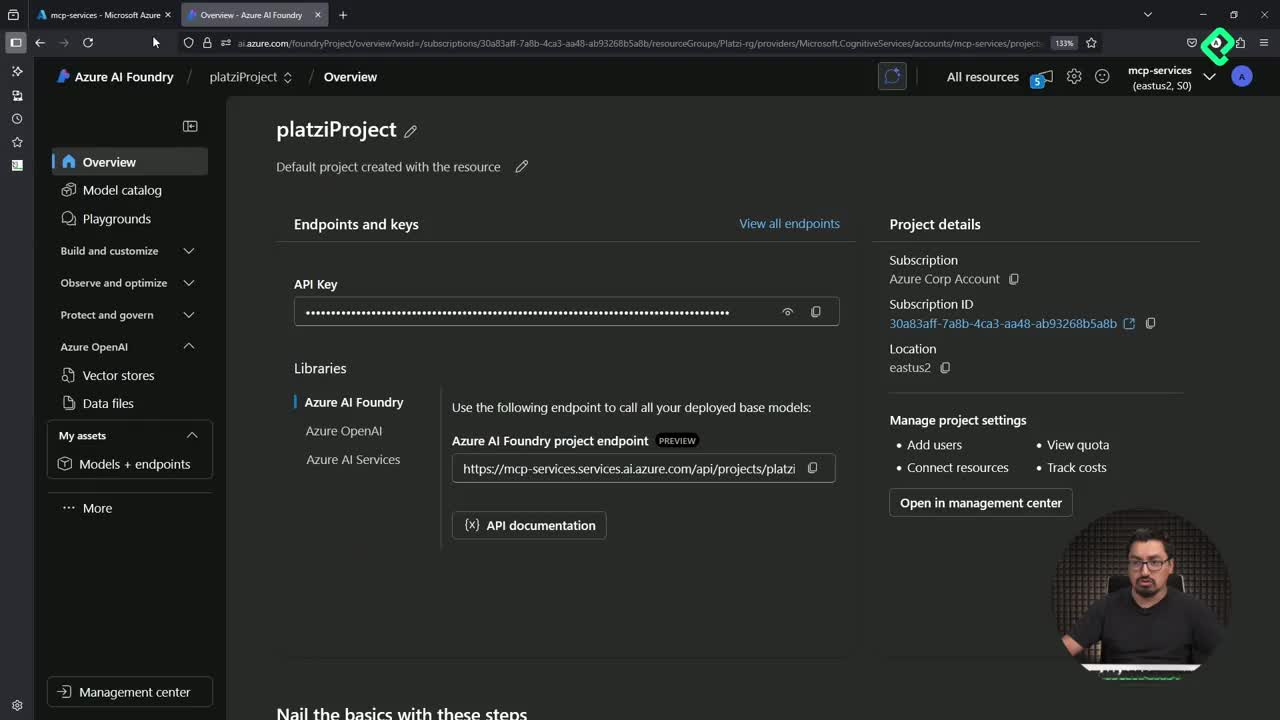
Inside the Azure portal, create a resource of type Azure AI Foundry under your resource group (in the demo, Platzi RG). Once created, open the Azure AI Foundry portal and go to Models and endpoints, then choose Deploy base model and pick GPT-4. After confirming, the model appears in the resources panel ready to use.
Click the deployment name and copy three values you'll need later:
- API version.
- Endpoint URL.
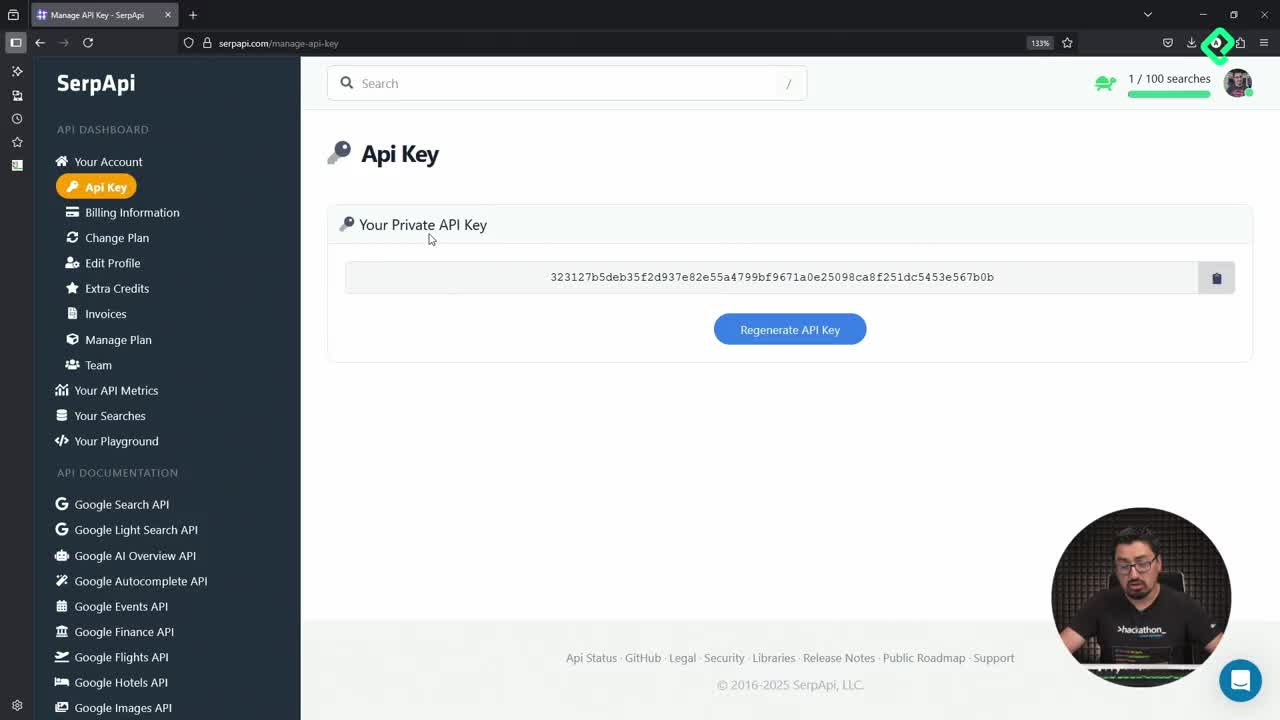
- Access key.
What is Azure AI Foundry used for in an MCP setup? It hosts the LLM (like GPT-4) that your MCP server will call to interpret prompts and format responses. Foundry provides the endpoint, key, and API version your client needs to authenticate.
How do I configure the .env file and Python imports?
The credentials never go in the code directly. They live in an environment file that the Python client reads at runtime.
In the class 14 folder of the course repository you'll find an env-sample file. Rename it to .env and paste the three values from Foundry plus the deployment model name. That's the only configuration step before touching code.
In main_azure_ai_foundry.py, the imports cover async execution, OS access, and the MCP layer. The key shift here: instead of FastMCP, this example uses agents.MCP, a different library for building servers and agents. Keep this in mind because the ecosystem offers several valid options.
How does the MCP server talk to the LLM and read local files?
The script defines a function called get_azure_openai_client that loads the .env credentials into an AsyncAzureOpenAI client. That client becomes the bridge between your prompts and GPT-4.
Then comes the ejecutar function, which mixes both roles, server and client, in the same file. This is perfectly valid and convenient when you want results printed straight to the console. The agent is named file assistant and receives a system prompt instructing it to read files and answer questions based on them. The chat completion model points to the deployment name stored in .env.
What prompts does the agent run?
The demo uses three static prompts against a sample_files folder containing favorite_books.txt, favorite_cities.txt, and favorite_songs.txt:
- Read the files in the sample files folder and list the file names.
- What is my favorite book? Look at favorite_books.txt.
- Look at my favorite songs.
The same code block runs each prompt, so a for loop over a list of prompts is the natural next step to scale this pattern.
What does the file_system server do inside MCP? It's an official MCP server (
@modelcontextprotocol/server-filesystem) that exposes a restricted set of folders to the agent. Only the directories you whitelist can be read, which protects user privacy.
How do I run the project locally with a virtual environment?
A clean virtual environment avoids version clashes and makes the install reproducible.
From the class 14 directory, create and activate the environment:
python -m venv venvto create it.source venv/bin/activateto activate it.pip install -r requirements.txtto install dependencies.
A common trap: outside the venv you'd call python3, but inside the activated environment you use python. Mixing them up is a frequent source of confusion.
Once dependencies finish installing, run the script and watch the three prompts execute in sequence.
What output should I expect?
The terminal first confirms the MCP file system server is running and shows the whitelisted directories. Then each prompt prints its answer:
- The first lists the three files in
sample_files. - The second returns the contents of
favorite_books.txtbut notes that no specific favorite is marked, a reminder that prompt phrasing matters (asking for favorite book number one would have worked better). - The third reads the songs file and even suggests Living on a Prayer by Bon Jovi as a recommendation.
This flow shows the full loop: you write a natural-language question, the LLM interprets it, the MCP server fetches the file data, and the LLM formats the answer back into human-readable text inside your host application, the terminal.
Replace the sample files with your own books, cities, and songs, refine the prompts that didn't return what you expected, and add new questions to see how tightly the LLM and the MCP server can work together. What prompt would you try first?