Four Core Blocks of Every MCP Server

Resumen

Setting up an MCP server with UV virtual environments gives you a clean, isolated workspace to build, test, and destroy without breaking your global Python setup. If you are learning the Model Context Protocol, this workflow shows you how to scaffold a project, install the MCP CLI, and understand the four building blocks every server needs.

Why use UV to bootstrap an MCP project?

UV is a virtual environment manager for Python that lets you spin up a project in seconds. The big win: everything you build stays sandboxed, so you can delete the folder or exit UV and your machine stays clean.

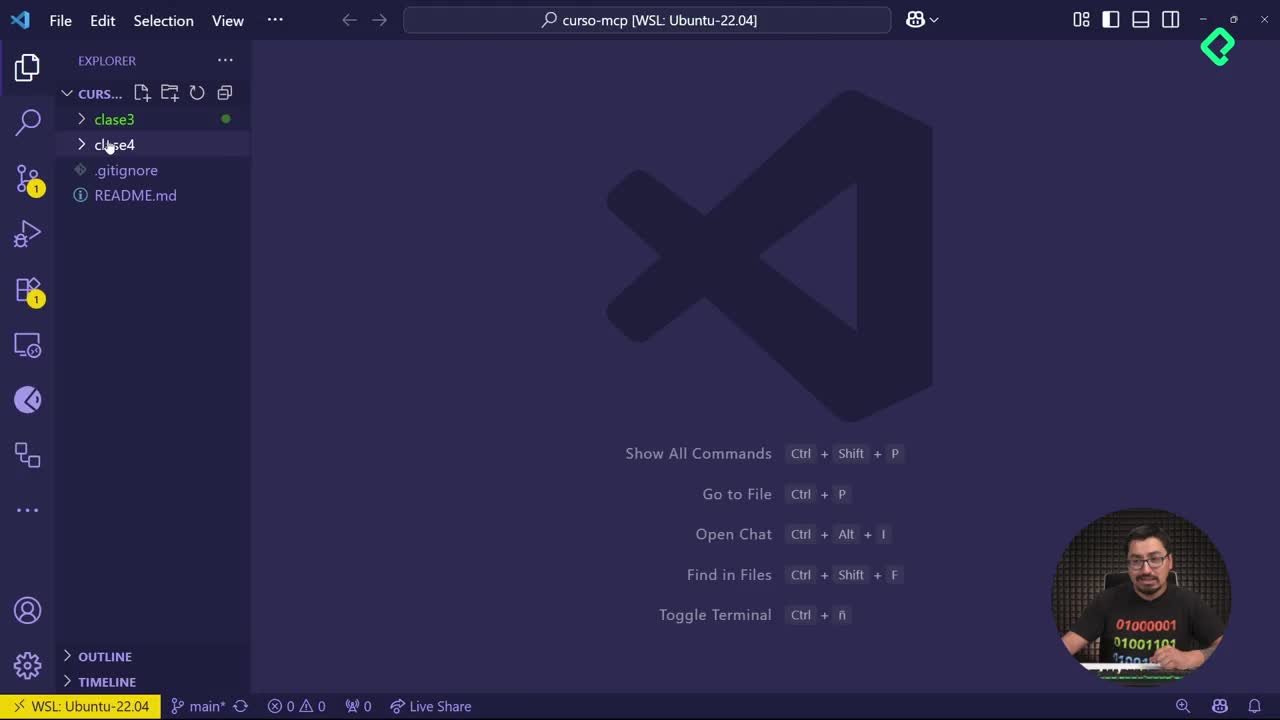
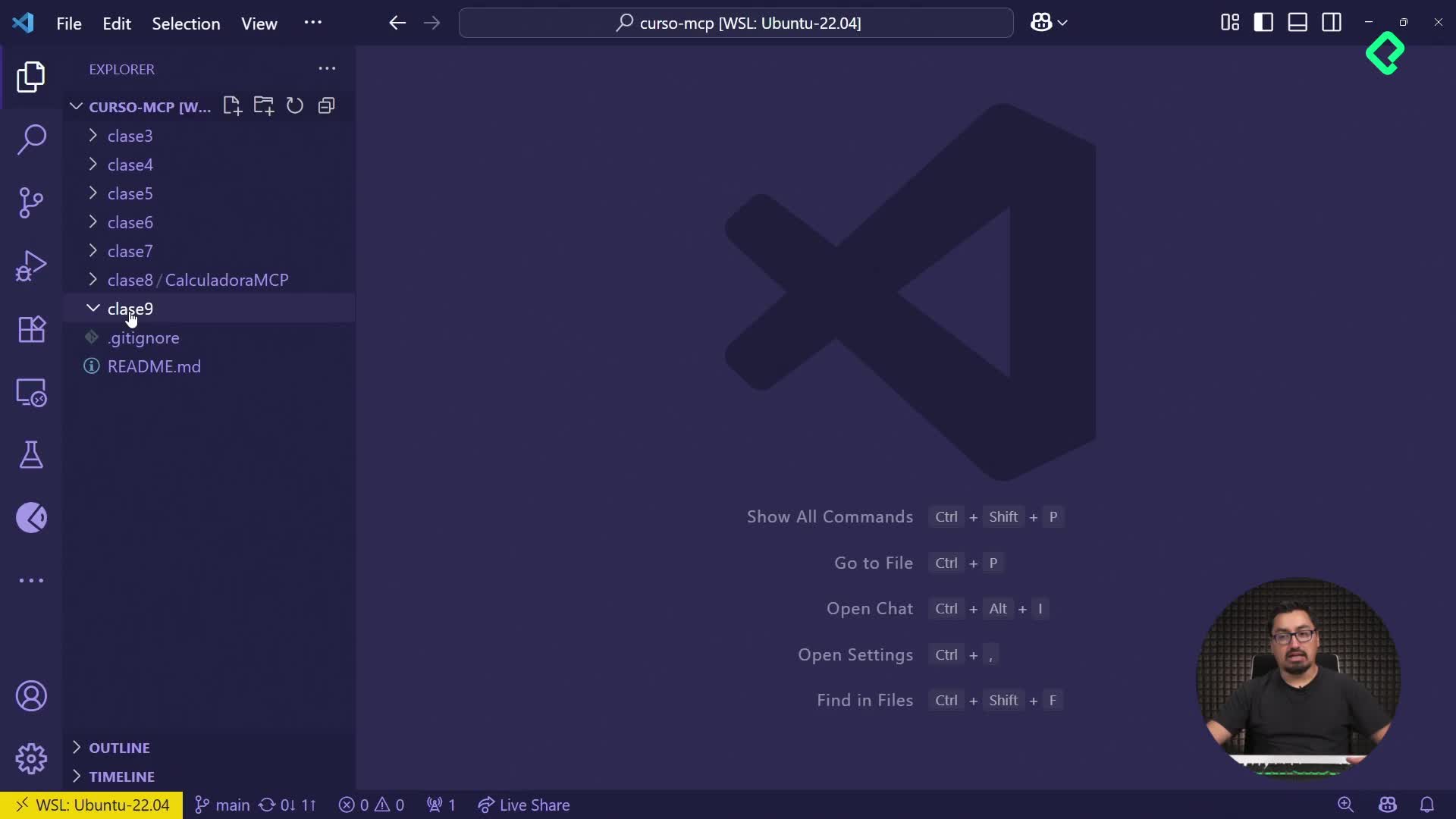
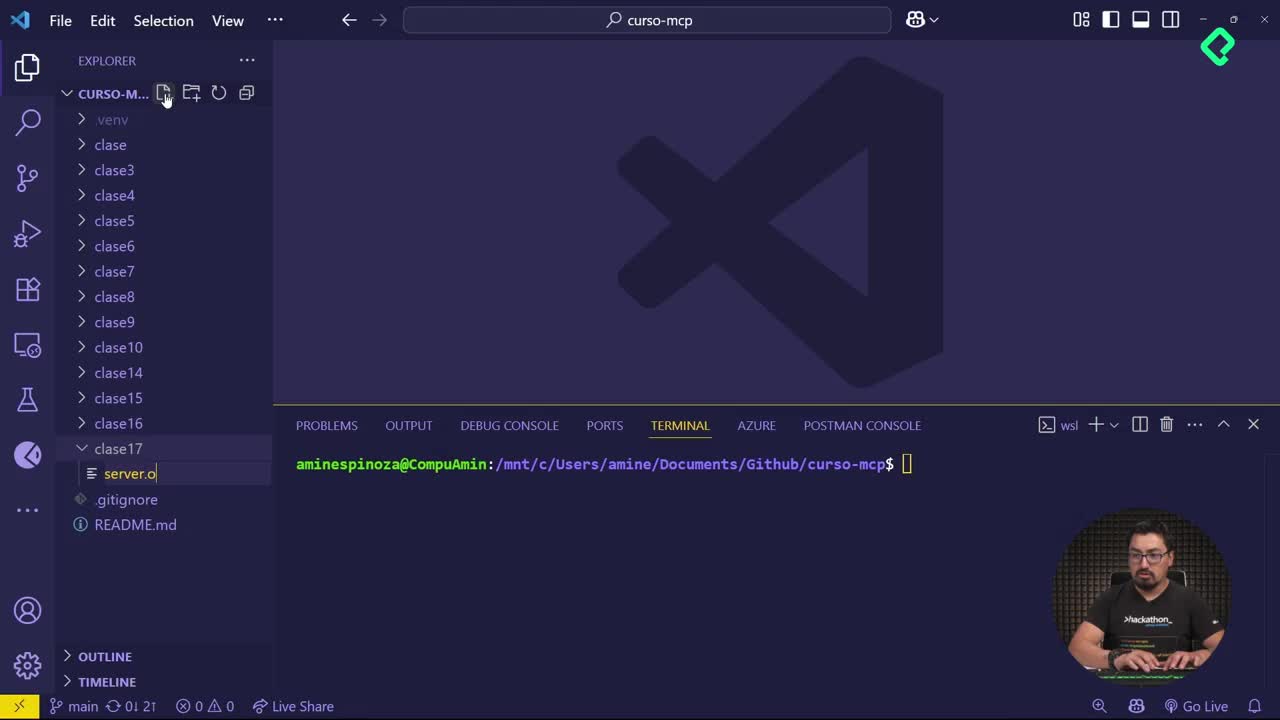
Inside the clase-cuatro folder, the workflow starts in the terminal at [00:38]:

  • Run uv init demo-mcp-server to scaffold the project.
  • UV creates a README, a main.py, and a pyproject.toml automatically.
  • Open the folder in Visual Studio Code and your new project structure is ready.

This isolation is what makes UV powerful for experimentation. You are not committing to anything permanent.

What is UV in Python? It is a virtual environment and package manager that scaffolds projects with a single command and keeps dependencies isolated from your global setup.

How do I install the MCP CLI inside UV?

Once inside the new project, you add the MCP command line interface as a dependency. From the terminal at [01:48], run uv add "mcp[cli]" and UV downloads everything you need.

This mirrors what you did with pip in the previous lesson, but now the install lives only inside your UV environment. Cleaner, reversible, repeatable.

After the install, running uv run mcp looks like nothing happens. And that is expected behavior. When you launch an MCP server, the terminal does not print confirmation logs the way a typical web server would. To verify the server is alive and responding, you use the MCP inspector, the same tool from the prior class.

Why does my MCP server show no terminal output? MCP servers communicate through the protocol, not through stdout. Use the inspector to confirm the server is running.

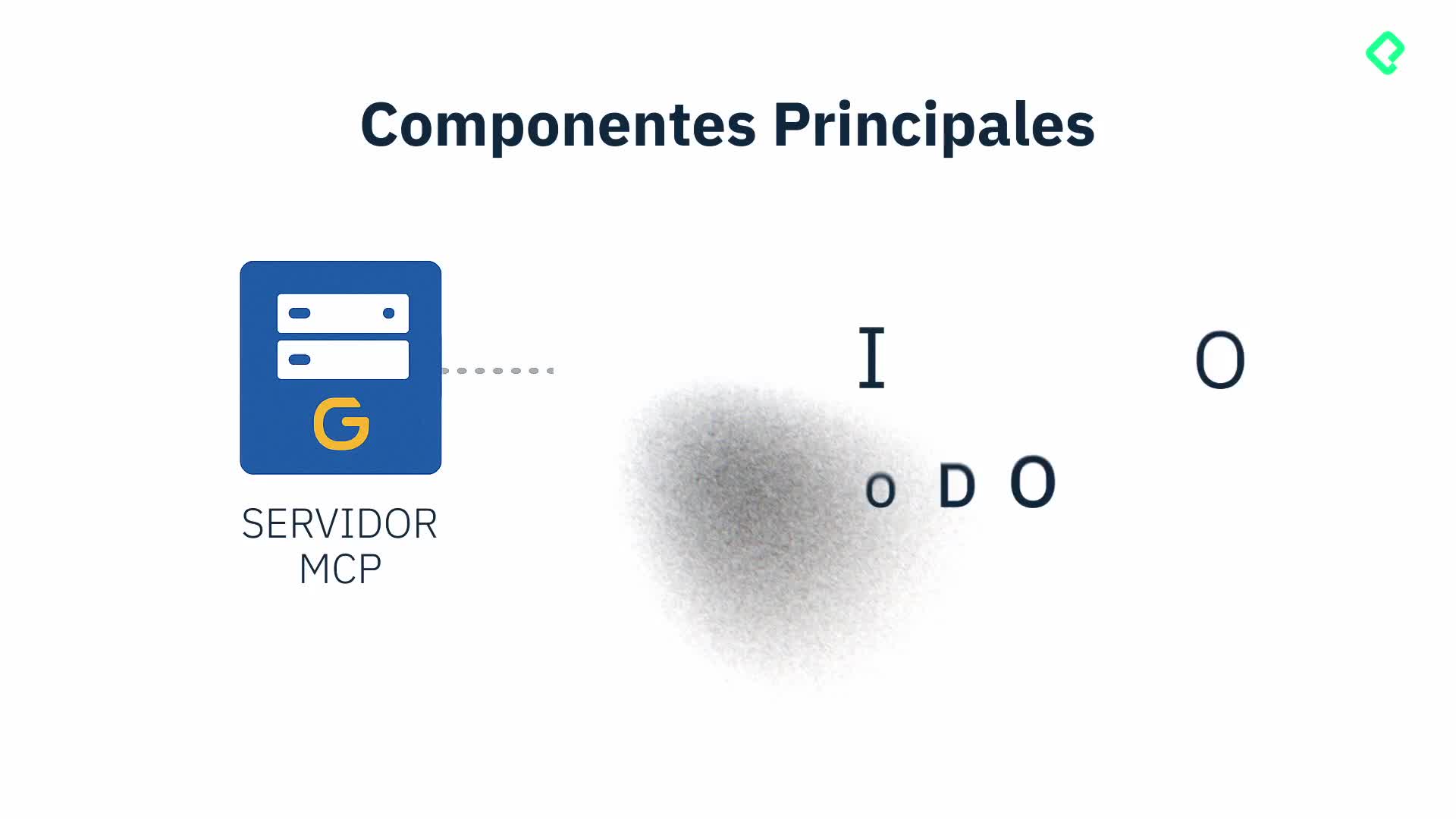
What are the four building blocks of an MCP server?

Once your environment is ready, you can copy your previous server.py from clase-tres directly into the new project and it will run identically. The portability is the point.

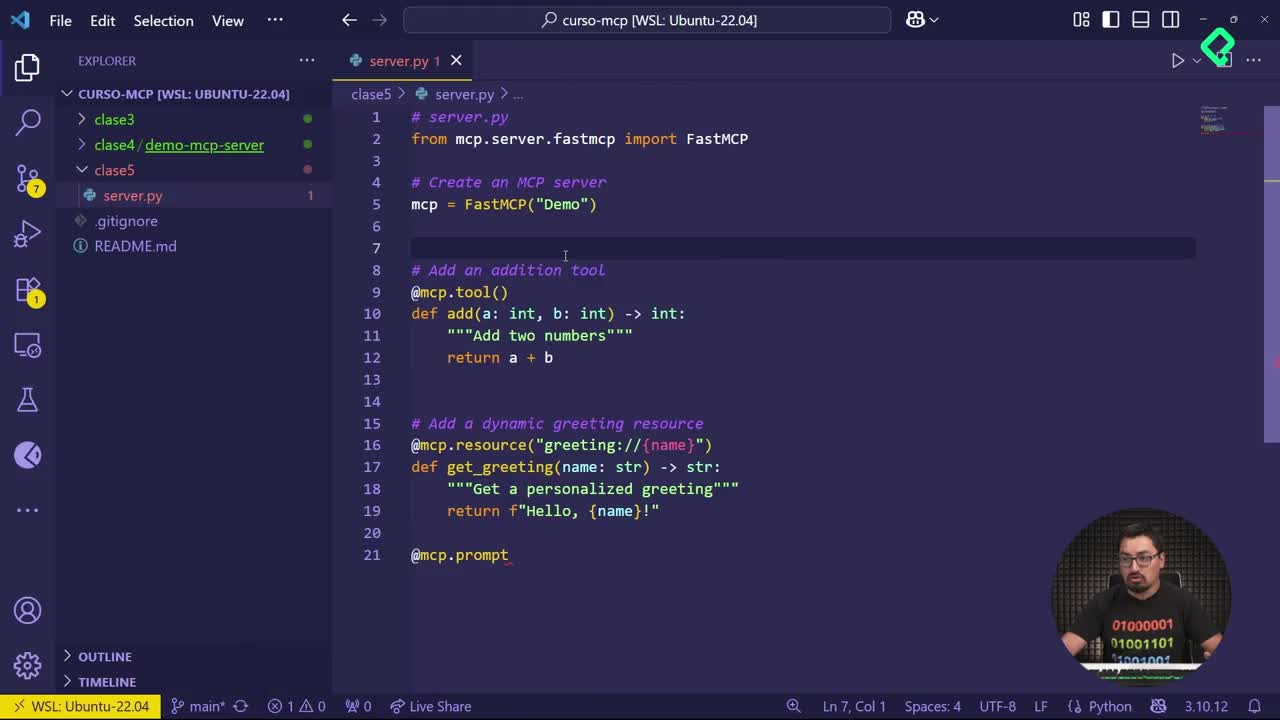
From there, the structure of any MCP server breaks down into four pieces, all visible when you explore the fast MCP decorators around [03:30]:

  1. Server configuration. This is where you define the server name, like FastMCP("demo"), and optional settings such as the communication port.
  2. Tools. Functions decorated with @mcp.tool that the client can invoke to perform actions.
  3. Resources. Declared with @mcp.resource, they handle parameters and expose richer functions, useful when you need the client to fetch structured data.
  4. Prompts. Defined with @mcp.prompt, these are pre packaged prompts the server offers so the client can reuse them without rewriting context every time.

Each decorator plays a different role. Tools execute, resources deliver data, prompts standardize instructions, and the server config ties everything together.

How do prompts differ from tools in MCP?

A tool runs code when the client calls it. A prompt is a text template the server hands to the client so the user or the model can fire it on demand. Think of tools as actions and prompts as ready to use scripts.

When should I add a resource instead of a tool?

Use a resource when you need to expose data that depends on parameters, like fetching a user record by id. Tools are better for executing logic; resources are better for serving content the client wants to read.

How does this prepare you for the client side?

With server configuration, tools, resources, and prompts in place, your MCP server is feature complete from the protocol perspective. The next step is connecting a client that can discover and consume those four elements, which is exactly where the next class picks up.

If you experimented with extra methods in your own server.py, your tools list will look different from the reference code. That is fine. The structure stays the same; only the contents change.

What would you build first as a tool inside your MCP server? Drop your idea in the comments.