Contenido del curso
Conceptos basicos de MCP
- 5
Four Core Blocks of Every MCP Server
05:47 min - 6
Building an MCP Client That Talks to Your Server
07:18 min - 7
Adding an LLM to Your MCP Client
11:38 min - 8
STDIO vs SSE in MCP Servers
05:44 min - 9
LLM Connected to a Local MCP Server
11:14 min - 10
Testing MCP Servers Without a Browser
08:53 min - 11
Deploying an MCP Server to Azure Container Apps
09:39 min - 12
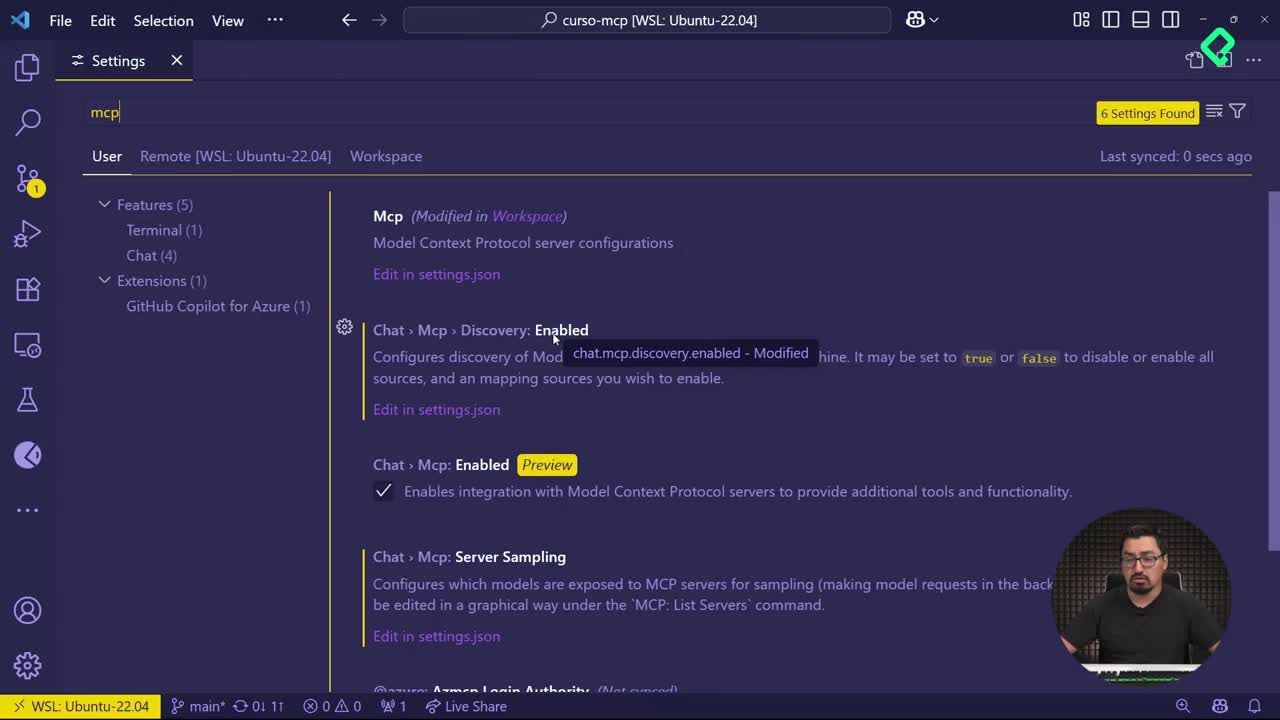
Using MCP Servers in VS Code Agent Mode
09:52 min
MCP avanzado
- 13
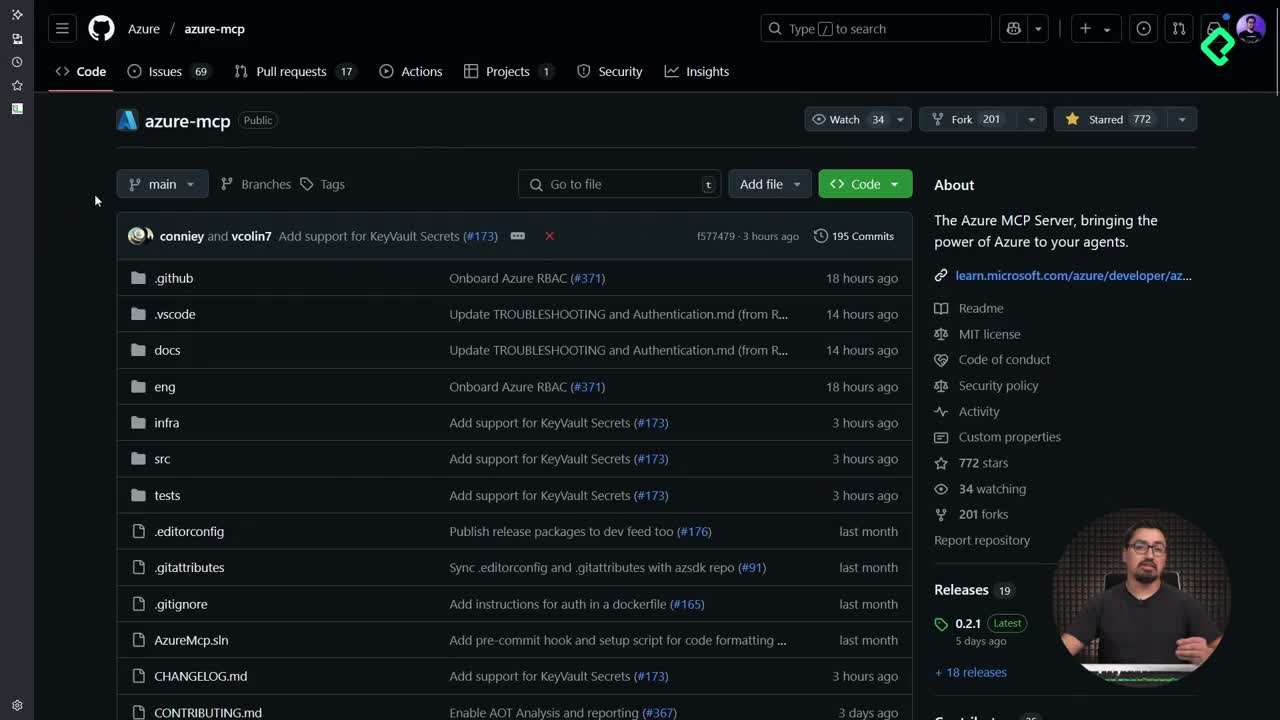
Query Azure Resources Directly From VS Code
06:46 min - 14
Herramientas avanzadas de MCP para optimizar servidores y seguridad
03:53 min - 15
GPT-4 Reading Local Files via MCP Server
14:09 min - 16
Image Brightness Analysis with MCP and NumPy
09:48 min - 17
How MCP Agents Remember Conversations
05:01 min - 18
Enrutamiento de herramientas con MCP Server
09:19 min
Integrando tu MCP con un agente
MCP Core Architecture: Server, Client, and Host
Resumen
If you want to build with the Model Context Protocol without getting tangled in language specifics, you need to lock down its core architecture first. Understanding MCP servers, clients, and hosts turns coding in any language into a non issue, because the logic stays the same regardless of the stack you choose.
What are the three core pieces of the MCP protocol?
MCP runs on a triad: server, client, and host. Each one has a job, and confusing them is the fastest way to get stuck.
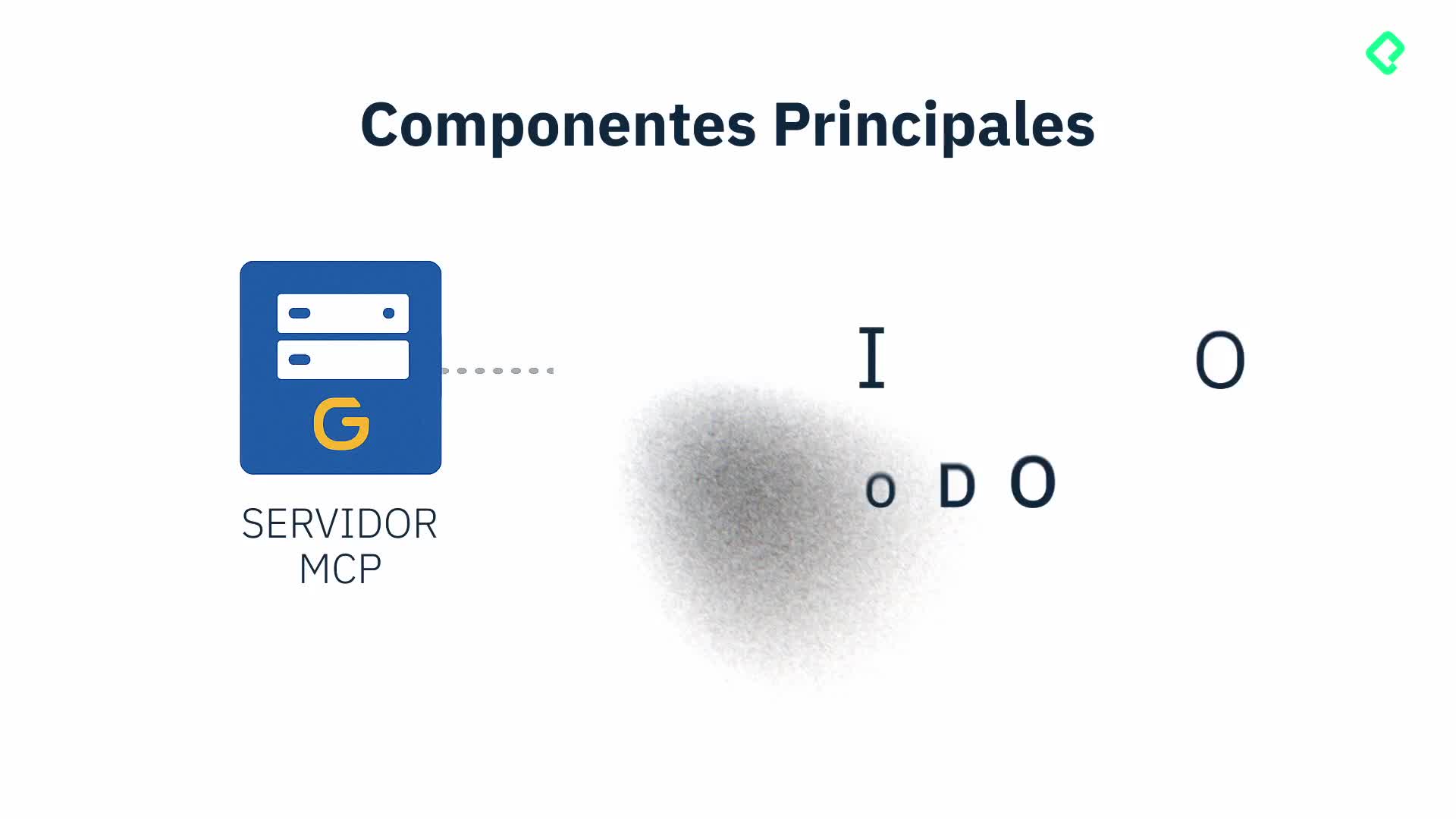
The server is the unifying piece. It is where everything you want to manage inside your MCP lives and gets processed. Think of it as the engine room.
The client is not where you interact, even though the name suggests otherwise. Its job is to take the raw output from the server and compose it into something coherent. The server produces a response, the client structures it.
The host is the surface you actually touch. It is how you interact with your MCP, and in most real workflows it ends up being an IDE like VS Code, Visual Studio, or Eclipse.
What is an MCP server? It is the central component that receives requests, searches across its connected sources, and produces a raw response that the client will later format for the user.
Which information sources can an MCP server integrate?
A server is only as useful as the sources it can reach. In MCP, there are four types of inputs you can plug in, and a single server can handle any combination of them.
- Contextual information: data coming from an LLM or from the ongoing conversation with the server.
- Knowledge sources: documents or links to third parties that act as reference material.
- Local files: a more specific version of the previous source, tied to your own machine.
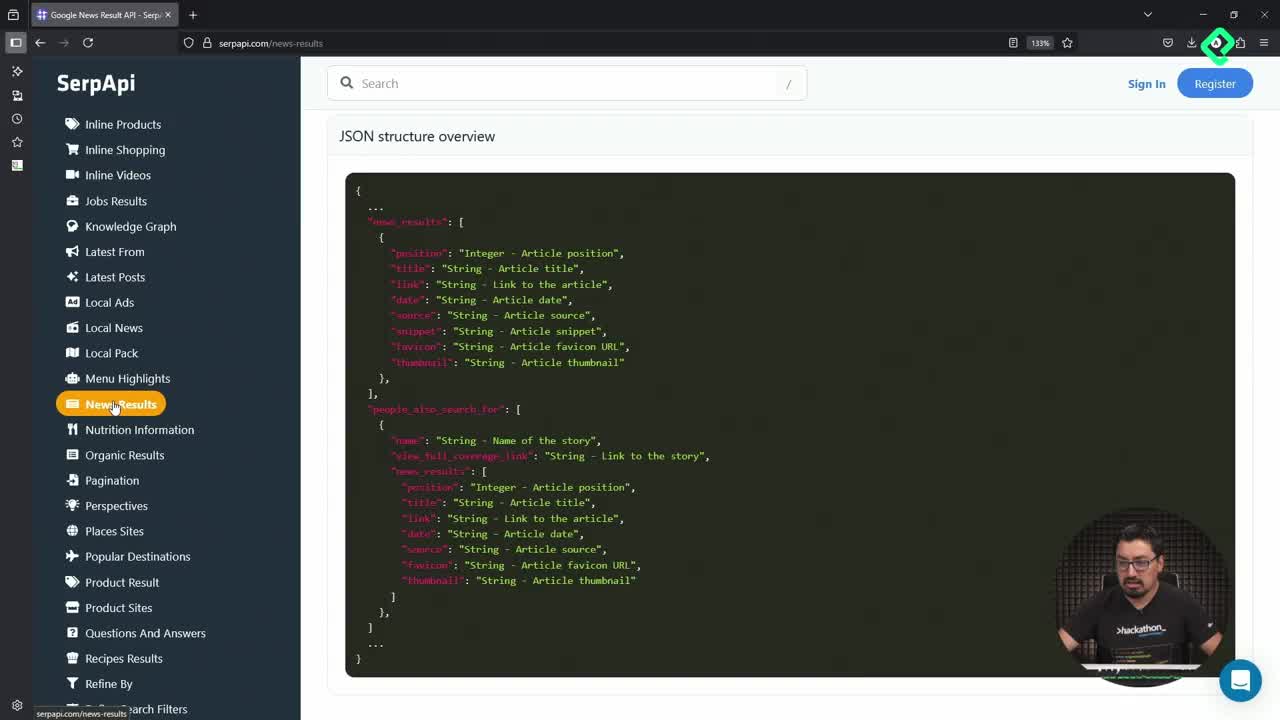
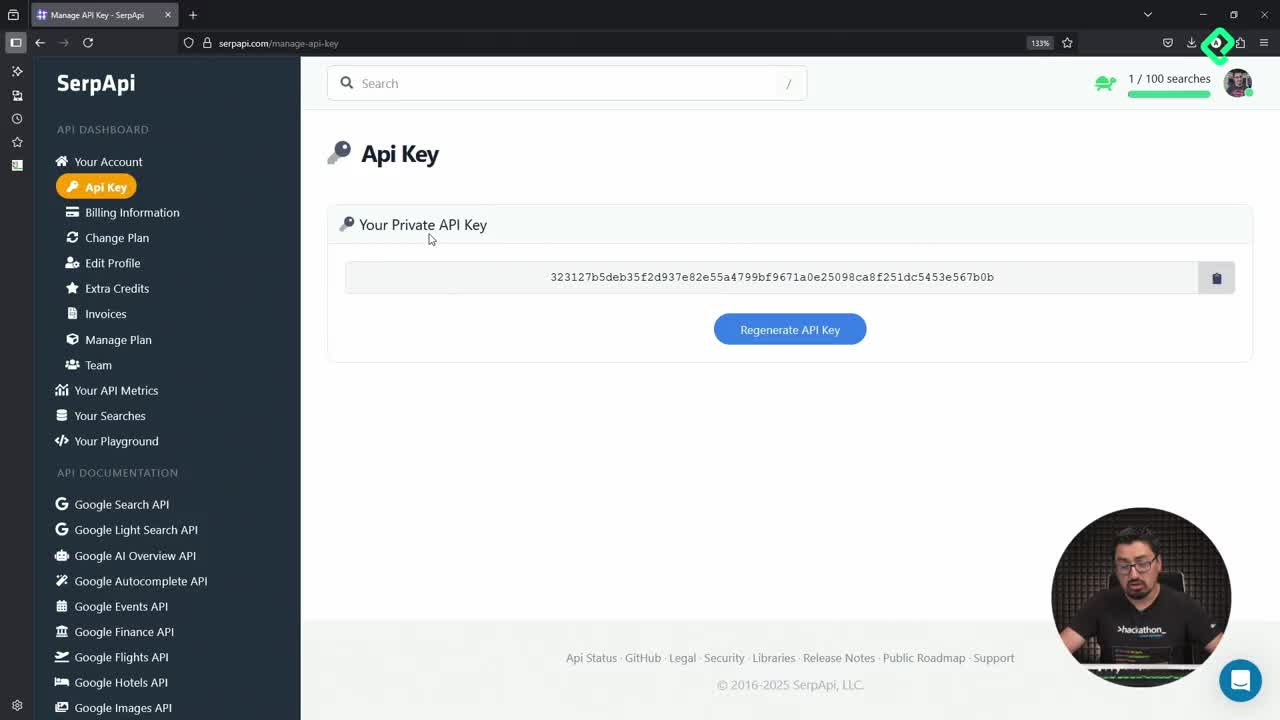
- APIs or web services: external endpoints you call to pull the information you need.
This flexibility is what makes MCP powerful. You are not locked into one type of input, you compose the sources that fit your use case.
How does information flow inside an MCP?
The flow is linear, but each hop matters. Skip one and the response breaks.
How does the user request reach the server?
It starts with you writing a question. That question has to match the scope of the MCP, because MCPs are intentionally narrow in topic. If your active MCP is connected to Azure, you can ask how many resources you have deployed in your subscription. Asking about your GitHub account in that same MCP makes no sense, the server has no way to answer coherently.
Once the question is written, it travels to the client. The client extracts what it needs and forwards the request to the server.
How does the server decide which source to use?
Here is where MCP gets interesting. The server receives the question and, without you defining priorities or orchestrating the search, it scans the four sources available and picks the most relevant one to build the answer. You do not micromanage the routing, the protocol handles it.
The server then processes that information in a format that, honestly, is not human readable on its own. That is exactly why the next step exists.
Why does the client exist if the server already has the answer? Because the server returns data in a format that is not user friendly. The client transforms that raw output into readable text or whatever structure your app expects.
How does the response reach the user?
The server sends its raw result to the client. The client restructures it into something comprehensible, usually a text response, though it can take any shape your users need as long as it is readable.
Finally, the client passes the structured response to the host. The host, often your IDE, displays it to you as the end user. That pivot between the three pieces, server, client and host, is the loop you will work with every time you build with MCP.
What is the role of the host in MCP? The host is the interface where you read the final answer. It can be an application or an IDE like VS Code, and its only job is to present the structured response to the user.
Why does mastering these concepts simplify MCP coding?
Once the architecture clicks, writing the code is the easy part. The hard work is mental: knowing which piece does what, where the data flows, and why the client and server are split. With that map in your head, translating the design into Python, TypeScript, or any other language stops being a blocker.
Which of the four MCP sources do you think you will connect first in your own project? Drop your idea in the comments.