Why MCP Docs Already Feel Outdated

Resumen

Working with the Model Context Protocol means stepping into a technology that evolves faster than its own documentation. MCP development requires patience, attention to detail, and the ability to debug beyond what official references suggest, especially for developers building servers and clients in Python or any other SDK.

Why is MCP evolving so fast right now?

Anthropic introduced MCP as a brand new protocol, and its growth curve has been steep since early 2025. In just four or five months, the ecosystem expanded so quickly that any SDK you pick up today might look different next week.

That speed is exciting, but it comes with a cost: documentation lags behind the code. If you rely only on what the official site shows, you will hit walls that the community is still mapping out.

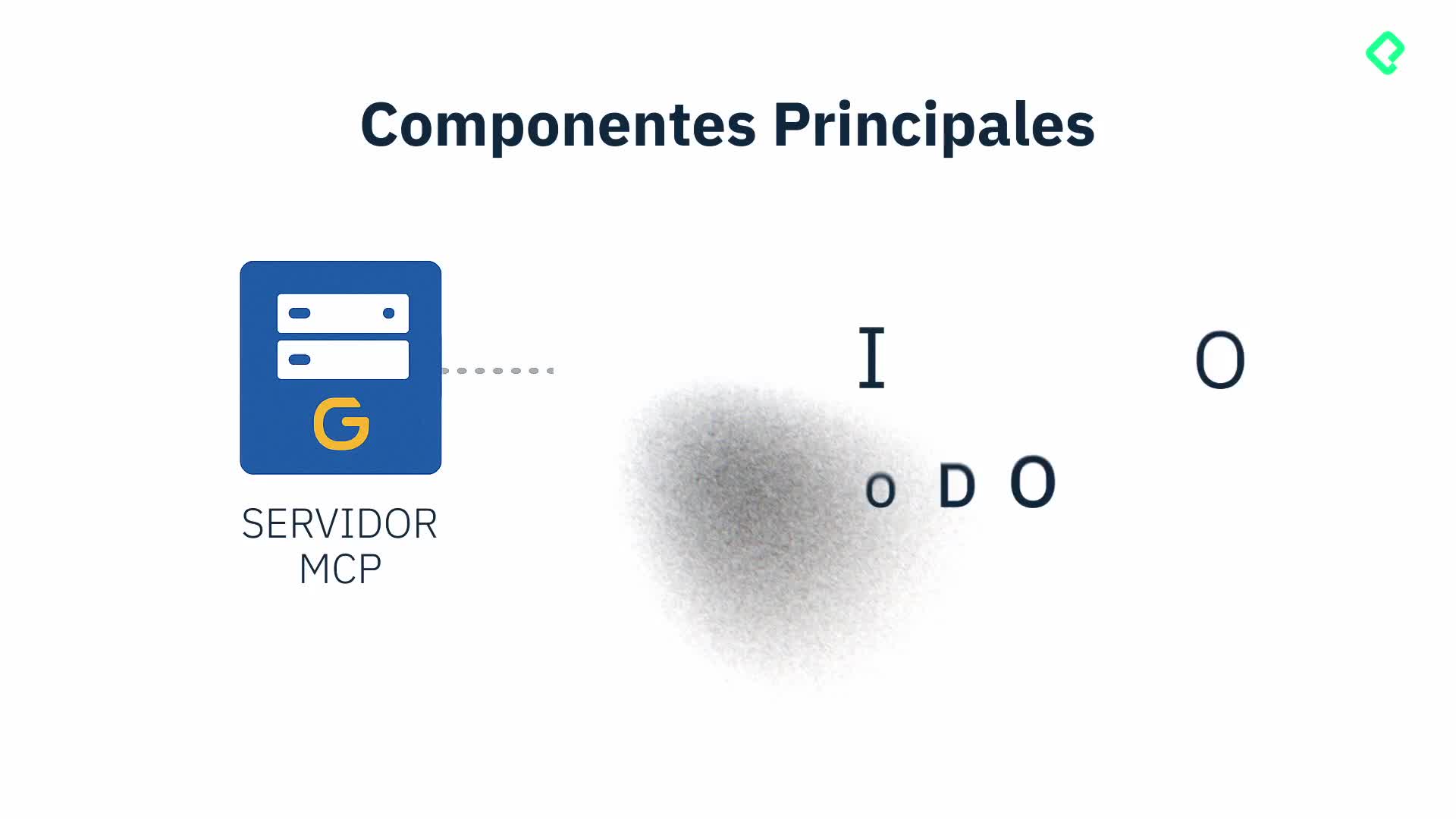
What is MCP? Model Context Protocol is a standard designed by Anthropic to connect language models with external tools, servers, and data sources in a structured way.

How does outdated documentation affect your MCP server?

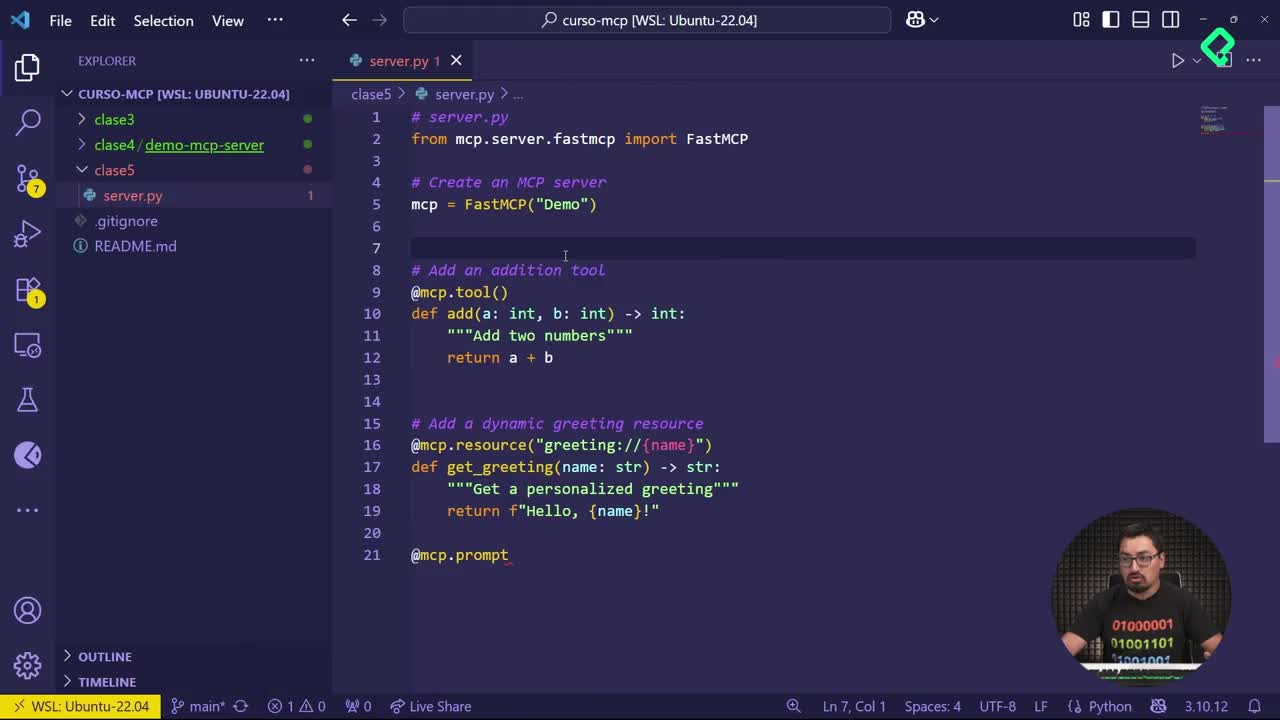
Here is where the magic lives in the details. The FastMCP repository, the Python class library used to build servers throughout this course, is already on version two. The official docs suggest importing it like this:

python from fastmcp import FastMCP

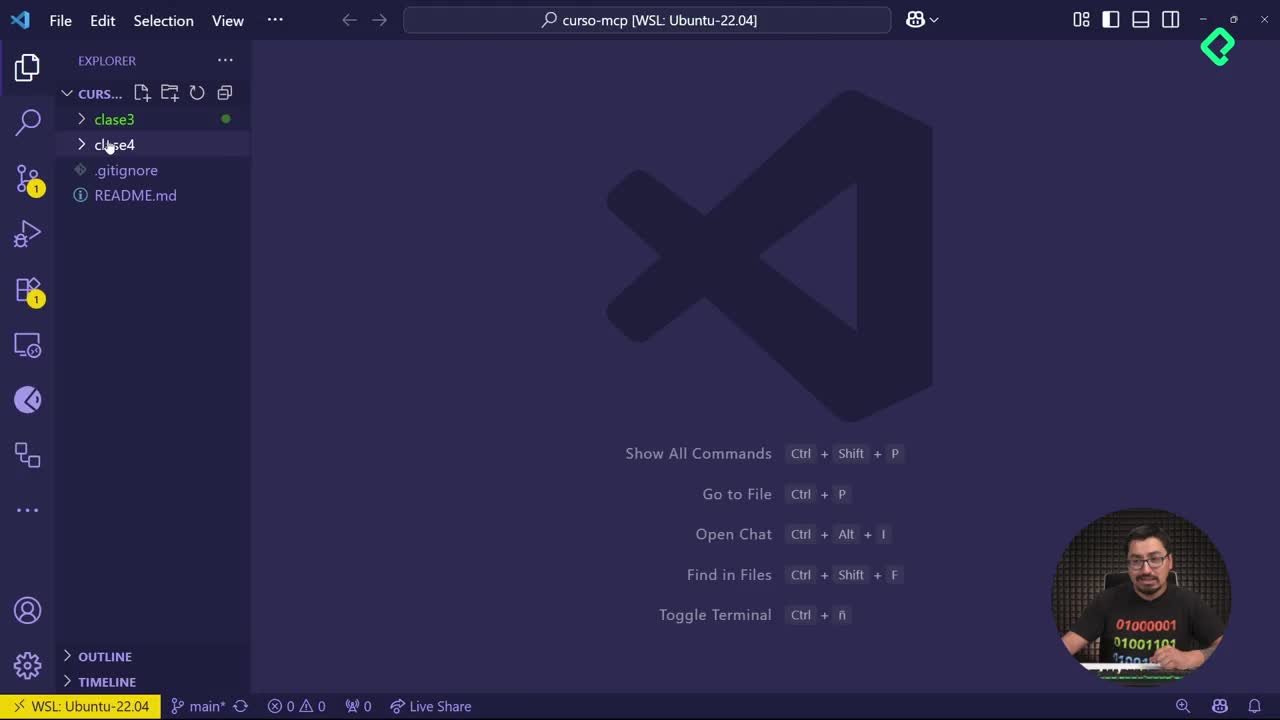
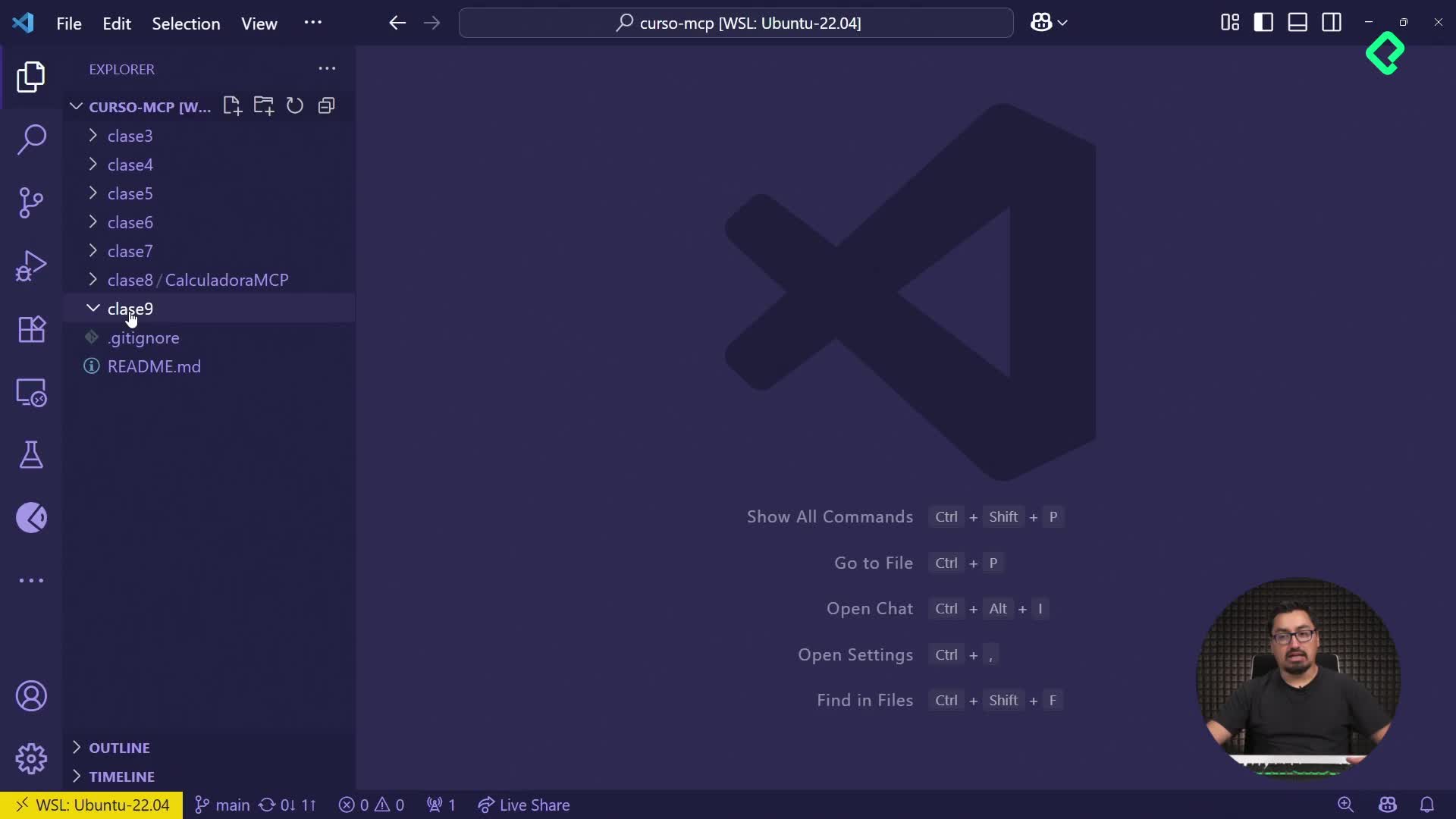
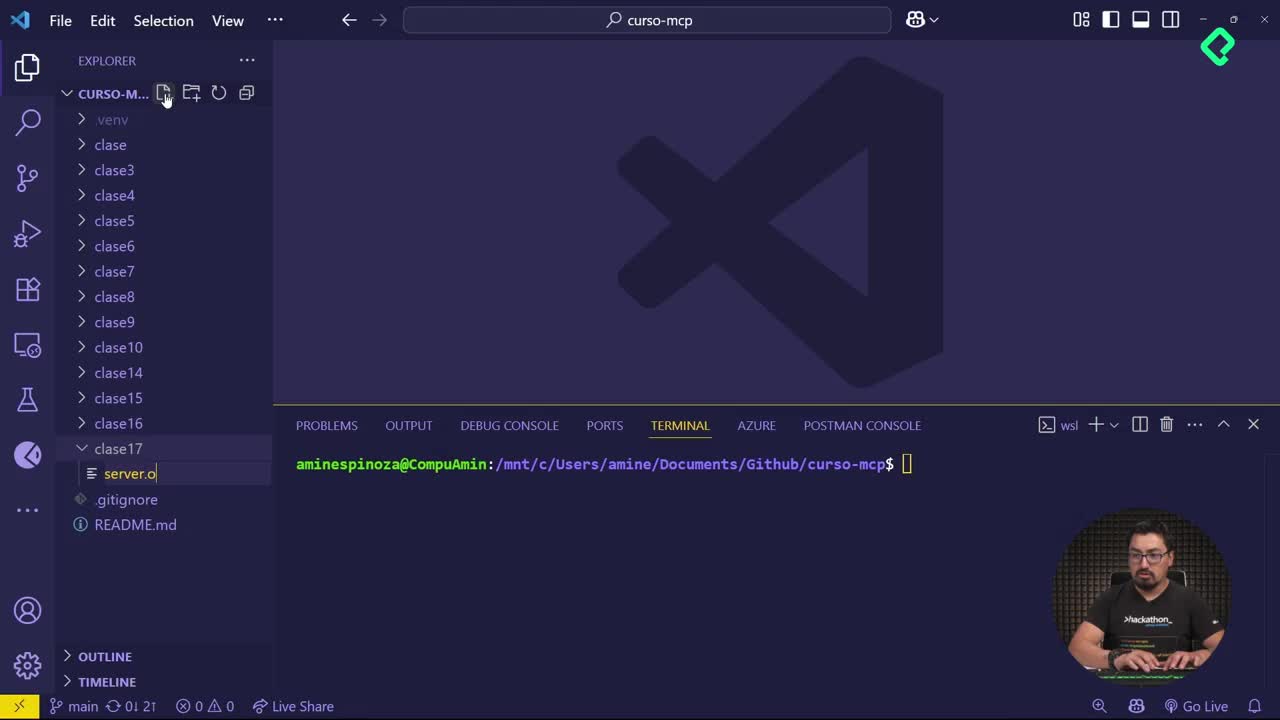
But if you open an existing server in Visual Studio, you will likely see a different import path:

python from mcp.server.fastmcp import FastMCP

Follow the docs literally and your server throws an error saying the element cannot be found. The path changed, but the reference page did not catch up.

What changed with MCPTool declarations?

Another subtle shift: MCPTool used to behave like a simple declaration. Now it works as a method, not an object, which means you need parentheses when you declare it. Copilot will even nudge you about it if you forget.

Small syntactic changes like these break servers silently, and they are the kind of thing only careful reading and logical thinking can catch.

Why does my MCP server fail after copying code from the docs? Because the SDK evolves faster than the documentation. Import paths, method signatures, and tool declarations may have changed since the page was last updated.

Which MCP concepts are being refactored?

Some features you might want to learn today are being merged or restructured. Sampling, for example, is being absorbed into the context layer. Teaching it as a standalone concept makes little sense when it will likely disappear as a separate term within weeks.

This is why building a strong foundation matters more than memorizing every current method. You will need to update your tools as new commits, versions, and features land.

  • Watch for renamed or merged concepts like sampling and context.
  • Track SDK release notes instead of relying only on tutorials.
  • Expect method signatures to shift between minor versions.

After you internalize that rhythm, the protocol stops feeling unstable and starts feeling alive.

What about Azure MCP and other integrations?

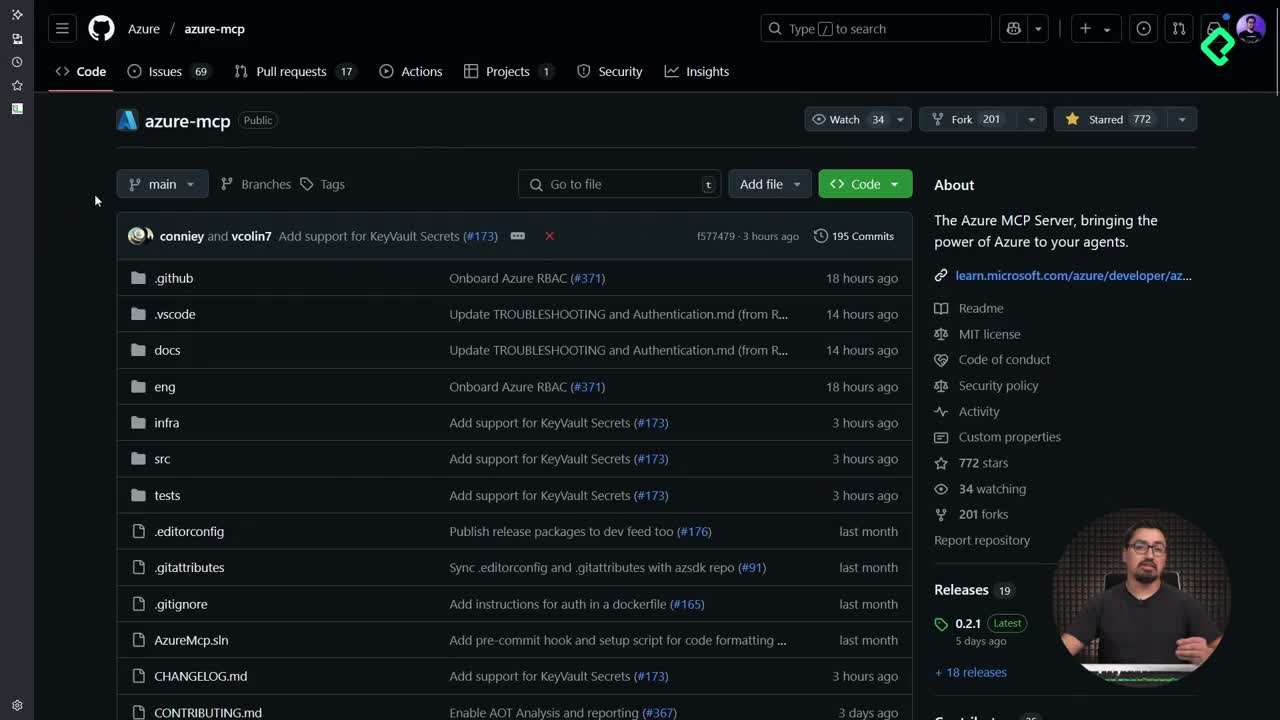
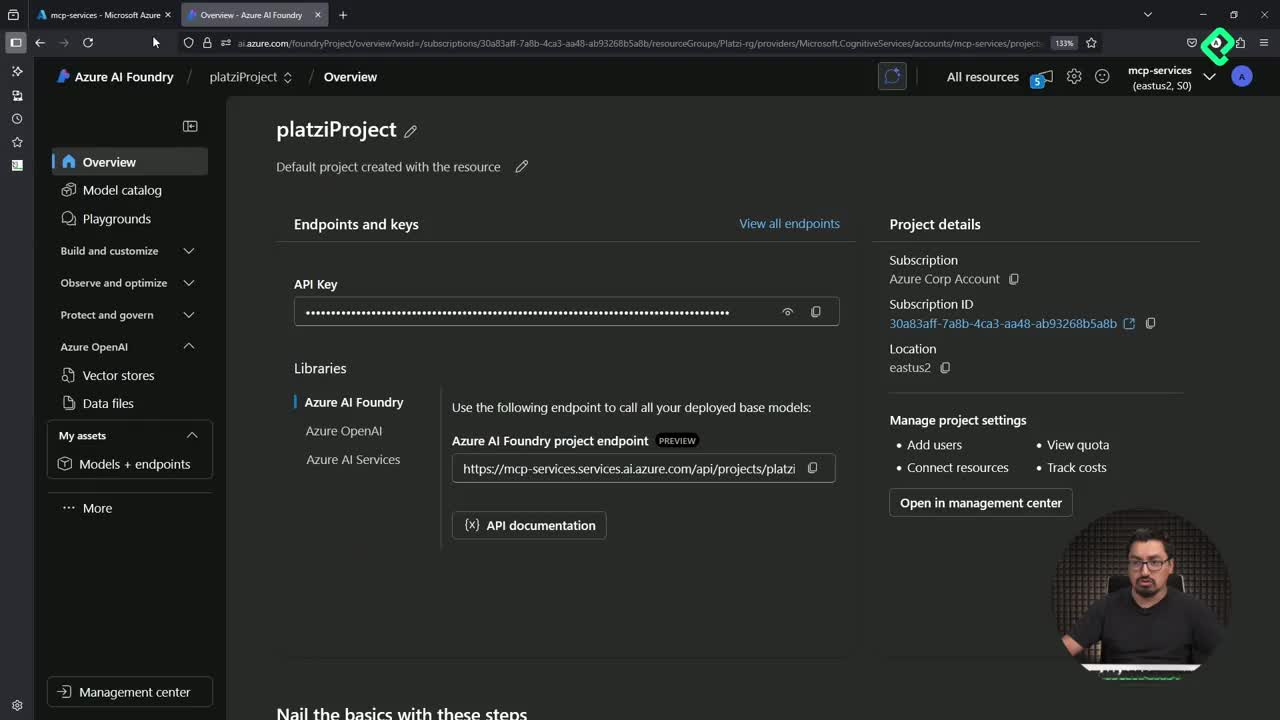
Azure MCP is a clear example of work in progress. Right now, only a handful of Azure services are exposed through the server. There are no virtual machines, and many common resources are still missing. The team is prioritizing the most used tools first, with container apps and others on the roadmap.

If you start building with Azure MCP today, expect new methods and resources within three months. What you build now is a foundation, not a finished product.

Should I wait until MCP stabilizes before learning it? No. Learn it now to build intuition, but treat every implementation as something you will revisit and update as the protocol matures.

How should you approach MCP development day to day?

The core advice is simple: do not copy and paste blindly. Read your code, understand each import, and verify that the method you are calling still exists in the version you installed. Copilot helps, official docs help, but neither replaces logical thinking when you deploy an MCP server efficiently.

A few habits that make the difference:

  • Compare your import paths against the installed package, not just the docs.
  • Test each tool declaration in isolation before chaining them.
  • Keep notes on which SDK version your server depends on.
  • Revisit your servers every few weeks to align with new releases.

Struggling with MCP is part of the experience. The developers who enjoy the result are the ones who accept that friction and stay curious through every breaking change.

What has been your biggest surprise working with MCP so far? Share it in the comments and let's compare notes.