How MCP Agents Remember Conversations

Resumen

Keeping context is what turns a simple chatbot into a real AI agent. In an MCP (Model Context Protocol) server, you can store and update a root context in Python so every user message accumulates and feeds richer prompts to your LLM, producing more accurate answers.

Why does context matter in an AI agent?

The difference between a conversational bot and a truly intelligent agent lies in memory. If you ask about Superman and then switch to Batman, an agent that holds context might reply: did you know Superman and Batman are good friends? That continuity is what has made the leap in modern AI feel so dramatic.

In MCP, you can replicate that behavior with very little code. The trick is to maintain a shared dictionary, the root context, that grows as the user interacts.

What is a root context in MCP? It is a Python dictionary that stores accumulated user data and messages, so each new interaction adds to a memory the LLM can read later.

How do you set up an MCP server with root context?

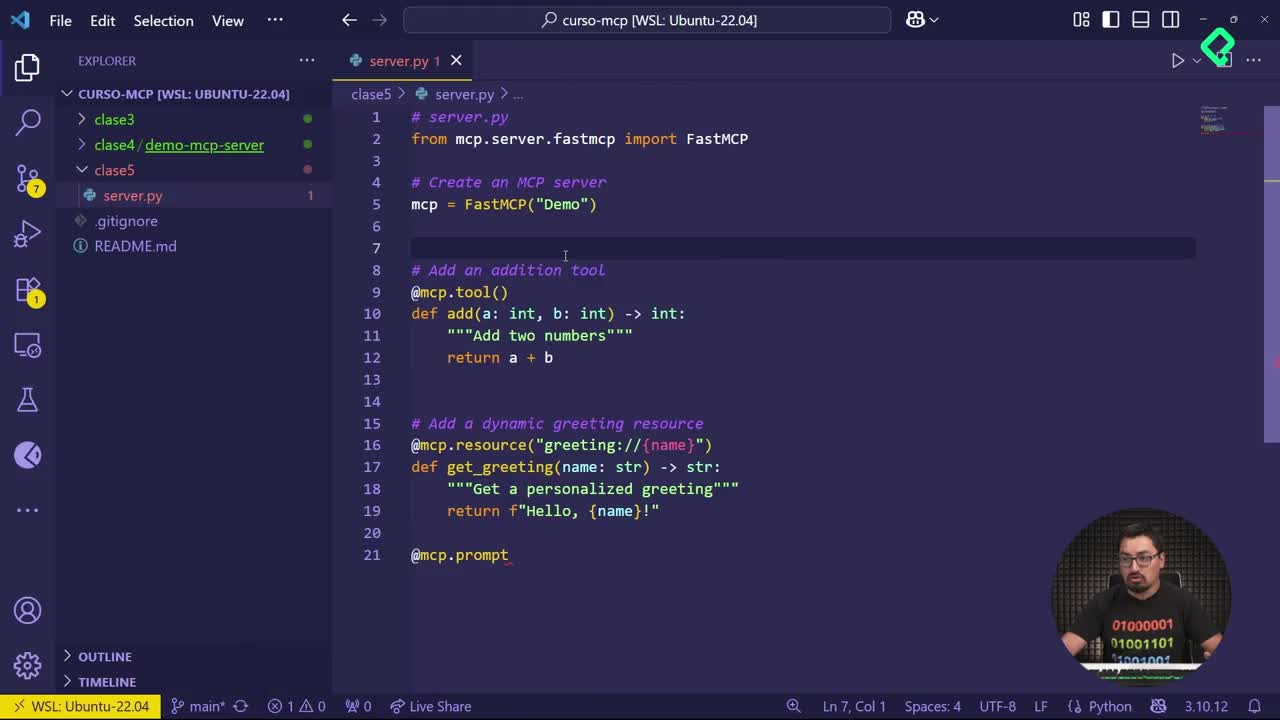
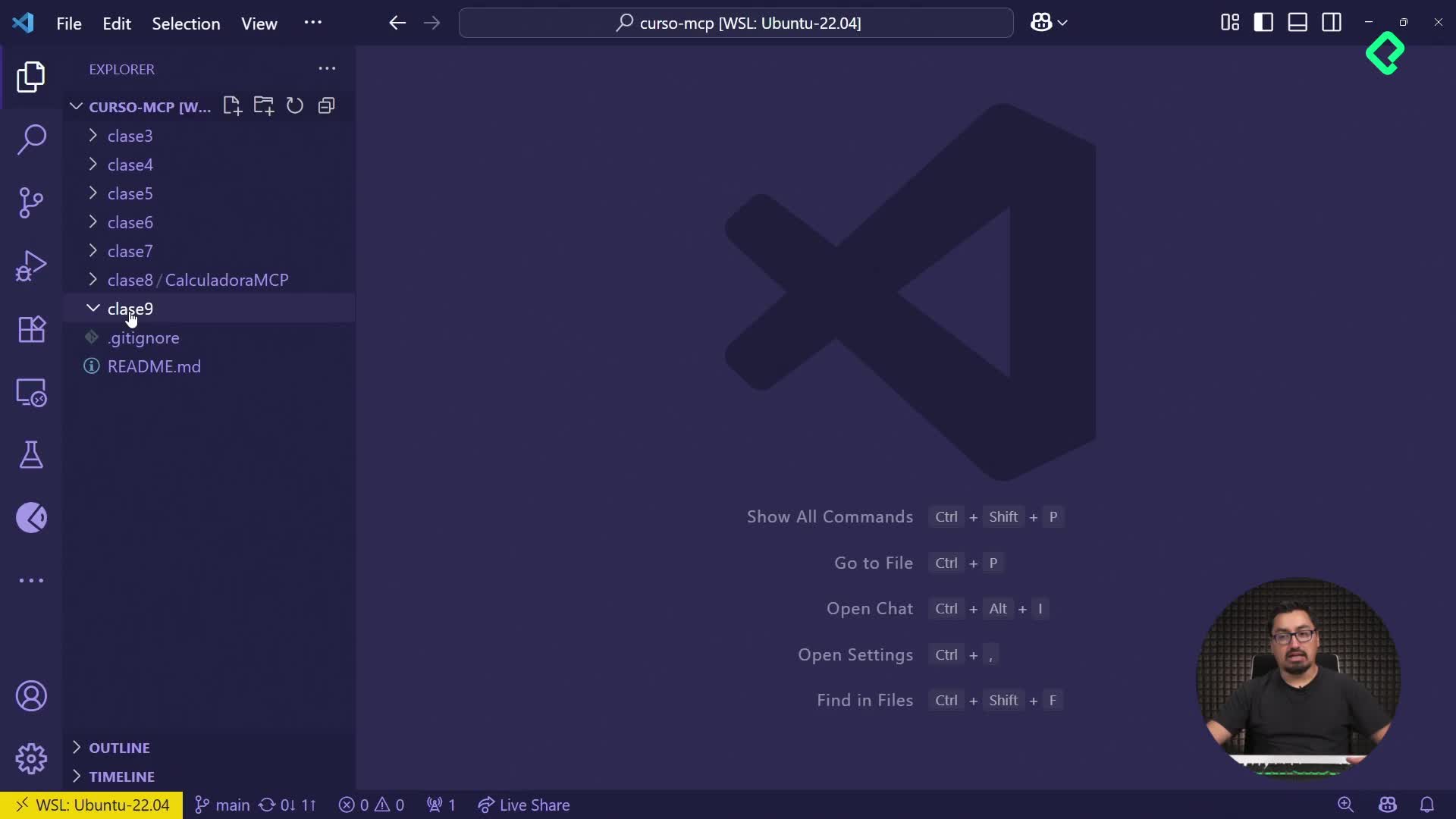
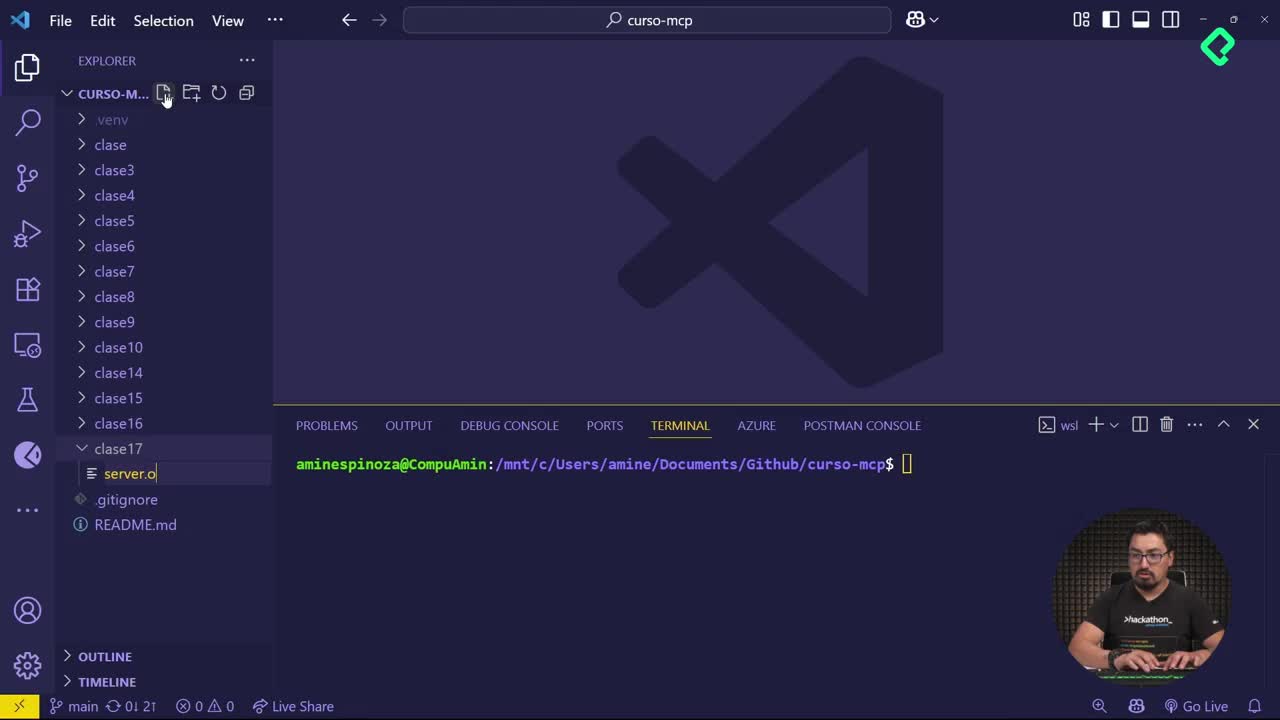
You start by creating a clean folder, for example clase16, and inside it a new file server.py. From there, you import the FastMCP module and instantiate your server.

The key move is initializing a root_context dictionary that already holds a welcome message. That dictionary becomes the memory layer for every tool you expose.

Which tools should you expose first?

Two small tools are enough to see the mechanism working:

  • update_context: receives a user_id and a message, then appends them to the root context dynamically.
  • get_root_context: returns the current state of the dictionary so you can inspect what has been stored.

With both tools registered, you add the final block to launch the server and you are ready to test.

How do you test the MCP inspector in the terminal?

Open a new terminal, move into your folder with cd clase16 and run the inspector command for your server file. The inspector opens in your browser with all the parameters visible.

From there, the flow is direct:

  1. Connect to your server.
  2. Go to the Tools section and list the available tools.
  3. Pick update_context and pass a user_id like Amin Espinosa with a message such as tengo mucha hambre.
  4. Run the tool and check the success response.

If you call it again with a different user, for example Miranda Espinosa and the message pues ve a desayunar mucho, the user_data field keeps both entries. Nothing gets overwritten, everything accumulates.

What does update_context actually do? It writes each new user_id and message into the root context dictionary, so the server keeps a running log of the conversation across calls.

What do you see when you call get_root_context?

When you execute get_root_context, the response mirrors the same accumulated state you saw after updating. That is intentional. The dictionary is the single source of truth, and both tools read from or write to it.

This matters because the next step is wiring it to an LLM. When you forward the root context as part of the prompt, the model receives the full conversation history instead of isolated questions. The result is a longer prompt, yes, but also a much more grounded answer.

How does root context improve LLM responses?

Language models reason better when they see the surrounding conversation. By feeding the accumulated user_data into your prompt, you give the LLM:

  • Continuity between user turns.
  • Identifiable user references through the user_id.
  • Concrete prior statements it can reuse or contrast.

That is why the root context pattern is so valuable inside MCP. You implement it with a dictionary and two tools, and you immediately gain the kind of memory that makes agents feel coherent.

A practical note: using a name as user_id works for testing, but in production you want a unique identifier per user, since the whole point is to tie each message to the right person.

Key concepts and skills from the lesson

A quick map of what you practiced and where it appears in the recording:

  • MCP protocol and FastMCP import [00:48]: importing mcp.server.fastmcp to spin up the server.
  • Root context as a dictionary [01:05]: initializing it with a welcome message before any tool runs.
  • update_context tool [01:20]: dynamically appending user_id and messages to the shared memory.
  • get_root_context tool [01:45]: reading the current state to verify what was stored.
  • MCP inspector workflow [02:15]: launching the server and testing tools from the browser.
  • Accumulated user_data [03:10]: confirming that successive calls stack messages instead of replacing them.
  • Context forwarding to an LLM [04:00]: sending the full root context as part of the prompt for richer answers.

If you try this pattern in your own MCP server, share in the comments which tools you added on top of update_context and how you handled unique user_id values.